Top 11 Anti-Phishing Tools for 2026


Key Takeaways
Phishing is no longer just badly written emails asking for passwords. In 2026, phishing attacks look polished, personalized, and frighteningly real. Fake login pages load instantly, scam ads appear in Google results, and AI-written messages sound exactly like real brands or even people you know. That’s why choosing the top anti-phishing tools for 2026 is no longer optional.
Whether you’re an individual, a family, or a growing business, the right tool can stop phishing attacks before they steal passwords, money, or accounts. This guide breaks down the best anti-phishing tools available today, how they work, where they shine, and what to look for as phishing tactics continue to evolve.
{{component-cta-custom}}
11 Best Anti-Phishing Tools to Stop Modern Phishing Attacks
The tools below are built to stop modern phishing attacks where they actually succeed - in email inboxes, across websites, ads, messages, and everyday browsing. Some focus on enterprise email security, while others are designed to protect real people in real browsing situations. Understanding these differences is key to choosing the right protection in 2026.
1. Guardio
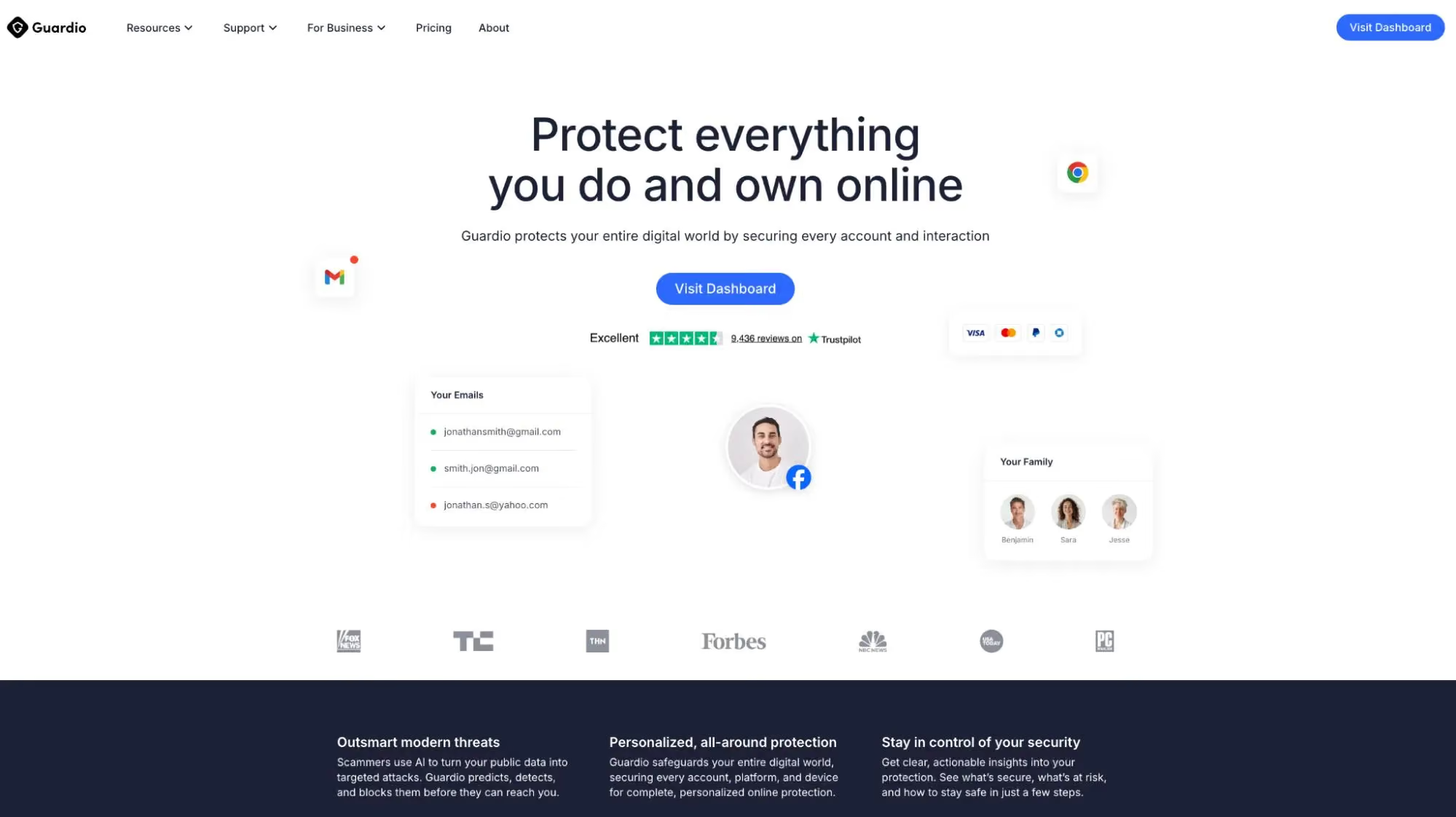
Guardio is built to stop phishing the way it actually reaches people today, not just through email but through scam links, fake websites, malicious ads, impersonation flows, and deceptive login pages encountered during everyday browsing.
Unlike traditional tools that rely mainly on blocklists or email filtering, Guardio focuses on real-time prevention at the moment of risk. It actively warns users before they land on dangerous pages and blocks scam patterns designed to steal passwords, payment details, or personal information even when the site looks legitimate.
Guardio protects users across both desktop and mobile devices, covering browsers, links opened from messages or emails, and risky destinations reached through search results or ads. With minimal setup and always-on protection, Guardio is especially well-suited for individuals, families, and small teams who want effective phishing protection without needing a dedicated IT or security team.

Proofpoint is a long-established enterprise security platform best known for advanced email phishing protection. It focuses heavily on detecting social engineering attacks, targeted spear-phishing, and business email compromise using behavioral analysis and threat intelligence.
It excels in large organizational environments where email remains the primary attack surface, but it is less focused on phishing that happens through ads, web searches, or direct browser activity outside the inbox.
3. Mimecast
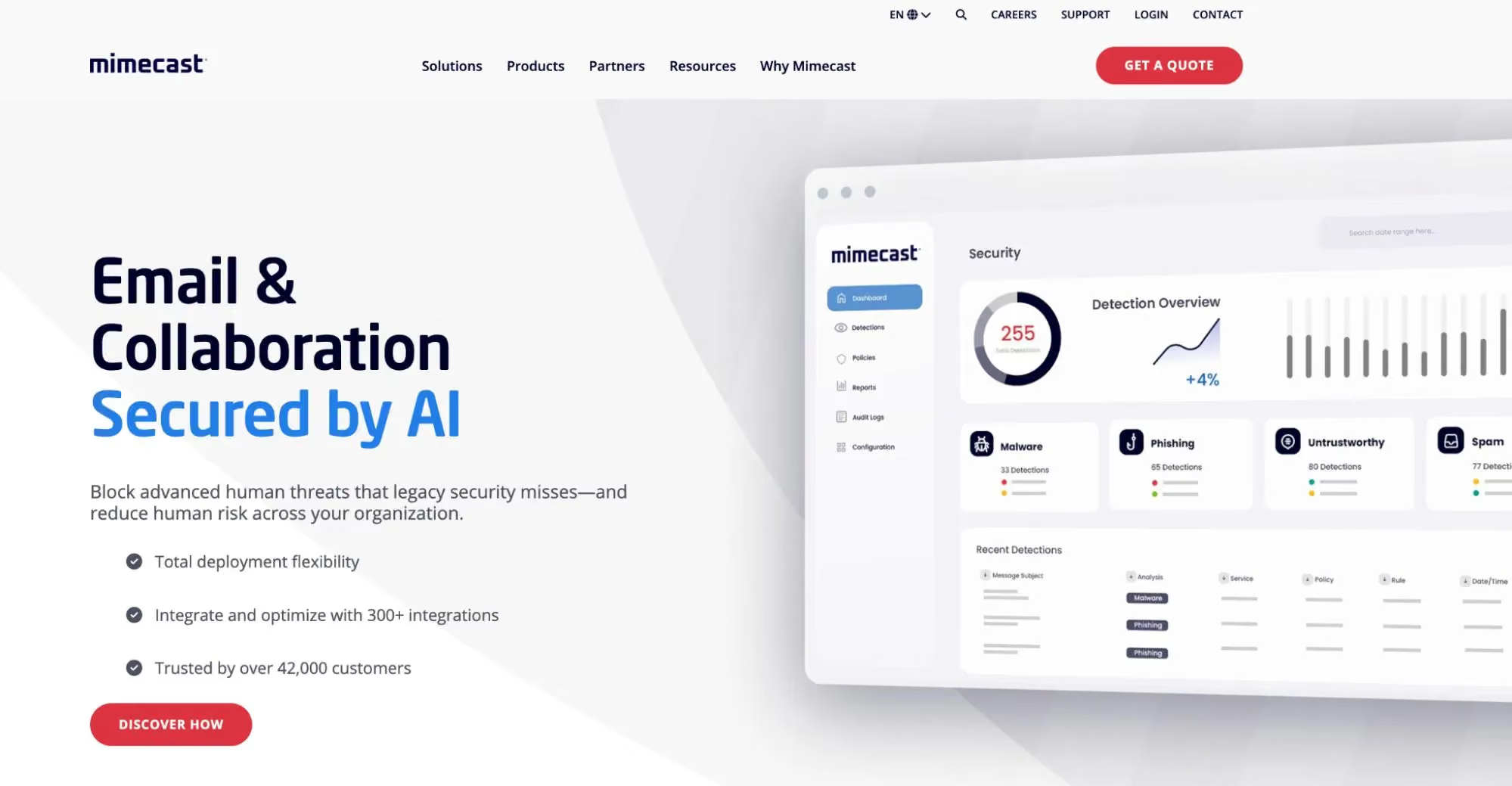
Mimecast provides a broad email security suite that combines phishing detection, malware filtering, and email continuity. It protects users by scanning links and attachments, rewriting URLs, and isolating suspicious content before it reaches inboxes.
Mimecast also emphasizes user awareness and training, helping organizations reduce phishing risk over time. While effective for email-based threats, its protection is primarily limited to messaging channels rather than open web browsing.
4. Microsoft Defender for Office 365
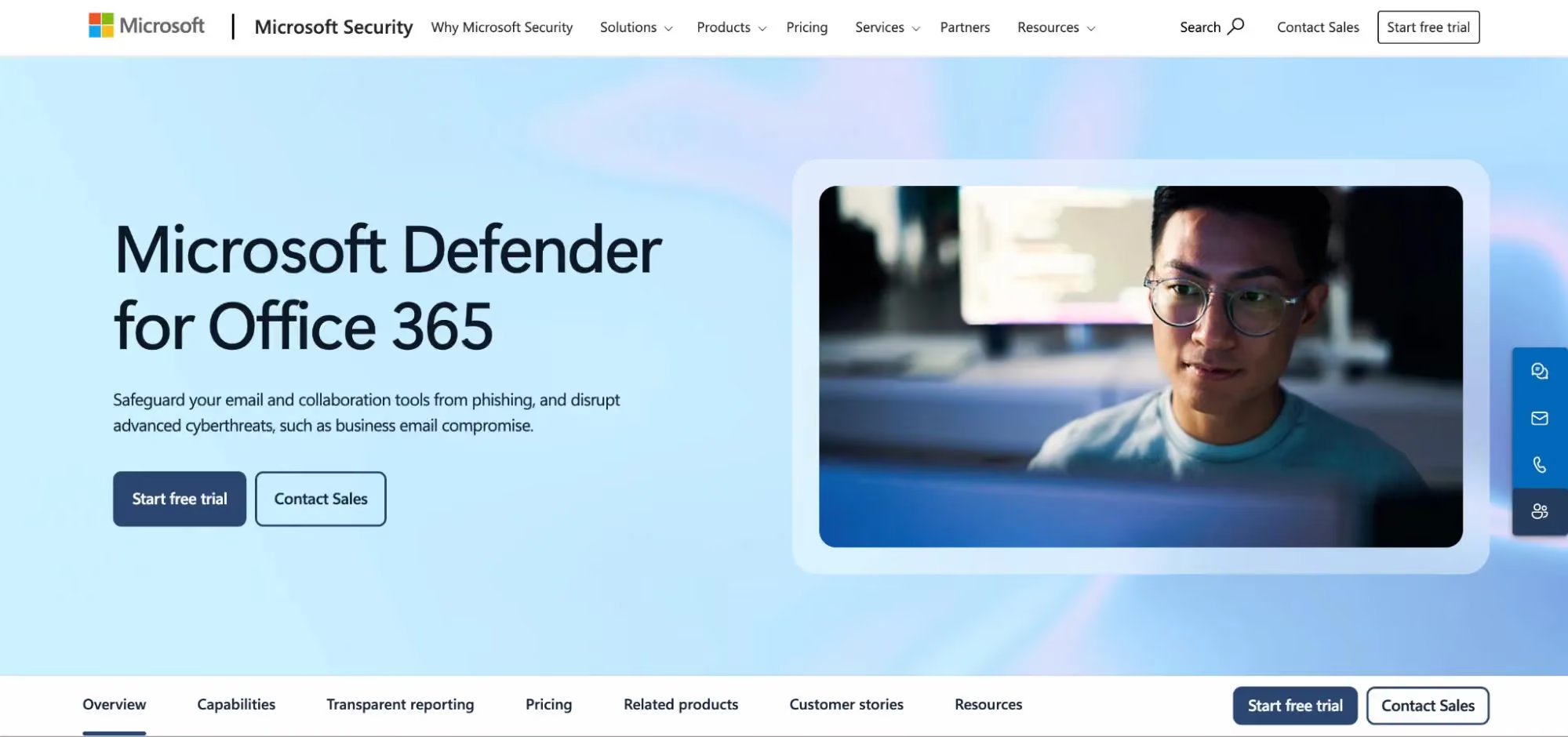
Microsoft Defender for Office 365 is integrated into Microsoft 365 environments to help protect email and collaboration tools from phishing and malware. It includes capabilities like Safe Attachments (detonating attachments in a virtual environment) and other layers that reduce the chance that malicious content reaches users. This tool is strongest for organizations already standardized on Microsoft 365, where security teams want centralized policies and controls across Microsoft’s ecosystem.
5. Abnormal Security
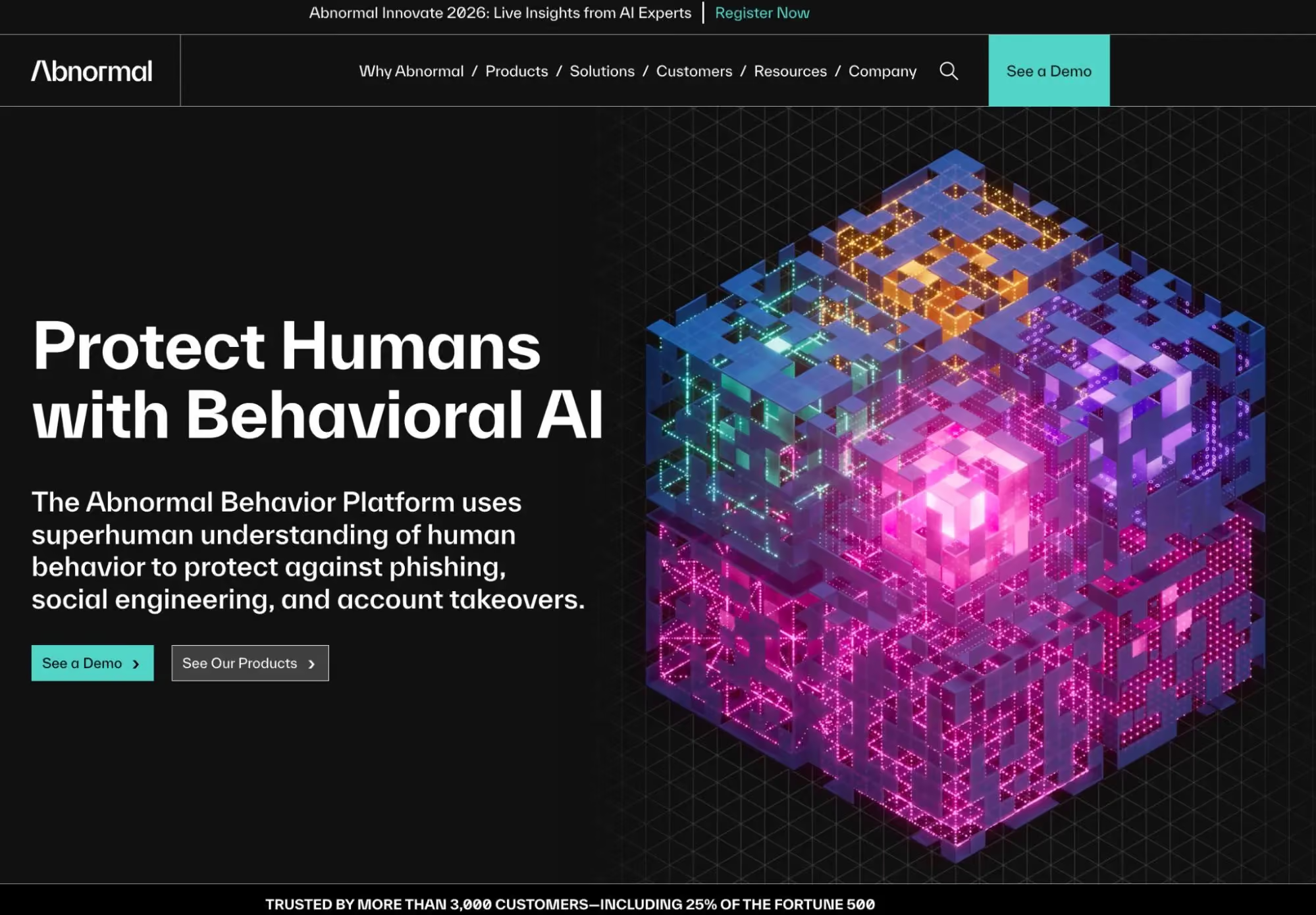
Abnormal Security focuses on detecting phishing attacks that look legitimate by analyzing behavioral patterns rather than relying on traditional signatures. It is particularly strong at identifying vendor impersonation, invoice fraud, and internal account misuse that often bypass standard email filters.
Abnormal operates primarily through cloud email platforms and is designed for organizations dealing with highly targeted, financially motivated phishing campaigns rather than mass consumer scams.
6. Cloudflare Email Security
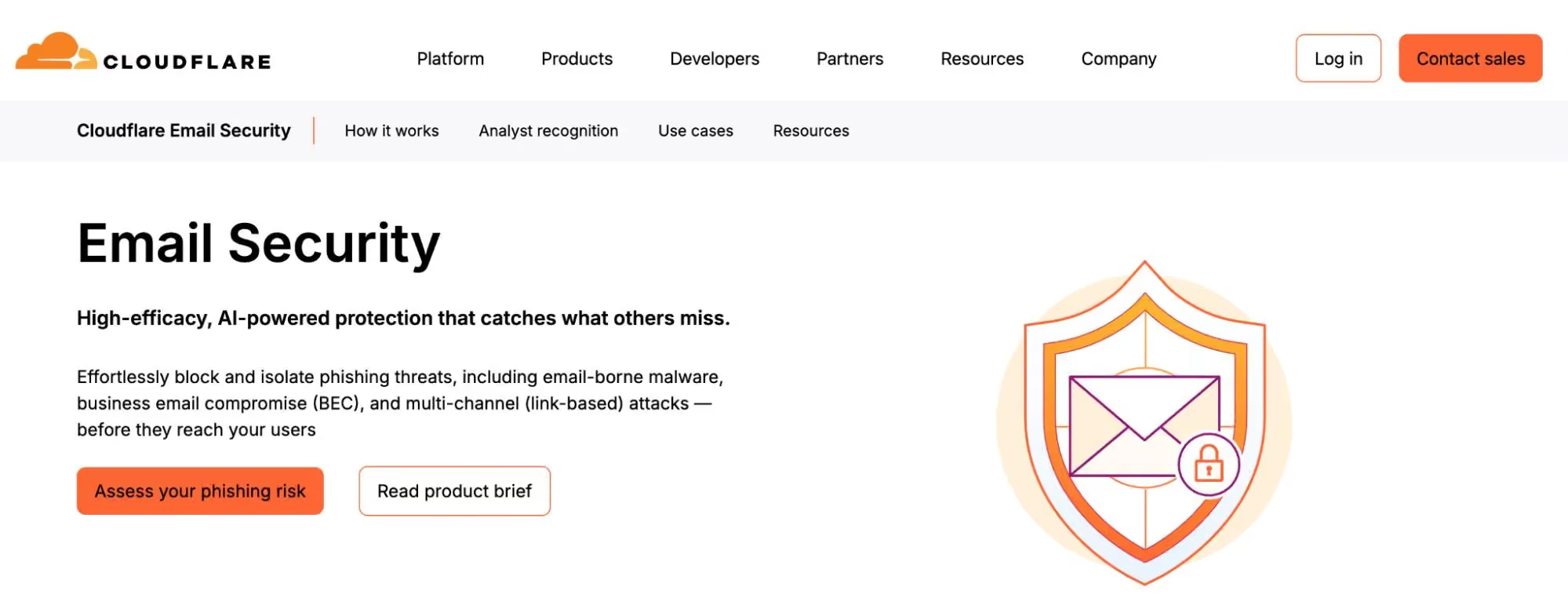
Cloudflare Email Security extends Cloudflare’s threat intelligence into phishing detection for email by analyzing malicious URLs, sender behavior, and domain reputation. It can be a strong option for organizations that already use Cloudflare and want to layer email protection into a broader security strategy. Its primary focus is email traffic and email-born threats, rather than protecting users from scam pages they encounter across the open web.
7. Barracuda Email Protection
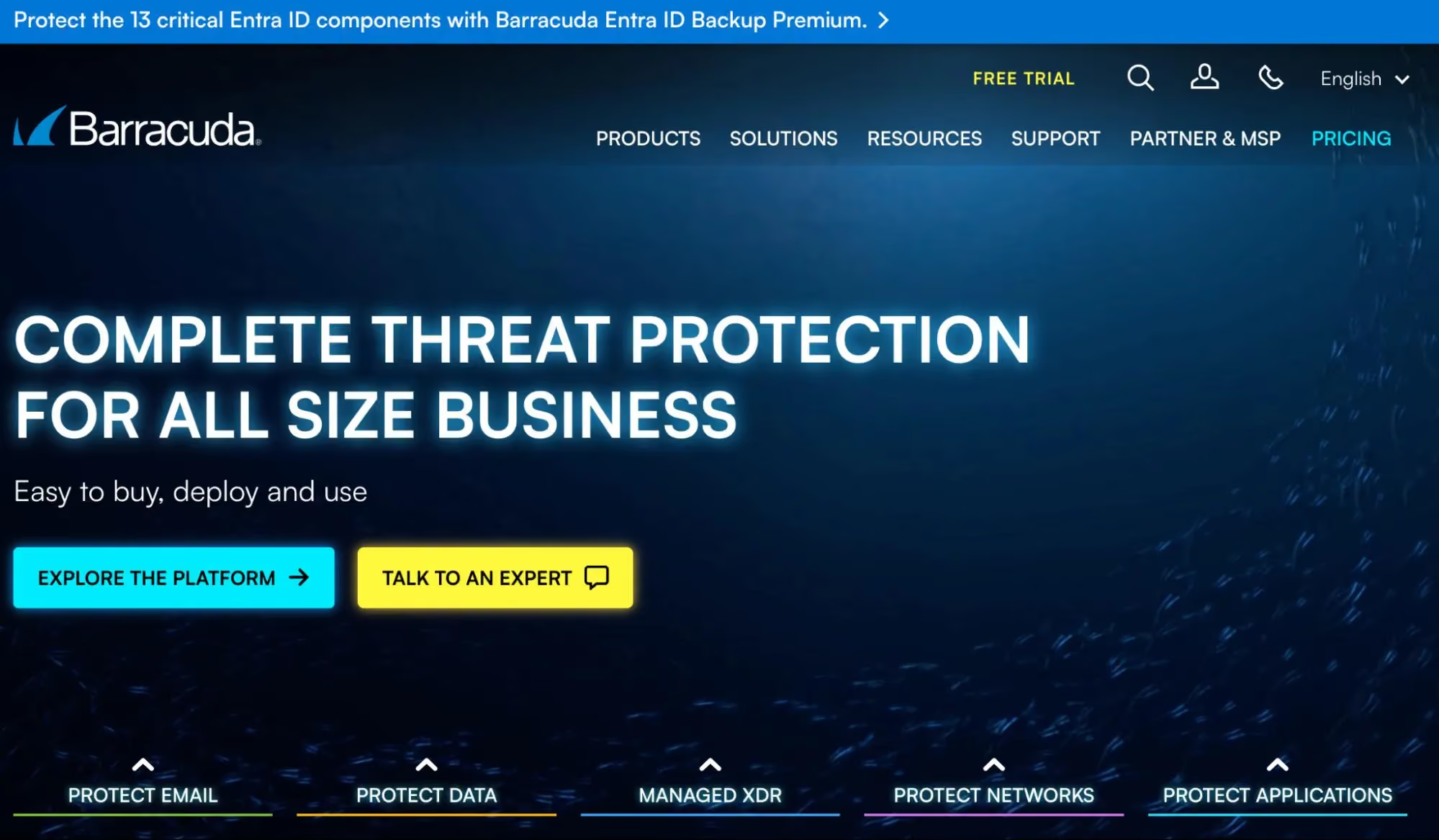
Barracuda offers straightforward email phishing protection aimed at small and mid-sized businesses. It filters malicious emails, scans links and attachments, and provides account takeover alerts when suspicious login activity is detected. Barracuda is valued for its relatively simple deployment and management, though its coverage is primarily limited to email-based threats rather than phishing that starts on the open web or through ads.
8. Ironscales
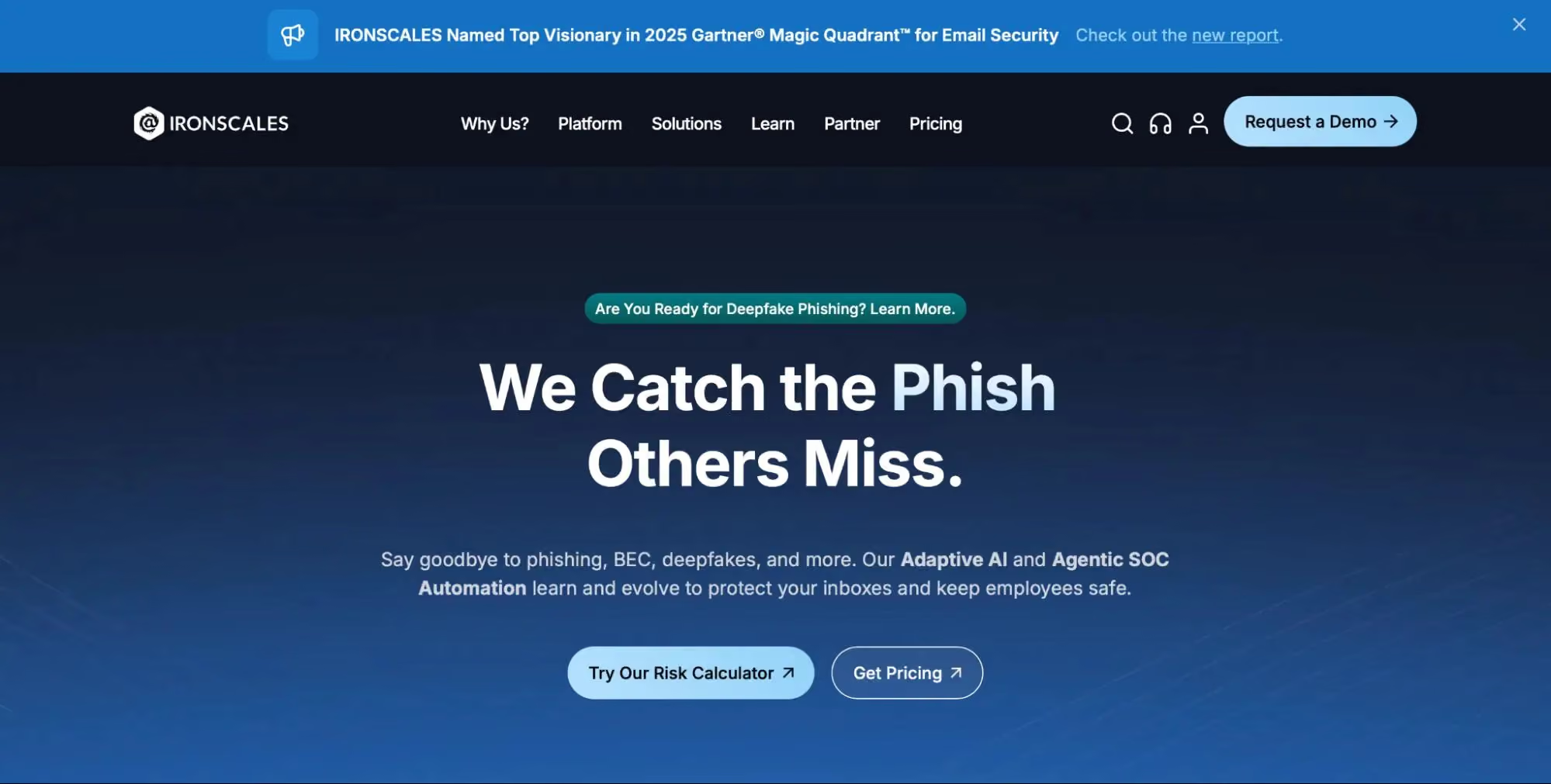
Ironscales combines automated phishing detection with human feedback loops. It encourages users to report suspicious emails, which helps train the system and improve detection accuracy over time. Ironscales is effective in organizations that actively involve employees in security awareness, but its protection remains focused on email inboxes and requires user participation to reach full effectiveness.
9. Avanan (Check Point Harmony Email)
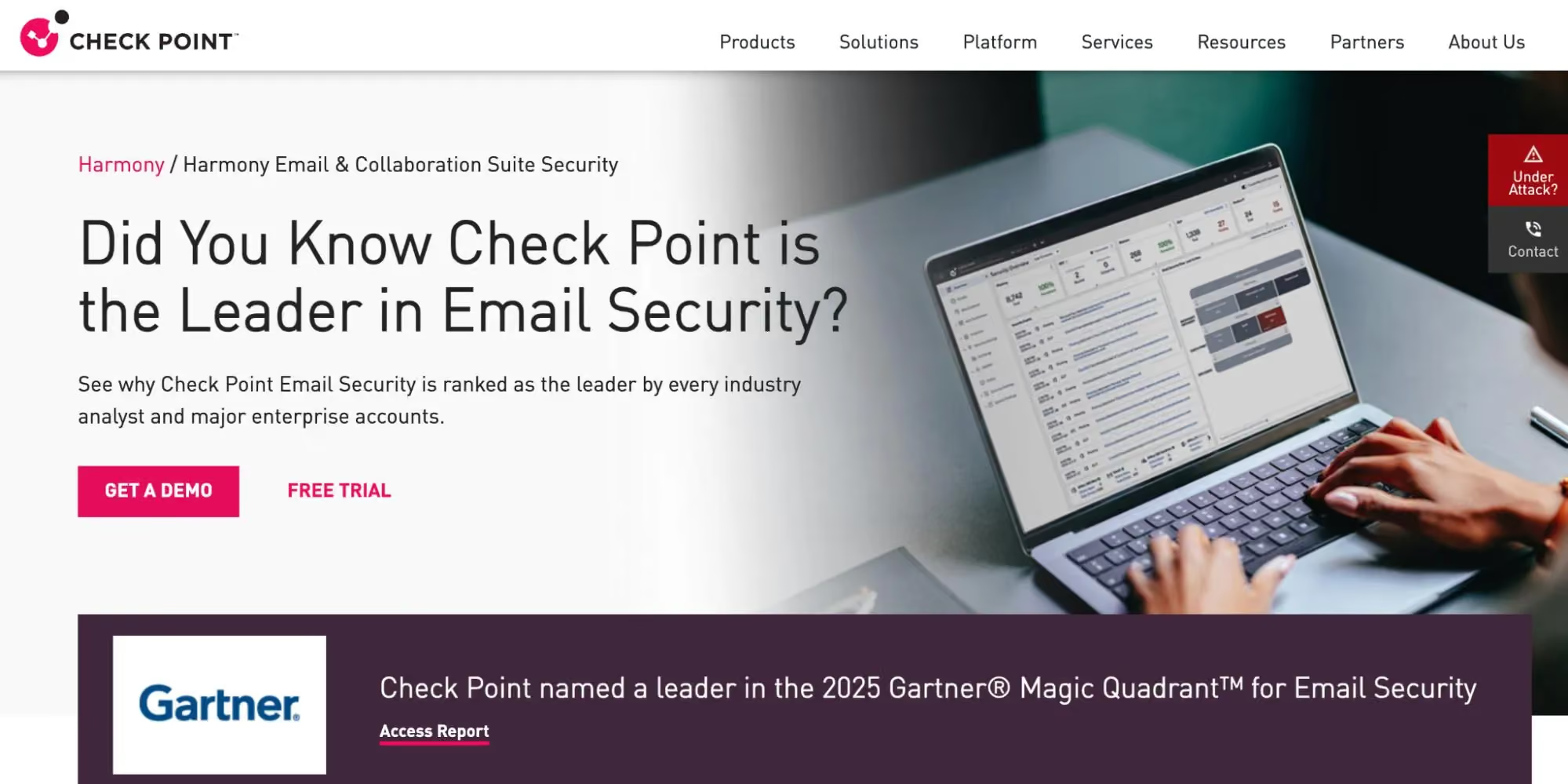
Check Point Harmony Email, formerly Avanan, uses an API-based approach to protect cloud email platforms like Microsoft 365 and Google Workspace. It scans emails after delivery to catch phishing attempts that evade native filters, using Check Point’s threat intelligence. Avanan is well-suited for cloud-first organizations but remains primarily an email security solution, with limited direct protection against browser-based phishing sites or malicious ads.
10. Malwarebytes
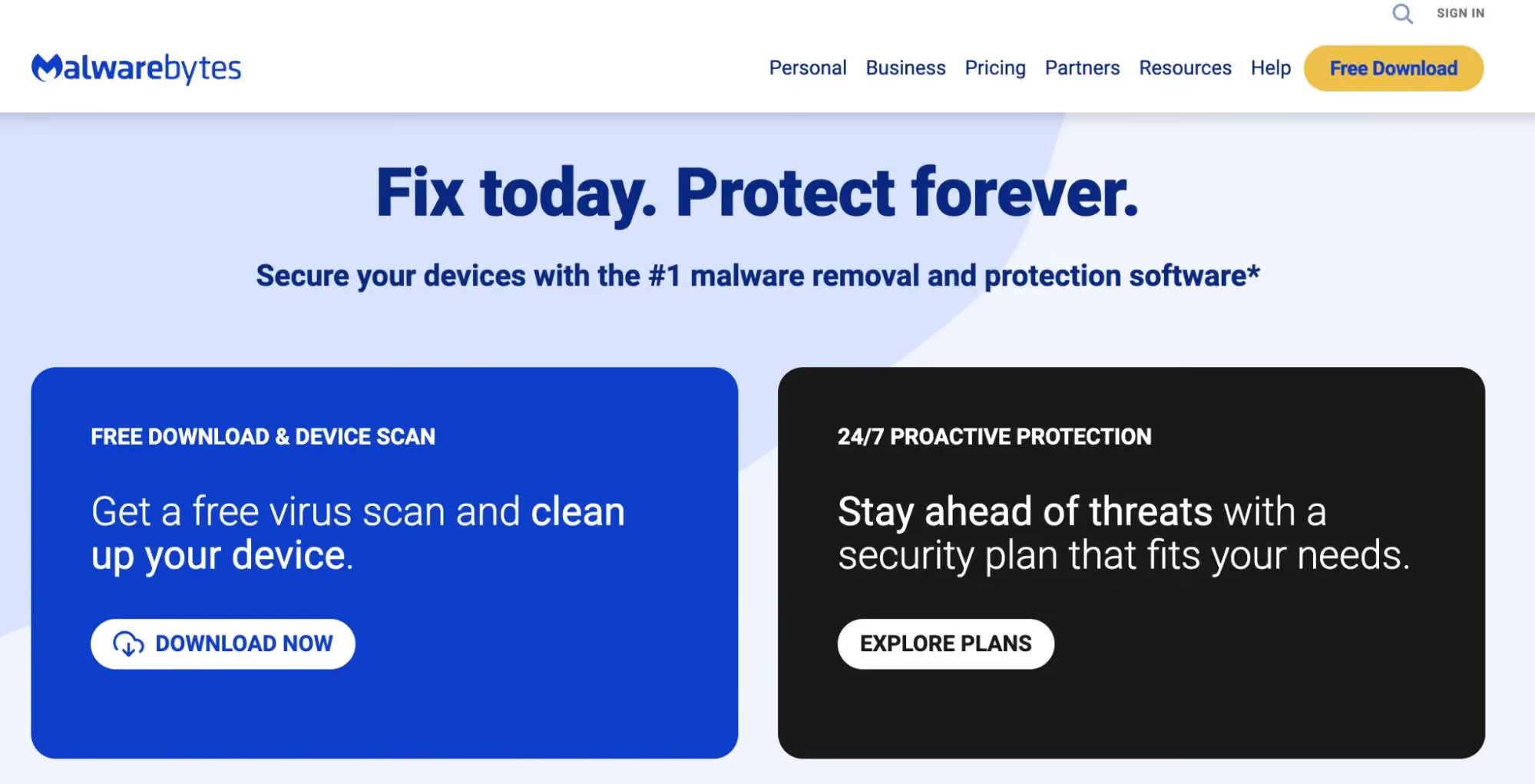
Malwarebytes is a well-known security platform that provides protection against malware, ransomware, and phishing threats. Its phishing protection focuses on blocking known malicious websites, scam links, and harmful downloads before they can compromise a device.
Malwarebytes offers desktop and mobile protection, making it suitable for users who want endpoint-level security across multiple operating systems. It is particularly effective at detecting threats that involve malware delivery or malicious payloads alongside phishing attempts.
However, Malwarebytes is more reactive by design, relying heavily on threat intelligence and known indicators. While it provides solid baseline protection, it may be less effective against fast-changing phishing campaigns, lookalike domains, or impersonation flows that do not involve malware.
11. Norton
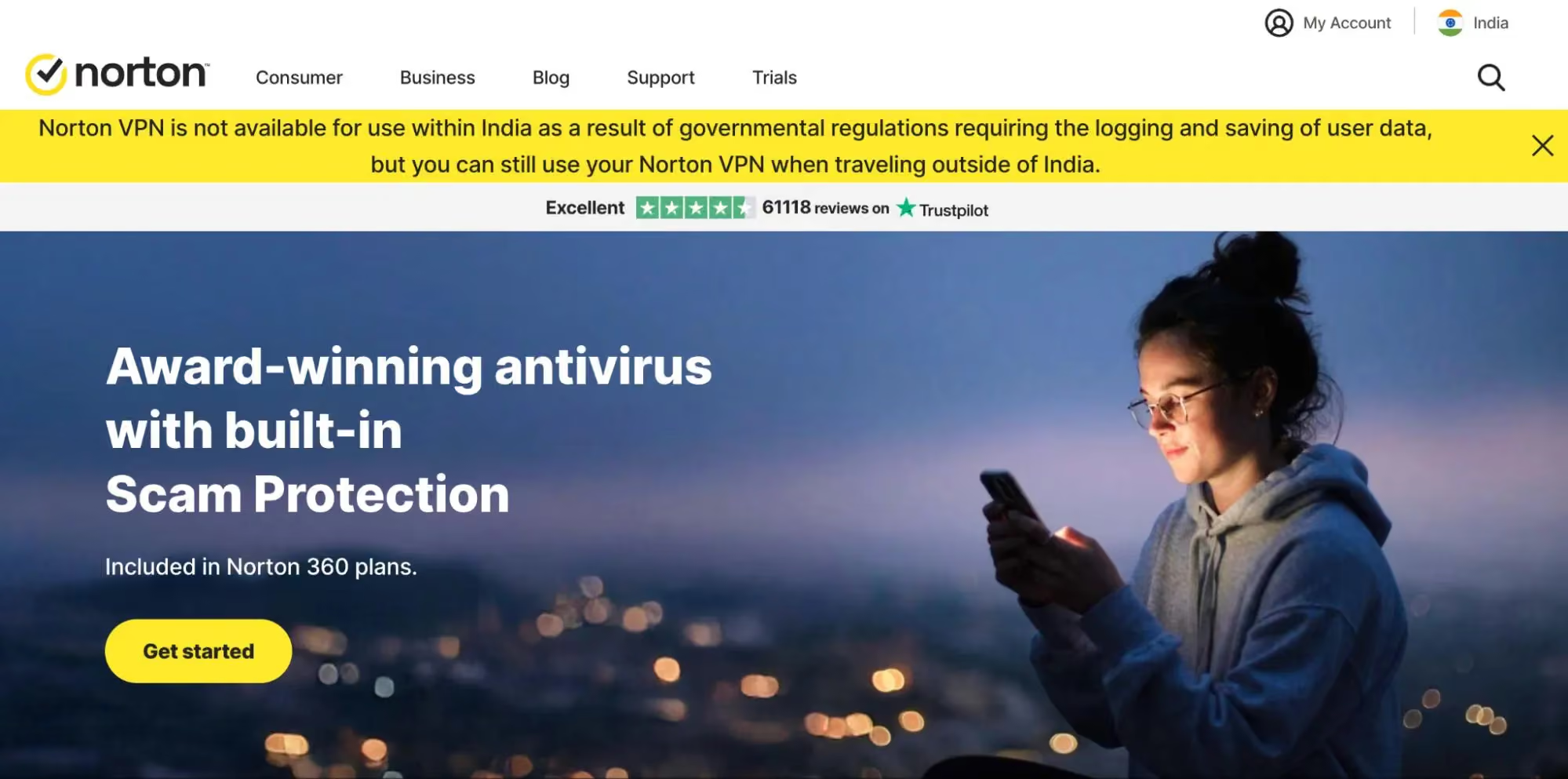
Norton provides a comprehensive consumer security suite that includes phishing protection, antivirus, identity monitoring, and safe browsing features. It helps block phishing websites, malicious links, and known scam domains across desktop and mobile devices.
Norton’s strength lies in its all-in-one protection model, combining phishing defense with broader device security and identity theft monitoring. This makes it appealing for users who prefer a single vendor for general digital safety.
The phishing protection is largely based on known threat databases and reputation systems, which may lag behind newer, highly targeted phishing attacks that rely on impersonation, social engineering, or short-lived scam sites.
Anti-Phishing Tools Comparison Overview
Not all anti-phishing tools are built to stop the same kinds of attacks. Some focus almost entirely on email inboxes, while others are designed to block phishing where it increasingly succeeds on websites, ads, search results, and everyday browsing.
This comparison table highlights how the leading anti-phishing tools differ in what attack vectors they cover, how they’re deployed, and where their real strengths lie, helping you quickly see which solutions match modern phishing risks in 2026.
What Makes Anti-Phishing Harder in 2026
Phishing attacks in 2026 don’t rely on obvious red flags anymore. They blend into normal online activity like searching, shopping, logging in, or clicking a message that looks routine. What makes modern phishing especially difficult to stop is not just how convincing it looks, but how quickly it adapts, spreads across platforms, and avoids traditional security checks.
- AI-Generated Phishing and Polymorphic Attacks: Attackers now use AI to create thousands of slightly different phishing messages and fake websites, allowing each version to bypass signature-based detection and stay active longer.
- Malicious Ads, Search Results, and Lookalike Domains: Many phishing attempts now begin with sponsored ads or search results that lead to domains designed to closely mimic real brands, making scams feel legitimate before users even click.
- Credential Harvesting Without Malware: Modern phishing often steals usernames and passwords through fake login pages without installing malware, leaving victims unaware until accounts are accessed later.
- Account Takeover and Follow-Up Phishing Campaigns: Once an account is compromised, attackers reuse it to send believable phishing messages, increasing trust and expanding the attack across contacts and platforms.
- Cross-Channel Phishing (Email, SMS, Ads, Social): Phishing campaigns now move seamlessly between email, text messages, social media, and ads, making single-channel protection ineffective on its own.
Essential Features to Look for in an Anti-Phishing Tool
As phishing attacks become harder to recognize, the effectiveness of an anti-phishing tool depends less on how many threats it blocks and more on where and when it provides protection. The most useful tools in 2026 focus on stopping phishing attempts in real time, across everyday browsing, without requiring users to constantly analyze or second-guess what they’re clicking.
- Real-Time Detection of Phishing Sites and Scam Pages: The tool should block dangerous websites the moment a user lands on them, not after credentials are already entered or damage is done.
- Protection Against Lookalike Domains and Brand Impersonation: Effective tools identify fake domains that closely resemble trusted brands, even when the site design and URLs appear convincing at first glance.
- Email, Link, and Ad-Based Threat Coverage: Since phishing now spreads through ads, messages, and social platforms, protection must extend beyond the inbox to cover links wherever users encounter them.
- Account Breach and Credential Exposure Monitoring: Monitoring for exposed passwords and compromised accounts helps reduce long-term damage after phishing attempts succeed elsewhere.
- Low-Friction Protection for Everyday Users: The best tools work quietly in the background, requiring minimal setup and no constant user decisions, making them practical for daily use.
How to Choose the Right Anti-Phishing Tool
Choosing an anti-phishing tool isn’t about finding the most advanced platform on paper. It’s about matching protection to how and where phishing actually reaches users in everyday situations. The right choice depends on user behavior, business size, and whether protection works automatically across modern attack channels.
Why Guardio Is Built for Modern Phishing Threats
Most anti-phishing tools were built for an older threat model where scams mainly arrived through email. But today, phishing spreads through search results, ads, texts, DMs, and lookalike sites that feel normal until it’s too late. Guardio is designed to stop scams early - before you click through, enter credentials, or hand over payment details - by protecting the places people actually get tricked in everyday online life.
- Proactive Protection Against Scam Sites and Deceptive Flows: Guardio warns you before you land on suspicious pages and blocks scam patterns designed to steal passwords or payment info.
- Impersonation and Lookalike Risk Detection: Guardio helps identify scam pages that mimic trusted brands and prompts you when a destination behaves like a known impersonation flow.
- Account Security Insights and Data Leak Alerts: Guardio highlights exposed data and risky account settings so you can fix weak points before attackers exploit them.
- Cross-Device Coverage That Stays On: Guardio is designed to protect people across phones and computers, with alerts and visibility across your digital life rather than one single channel.
- Built for Real People, Families, and Small Teams: Minimal setup, always-on protection, and clear next steps, without needing a dedicated IT team.
Conclusion
Phishing in 2026 is no longer easy to spot or easy to avoid. Attacks now blend into normal online activity like search results, ads, login pages, and everyday messages, making even careful users vulnerable. The most effective anti-phishing tools are the ones that adapt to this reality. They don’t just filter emails, but they protect users in real time, across the web, links, and platforms where phishing actually succeeds.
Choosing the right solution comes down to understanding where risks appear, how protection works behind the scenes, and whether it fits naturally into daily online behavior. Tools built for modern phishing focus on prevention by stopping threats before accounts, data, or trust are compromised.
Guardio fits into this newer model by providing real-time protection across devices against phishing sites, malicious ads, and brand impersonation during everyday browsing, helping reduce risk before damage happens rather than reacting after the fact.
As phishing tactics continue to evolve, staying protected means relying on security that moves just as fast.
{{component-cta-custom}}
FAQs
How can I tell if a phishing site is impersonating a real brand?
Phishing sites in 2026 can mimic legitimate brands almost perfectly, making visual checks unreliable.
- Look beyond the logo, even convincing branding can hide fake domains like “paypai.com” instead of “paypal.com.”
- Check for behavior-based warnings, tools like Guardio analyze how sites behave, not just how they look.
- Never trust shortened links unless you can preview them or verify the sender.
- Use browser protection that flags impersonation flows in real time.
Learn how Guardio flags suspicious login pages even when they look totally real.
I clicked a suspicious ad, what should I do now?
Ads can now lead directly to phishing scams, not just malware downloads.
- Close the tab immediately to stop the site from running scripts.
- Clear your browser history and cache to remove traces.
- Check for account logins you didn’t initiate, especially email and banking.
- Scan with Guardio or another tool to detect hidden threats or bad extensions.
If the ad was truly malicious, follow these steps for what to do after clicking a phishing link.
How do I avoid scams that start outside my email inbox?
Phishing now spreads through ads, messages, and even Google results, not just email.
- Turn on link scanning in your browser or with an extension like Guardio.
- Watch for slight URL mismatches in search results or sponsored links.
- Use a mobile app that scans texts and filters risky links before you tap.
- Enable real-time site warnings to avoid sites as they load.
Guardio helps by scanning links in search, SMS, and social media, before you ever land on a scam.
What should I do if my email was used in a data breach?
A breached email can lead to account takeover scams and follow-up phishing.
- Change your password for any breached account immediately.
- Check for reused credentials across services and update them.
- Enable 2FA (two-factor authentication) wherever possible.
- Set up Guardio’s identity monitoring to catch future leaks early.
Here’s how to know if your data was leaked and what to do next.
Can Guardio protect me across all my devices?
Yes, Guardio offers cross-device protection for mobile, desktop, and browsers.
- Install the mobile app for alerts while browsing, texting, or social media scrolling.
- Use the browser extension on Chrome, Edge, and more to stop threats as they load.
- Link multiple devices under one Premium plan, up to 5 per account.
- Check your Dashboard for security alerts, blocked sites, and risky behavior.
Learn how to install Guardio on all your devices in just a few minutes.
What is the fastest safe first step for Top 11 Anti-Phishing Tools for 2026?
Start by verifying the source using official channels (official website/app) rather than clicking message links. Then follow step-by-step checks.
 Online Security
WhatsApp Dating Scams, Protect Your Heart and Wallet
 Online Security
VPN Scams in 2024: Avoid Fake VPNs and Protect Your Privacy