Email Aliases Explained: A Simple Way to Cut Your Breach Exposure in Half


Key Takeaways
Your email address is everywhere. It's on retail sites, newsletter lists, food delivery apps, forums you joined in 2016, and half a dozen SaaS tools you've barely touched since. Every one of those accounts is a potential breach waiting to happen.
In November 2025, Have I Been Pwned founder Troy Hunt indexed nearly 2 billion unique email addresses from credential-stuffing lists circulating among cybercriminals, alongside 1.3 billion passwords. That's not a theoretical risk. That's the actual scale of exposed identities sitting in criminal hands right now.
An email alias won't fix everything. But it's one of the simplest steps you can take to limit how much damage any single breach can do to you.
What is an email alias?
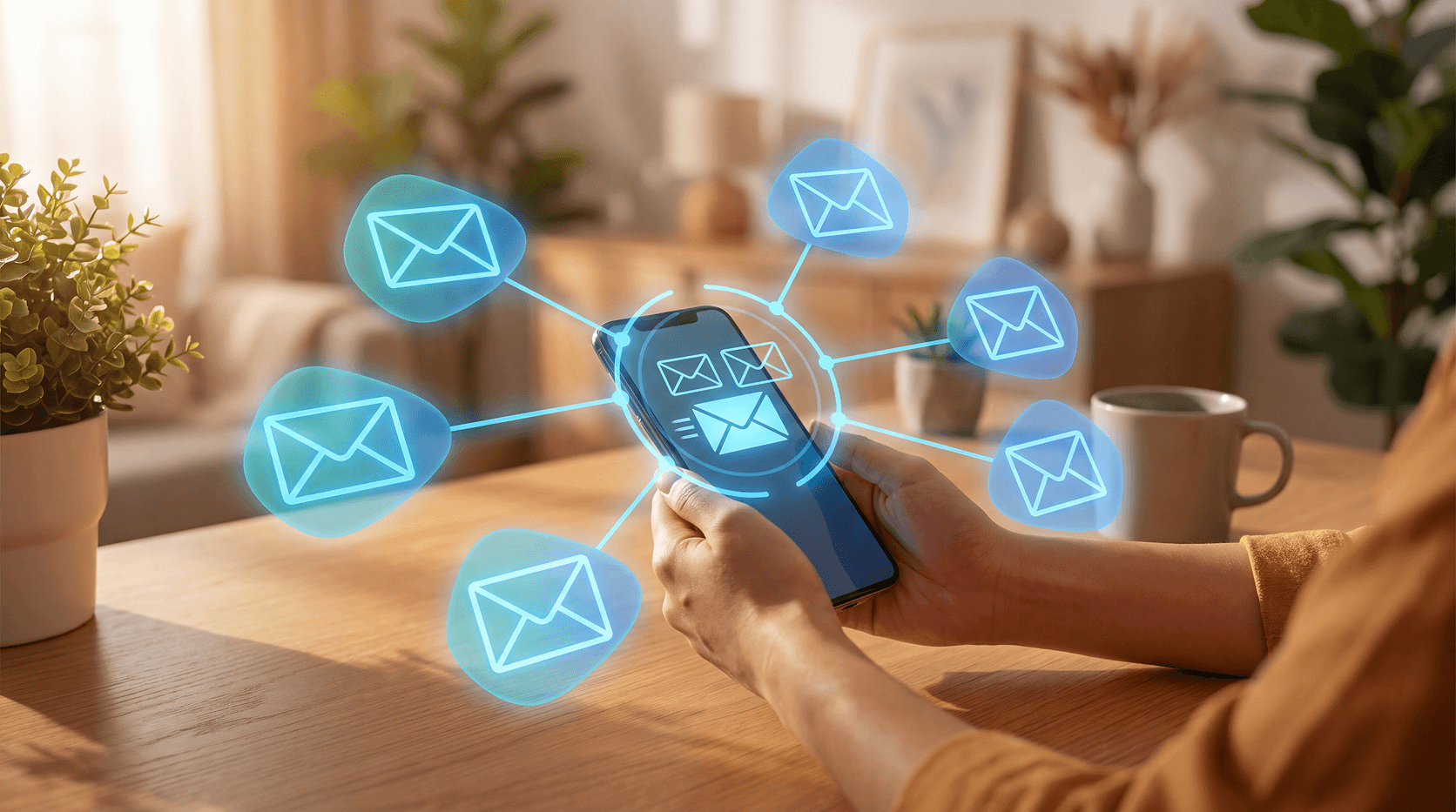
An email alias is a stand-in address that forwards messages to your real inbox. You never give out your actual email. Instead, you create a unique alias for each site or service you sign up for, and any mail sent to that alias lands in your inbox as normal.
You can disable or delete an alias any time. The moment you do, that address stops working completely.
Think of it like a P.O. box. People can send mail to the box, and you receive it. But they never know your home address, and if the P.O. box gets compromised, you just close it and open a new one.
How do email aliases reduce your breach exposure?
When a company you've signed up with gets breached, attackers harvest email addresses and passwords from their database. Your real email address becomes a target: for phishing, for credential stuffing against other accounts, and for spam.
With an alias, there's a layer of separation. Here's what that looks like in practice:
- Breach containment. If a retailer you used gets hacked, attackers get the alias address, not your real one. Your real inbox stays out of the stolen data.
- Phishing targeting breaks down. Phishing campaigns are often built around harvested email lists. If your real address isn't on those lists, you're harder to target.
- Spam is traceable. If you create a unique alias per site (e.g.,
amazon-shop@aliasservice.com) and start receiving spam on it, you know exactly which company sold or leaked your data. - Easy damage control. Delete the alias. The spam and phishing attempts stop immediately. No need to change your real email or update every other account.
This works because credential stuffing relies on email-password pairs. If the email is an alias you can disable, the pair becomes useless the moment you turn it off.
What email aliases can't do
This is important. Aliases are a privacy tool, not a complete security solution, and it's worth being clear about where they stop helping.
An alias doesn't protect the account itself. If a site you use gets breached and your password was weak or reused, attackers can still get into that account. They have the alias and the password, and they don't need your real email to do damage on that specific site.
Aliases also won't protect you from:
- Weak or reused passwords. A strong, unique password (managed with a password manager) matters more than an alias.
- Malware on your device. If something malicious is running locally, it can intercept your traffic regardless of what email address you used to sign up.
- Social engineering. Aliases don't make you less susceptible to a convincing fake email or phone call.
The honest framing: aliases limit the blast radius of a breach. They don't prevent the breach itself, and they don't replace the basics like strong passwords and two-factor authentication.
Which email alias services are worth using?
There are several solid options, and the right one depends on how deep you want to go.
ServiceCostCustom domainsKey detailSimpleLogin (Proton)Free / PaidYesOpen source; integrates with Proton PassApple Hide My EmailiCloud+ subscriptionNoBest for Apple users; built into iOS and SafariDuckDuckGo Email ProtectionFreeNoStrips tracking pixels; @duck.com addressesaddy.ioFree / PaidYesOpen source; PGP encryption supportFirefox RelayFree / PaidNoSimple setup; can't reply from alias on free tierFastmail Masked EmailFastmail subscriptionN/AAlias lives inside Fastmail, no third-party forwarding
SimpleLogin is a strong choice for most people. It's open source, works with any email provider, and gives you control over custom domains if you want extra resilience against relay-domain blocking (some sites reject alias addresses from known relay services).
Apple Hide My Email is the easiest starting point if you're already in the Apple ecosystem. Safari and iOS surface it automatically when you sign up for accounts.
DuckDuckGo Email Protection is free and adds a useful bonus: it strips tracking pixels from emails before they hit your inbox. Worth using even if you only want the basics.
One thing to know: some websites block alias domains. Financial institutions and fraud-prevention systems sometimes reject addresses from known relay services. For sensitive accounts like banking, you may still need your real address.
How to actually use aliases day to day
The strategy is simple: one alias per service.
Don't use the same alias for Amazon and your gym membership. That defeats the purpose. The whole point is that each alias maps to a single source, so if one gets compromised, you know exactly where the leak came from and can disable just that alias.
Here's a practical setup:
- Sign up for an alias service (SimpleLogin and DuckDuckGo are free to start).
- Create a new alias every time you register somewhere new. Most services have a browser extension that does this automatically.
- Name or tag each alias so you can track which service it belongs to.
- Monitor for unexpected email. If an alias you only used for one site suddenly starts receiving phishing emails, that site's data has almost certainly been exposed.
- Disable compromised aliases immediately. No damage to any other account.
It takes about 10 extra seconds per signup. That's a reasonable trade for the visibility it gives you over your own exposure.
What to do if you find your email in a breach
Even with aliases, it's worth checking what's already out there. Use a service like Have I Been Pwned to see whether your real email address appears in any known breach databases.
If it does:
- Change the password for that account immediately (use something unique and long).
- Turn on two-factor authentication if you haven't already.
- Check whether you're reusing that password anywhere else, and change it there too.
And going forward, start using aliases for new signups. You can't retroactively protect the accounts you've already created with your real address, but you can stop expanding your exposure from this point forward.
Guardio's protection, across both browser and phone, can also flag malicious sites and phishing pages before you hand over any information at all, which reduces the chance you'll accidentally sign up somewhere that was built to steal your data in the first place.
Conclusion
Email aliases are a small habit with a meaningful payoff. They limit how many places your real address appears, make it easy to trace leaks back to specific services, and let you cut off compromised addresses without disrupting everything else.
They're not a substitute for strong passwords or two-factor authentication. Think of them as one more layer in a practical approach to staying safer online.
Start with one alias service, use it for your next signup, and see how quickly it changes how you think about where your information goes.
FAQs
Is an email alias the same as a forwarding address?
An email alias and a forwarding address are similar but not identical. An alias is a unique address managed by a third-party service like SimpleLogin or DuckDuckGo that routes mail to your real inbox. A forwarding address is typically a redirect set up inside your existing email provider. Aliases offer more flexibility because you can create, disable, or delete each one independently.
Can websites tell I'm using an email alias?
Some websites can detect email aliases. Certain sites and fraud-prevention systems check incoming addresses against known alias or relay domains, such as duck.com or simplelogin.com, and may block registration. This is more common with banks and financial services. For most consumer apps and retail sites, aliases work without issue.
Does using an email alias protect my password?
No. An email alias protects your email address from exposure but doesn't change how your password is stored or secured by the site you're signing up with. If a site gets breached and your password is weak, attackers can still access that account. Use a password manager and enable two-factor authentication alongside any alias setup.
What happens if I lose access to my alias service?
If your alias service shuts down or you lose your account, all mail forwarded through those aliases stops arriving. For accounts you care about, update the registered email to your real address or a backup alias before that happens. This is one reason to choose an established service, or one that's open source with self-hosting options like addy.io.
How many email aliases should I create?
Ideally, one alias per service. That level of granularity is what lets you trace a leak back to a specific source and disable just that alias without affecting anything else. Most alias services let you create aliases on demand, so there's no practical limit to how many you use.
Will email aliases stop spam completely?
Email aliases won't eliminate spam on their own, but they give you much better control over it. If a specific alias starts receiving spam, you can disable it immediately and the spam stops. Over time, this lets you cut off sources of unwanted email precisely, rather than just filtering or ignoring them.


 Online Security
VPN Scams in 2024: Avoid Fake VPNs and Protect Your Privacy


