8 Best Malware Protection Software for Modern Threats in 2026



Key Takeaways
Malware in 2026 rarely shows up as a suspicious email attachment from a stranger. It hides inside cloned login pages, fake software updates, scam shopping checkouts, and one-click downloads promoted through social media ads. Attackers now use AI to generate convincing lures and rotate domains within hours, which makes traditional signature-based antivirus tools less effective than they once were.
The right malware protection software identifies these threats before they reach your devices, regardless of whether they arrive through a browser, inbox, text message, or search ad. This guide reviews the 8 best malware protection software for modern threats in 2026, comparing their detection approaches, threat coverage, and practical use cases so you can pick the option that fits how you work, shop, and browse online.
{{component-cta-custom}}
8 Best Malware Protection Software for Real-Time Threat Detection
The tools below represent the most effective malware protection options available in 2026. They range from always-on online security platforms to traditional endpoint antivirus suites - covering everything from device-level scans to real-time web and link analysis.
1. Guardio
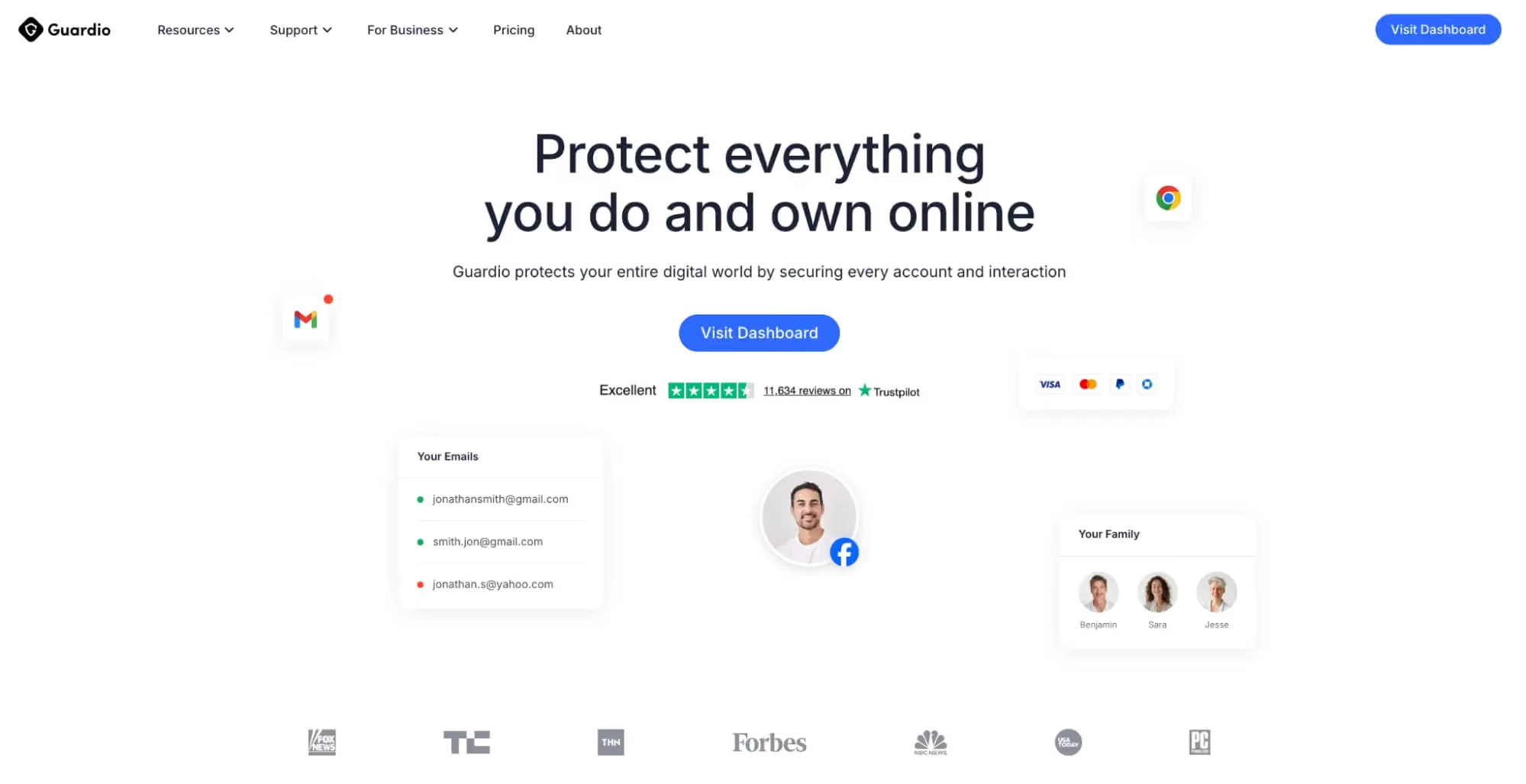
Guardio is an online security solution that helps detect and block malware-laden sites, phishing pages, malicious downloads, and other scam destinations in real time across desktop and mobile devices. Unlike traditional antivirus tools that scan files after they reach the device, Guardio evaluates risky pages and links as they open and helps stop threats before users click a malicious download or enter sensitive information. It also helps protect links arriving through email, SMS, social ads, and search results, while adding identity monitoring, data leak alerts, and account security insights that help users spot exposed accounts, weak settings, and other risks early.
Best for: Guardio is well-suited for everyday users, families, and non-technical teams who want always-on malware protection across desktop and mobile environments that covers risky links, downloads, messages, and account-related threats without the need to run manual scans.
2. Malwarebytes
Malwarebytes is a well-known endpoint security product that combines signature-based detection, behavioral analysis, and real-time protection against malware, ransomware, and exploit-based attacks. It is designed to catch threats that traditional antivirus tools miss, particularly trojans, spyware, and malicious scripts delivered through compromised websites or bundled installers. Malwarebytes offers both free on-demand scanning and paid real-time protection across Windows, macOS, iOS, Android, and ChromeOS.
Best for: Malwarebytes is a practical fit for users who want a dedicated anti-malware layer that works alongside existing antivirus tools and provides strong detection for stealthy or script-based threats.
3. Bitdefender
Bitdefender is a full-featured antivirus and endpoint protection platform that uses a mix of signature scanning, machine learning models, and behavioral monitoring to identify malware before it executes. It provides multi-layered ransomware protection, anti-phishing filters, a secure browser for online banking, and network threat prevention. Bitdefender is often highlighted in independent lab tests for high detection rates with minimal impact on system performance.
Best for: Bitdefender works well for users who want a comprehensive antivirus suite with strong malware detection, low system overhead, and built-in extras like a secure browser and VPN.
4. Kaspersky
Kaspersky offers consumer and enterprise antivirus products backed by a global threat intelligence network. Its malware protection combines traditional signature databases, cloud-based reputation scoring, and behavioral heuristics to catch both known and emerging threats, including fileless malware and ransomware. It also provides anti-phishing, safe banking tools, and protection for Windows, macOS, Android, and iOS devices. Availability and regional policies around Kaspersky products vary, so users should check local guidance before installing.
Best for: Kaspersky is a solid option for users who want established antivirus coverage with deep threat intelligence and strong detection of ransomware and fileless attacks.
5. Trend Micro

Trend Micro provides malware protection across endpoints, email, and web traffic. Its consumer security products combine advanced malware scanning, web threat protection, and anti-phishing tools that block malicious links before they load. Trend Micro also offers a browser plugin that rates search results and warns users about risky sites, along with dedicated protection for social media links and online banking activity.
Best for: Trend Micro is a good choice for users who want antivirus protection with strong web threat filtering and built-in warnings for risky links across search and social platforms.
6. ESET
ESET is known for its lightweight antivirus engine and low system resource usage. It uses a combination of signature scanning, advanced heuristics, and machine learning to detect malware, ransomware, and targeted attacks. ESET also includes exploit blockers, anti-phishing filters, and network attack protection for home and small business users across Windows, macOS, and Android, making it a practical choice for mixed-device environments.
Best for: ESET is especially useful for users who want fast, low-overhead malware protection that runs well on older hardware without sacrificing detection capabilities.
7. Sophos Home
Sophos Home brings business-grade malware protection to consumer devices. It includes real-time antivirus scanning, ransomware protection, web filtering, and remote management across multiple devices from a single web-based dashboard. It uses deep learning models to detect new malware variants and blocks malicious URLs, phishing sites, and compromised domains before they load in the browser.
Best for: Sophos Home is a strong fit for households and small teams that want enterprise-style malware protection with centralized management across multiple devices.
8. McAfee
McAfee provides consumer and family-focused antivirus suites that cover malware, ransomware, phishing, and identity theft risks. Its protection stack includes real-time scanning, a web advisor that flags risky links, firewall controls, and a secure VPN. Newer McAfee plans also bundle identity monitoring and data cleanup tools to help reduce exposure from data brokers and previous breaches.
Best for: McAfee works well for families and users who want a single suite that bundles malware protection, identity monitoring, and privacy tools across multiple devices.
Malware Protection Software Comparison Overview
The table below compares the 8 tools side by side based on their detection approach, threat coverage, and deployment type.
Key Capabilities to Look for in Malware Protection Software
Not all malware protection tools offer the same depth of coverage. The capabilities below represent the most important features to evaluate when choosing a solution for modern threats:
- Real-Time Threat Detection Before Execution: The tool should identify and block malicious files, scripts, and sites as they are accessed, not after the infection occurs. This is essential for stopping ransomware and drive-by downloads that run within seconds of opening a page.
- Behavioral and AI-Based Threat Analysis: Since signature-based detection alone cannot catch brand-new malware, the tool should analyze what a file or page actually does, such as unusual file encryption attempts, hidden scripts, or forced redirects.
- Protection Against Phishing, Scam Sites, and Malicious Downloads: Malware today often arrives through scam checkouts, fake updates, and lookalike domains. A modern protection tool should flag these before the user interacts with them.
- Coverage Across Devices and Online Entry Points: Threats reach users through email, SMS, social ads, and search results. A tool that only covers desktop browsing leaves major gaps, especially on mobile.
- Identity Monitoring and Data Breach Alerts: If credentials or payment details are exposed through a malware-driven attack, early alerts help users act before stolen data is abused.
- Low-Friction, Always-On Protection: The tool should work passively in the background so users do not need to run manual scans or paste URLs into a checker before every download.
How to Choose the Right Malware Protection Software
The best malware protection software depends on your device setup, how you browse and shop, and how much manual effort you are willing to invest. Use the factors below to narrow your choice:
Level of Protection vs System Performance Impact
Heavier security suites can slow down older devices during scans or updates. If you use low-powered hardware, prioritize tools that are independently tested for low system impact, such as ESET or Bitdefender, or pair a lightweight online security layer like Guardio with a basic antivirus.
Coverage Across Devices and Threat Channels
Modern attacks reach users through social media ads, messaging apps, and promotional emails. Choose a tool that extends protection to mobile browsing, app downloads, and link previews rather than one limited to a single desktop browser.
Ease of Deployment and Daily Use
Some tools are designed for advanced users and require policy tuning, exclusions, or manual scans. Consumer-focused solutions prioritize simple alerts and automatic blocking, which is usually a better fit for families and non-technical users.
Ability to Detect Modern, Non-Traditional Threats
Fake checkout pages, browser-based credential theft, and scam ads often do not involve a traditional malware file. Look for tools that analyze page behavior and intent, not just executable signatures.
Continuous Updates and Threat Intelligence
Malware campaigns change quickly, with new domains, file hashes, and delivery tricks appearing daily. The tool should pull from frequently updated threat intelligence feeds and combine them with AI-based detection.
Common Limitations of Traditional Malware Protection Tools
Traditional antivirus products still add value, but they have well-known gaps against today's threat landscape. The table below summarizes the most common limitations:
Why Guardio Is Built for Modern Malware Protection
Traditional antivirus tools still matter for file-based threats, but they are not designed for the mix of scam pages, malicious links, and fake online storefronts that drive most modern infections. Guardio is built as a modern online security solution that closes these gaps with real-time, AI-assisted protection across devices, accounts, and the online channels where today’s threats actually spread.
- Real-Time Detection of Malicious Sites, Downloads, and Messages: Guardio evaluates pages and links as they open and helps block malware sites, fake updates, and risky downloads before any file reaches the device.
- AI-Driven Analysis of Web Behavior and Threat Patterns: Rather than depending only on static blocklists, Guardio analyzes domain patterns, page behavior, and known scam signals to flag newly created threats that have not yet been widely reported.
- Protection Across Links in Emails, Texts, Ads, and Search Results: Malware campaigns spread across channels. Guardio helps evaluate links arriving through email, SMS, social ads, and search, including shortened URLs and multi-step redirects.
- Detection of Phishing, Scam Flows, and Impersonation Attacks: Guardio helps identify lookalike domains and brand impersonation attempts that are often the entry point for credential theft and data-harvesting pages.
- Identity Monitoring and Alerts for Data Exposure Risks: If your email, phone number, or credentials appear in a known breach, Guardio sends alerts so you can change passwords and lock down accounts before attackers act on the leak.
- Always-On, Cross-Device Protection without Manual Scanning: Guardio works continuously across desktop, mobile, and your connected accounts, so you do not need to rely on manual URL checks or periodic scans to catch threats.
Conclusion
Malware in 2026 is no longer defined by a single infected file. It moves through scam ads, fake updates, phishing checkouts, and short-lived domains that rotate faster than traditional signature databases can update. The tools reviewed in this guide represent the most effective options available for modern malware protection, from established antivirus suites to AI-assisted, real-time online security platforms.
For users who want deep file-level scanning and endpoint protection, tools like Bitdefender, Malwarebytes, Kaspersky, ESET, Sophos Home, and McAfee provide strong, established coverage. Trend Micro adds useful web filtering on top of antivirus features.
For everyday shoppers, families, and teams who want automated, always-on protection that works across devices and the many channels attackers use today, Guardio offers an all-rounder online security layer that complements traditional antivirus tools. By combining real-time scam and malware site detection with identity monitoring, data leak alerts, and account security insights, Guardio is well-positioned for the fast-moving, web-driven malware threats that define 2026.
{{component-cta-custom}}
FAQs
How can I protect my family from malware without being “techy”?
You can stay protected by using tools that block threats before they ever reach your device.
- Install a browser-based security layer that flags risky sites before anyone clicks
- Turn on real-time protection so threats are blocked automatically, not after damage
- Teach simple habits like avoiding unknown links and “too good to be true” deals
- Use identity alerts to catch leaked emails or passwords early
For a deeper look at how malware actually spreads today, check out this guide on what malware is and how it works.
How do I know if a link or website is actually a scam?
Scam sites are designed to look real, so the safest approach is to verify before interacting.
- Hover over links to check for misspellings or strange domains
- Avoid urgent messages pushing you to “act now” or risk losing access
- Look for inconsistencies in branding, payment methods, or layout
- Use real-time protection tools that analyze pages before they load
You can learn more practical detection tips in this breakdown of how to identify fake websites.
How is Guardio different from traditional antivirus software?
Guardio focuses on stopping threats before they reach you, not just cleaning them up afterward.
- Blocks malicious sites in real time before downloads even start
- Analyzes behavior with AI, not just known virus signatures
- Covers multiple entry points like email, SMS, and social media links
- Works continuously in the background without manual scans
To understand the difference in depth, explore how browser protection works.
Does Guardio protect me on my phone as well as my computer?
Yes, Guardio extends protection across both desktop and mobile browsing environments.
- Use the browser extension for real-time protection on desktop browsers
- Install the mobile app to block malicious links on your phone
- Enable text message filtering to catch scam SMS automatically
- Monitor identity exposure across devices with one account
You can see how cross-device protection works in this overview of mobile browsing protection.
What should I do immediately after clicking a phishing link?
Acting quickly can prevent stolen data or account takeovers.
- Close the page immediately and avoid entering any information
- Change your passwords, especially if you typed anything in
- Enable two-factor authentication on important accounts
- Run a security check to make sure nothing was downloaded silently
For a full recovery checklist, follow this guide on what to do after clicking a phishing link.
 Online Security
Venmo & Cash App Scams: The 6 Tricks People Keep Falling For