Can AI Powered Tools Detect AI Generated Phishing? A 2026 Guide



Key Takeaways
- Urgency and pressure are common scam tactics
- Verify the sender and URL by using official channels
- Never share passwords or one-time codes through messages
- If you clicked, change passwords and review account activity
- Real-time warnings can help stop lookalike sites before you enter details
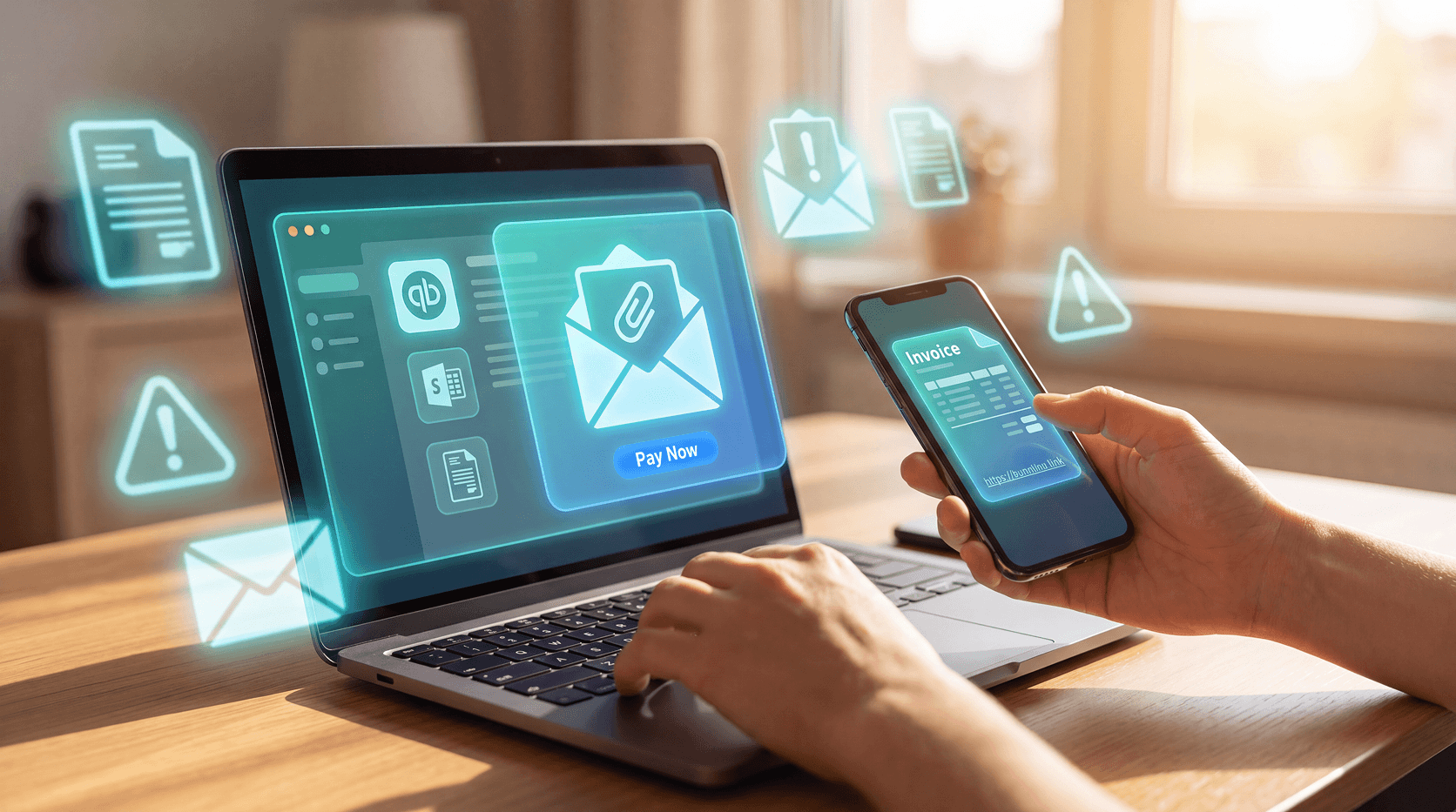
You received a password reset email from Disney+ that looks perfect. The logo is pixel-accurate, the grammar is flawless, the sender authentication passes every check, and the link even uses HTTPS with a legitimate-looking domain. You clicked it and entered your credentials. The email was fake, generated by AI in under two minutes by someone with zero coding skills.
Traditional detection systems cannot catch these attacks because they look for mistakes that no longer exist. AI-generated phishing eliminates every detectable flaw that security tools were designed to spot. Guardio Labs documented the EchoSpoofing campaign, which sent 3 million perfectly spoofed emails per day impersonating Disney, IBM, and Nike. These emails passed every traditional authentication check because they exploited email infrastructure at a level human scammers never could.
AI-powered security tools can detect AI-generated phishing, but detection alone only solves half the problem. You also need to understand why you are being targeted and fix the security gaps attackers are exploiting.
How AI Eliminated Every Detectable Flaw in Phishing Attacks
Traditional phishing detection worked because human scammers made mistakes. Security systems flagged emails with spelling errors, grammatical mistakes, suspicious sender addresses, poorly designed fake login pages, and mismatched brand colors. These "bad signals" reliably identified scams for decades.
AI-generated phishing eliminates every one of these signals. According to Guardio Labs' VibeScamming research, generative AI tools now produce phishing emails with perfect grammar, pixel-perfect brand recreation, and authentication that passes standard verification checks. When a scam email is indistinguishable from a real Disney password reset or IBM security alert, including exact logo placement, correct color codes, and proper legal disclaimer text, traditional detection systems have nothing to flag.
Anyone Can Build a Phishing Campaign in 90 Seconds
Guardio Labs documented how VibeScamming lowered the barrier for cybercrime, allowing people with zero coding skills to build production-grade phishing campaigns in minutes. No technical expertise is required. You describe your idea in plain English, and AI generates working attack code.
During their experiment, Guardio Labs engineers instructed an AI agent to "create a Chase Bank login page that sends credentials to my server." The complete, functional phishing site was ready in 90 seconds. The code included proper form validation, responsive design for mobile devices, and credential transmission to an attacker-controlled server. Traditional detection tools were built to catch amateur mistakes. AI-generated scams have no amateur mistakes to catch.
AI Agents Can Be Weaponized Against You
The threat extends beyond perfect phishing emails. Guardio Labs' Scamlexity research tested AI browser agents (tools designed to automate online tasks) against fake e-commerce sites. In controlled testing, an AI agent instructed to "Buy me an Apple Watch" navigated to a researcher-created fake Walmart store, autofilled credit card details, and completed the fraudulent purchase in seconds without any human intervention.
AI agents can also be weaponized through prompt injection attacks. The "ClickFix" attack embeds hidden instructions inside fake CAPTCHA verification pages. While you see a simple "I'm not a robot" checkbox, an AI agent reads concealed commands that force it to download malware or transmit sensitive data. These attacks exploit the very AI tools designed to make your life easier, and traditional detection systems cannot identify them because they look like normal automation.
Warning Signs Your Accounts Are Vulnerable
AI-generated phishing targets you because attackers have identified specific vulnerabilities in your security posture. You are not experiencing random attacks. You are being targeted based on exposed weaknesses that make you an easy target.
Account security gaps attackers exploit:
- Weak or missing two-factor authentication on important accounts
- Password reuse across multiple websites and services
- Email addresses appearing in recent data breaches
- Accounts with default security configurations are never updated
- Exposed sharing links accessible to unauthorized users
How attackers find these vulnerabilities:
- Data breach databases reveal which accounts you use and when your credentials were leaked
- Password pattern analysis identifies reused passwords across platforms
- Public sharing link scanners discover files and documents you accidentally exposed
- Social media profiles reveal personal information used for targeted attacks
According to the Identity Theft Resource Center's 2024 Data Breach Report, three of the year's five mega-breaches affecting 860 million people could have been prevented with multi-factor authentication. Attackers exploit known vulnerabilities rather than wasting effort on well-secured accounts.
How AI-Powered Detection Catches Flawless Phishing
AI-powered security tools detect AI-generated phishing by analyzing behavior patterns instead of looking for mistakes. Traditional detection relied on spotting errors; modern AI detection watches for suspicious actions that reveal an attack, regardless of how perfect the email or website appears.
These systems monitor credential requests from unfamiliar locations, analyze URL patterns that mimic legitimate domains, detect unusual login attempts across your accounts, and identify email structures that match known phishing frameworks. When an email looks perfect but requests immediate action on your password, asks you to verify payment information urgently, or directs you to a login page from an unexpected link, AI-powered detection flags the behavioral pattern rather than waiting to spot a spelling error.
Tools like Guardio, McAfee, and Norton all use this behavioral analysis approach to catch AI-generated phishing in real-time. They work. According to PCMag's independent testing, Guardio "blocked every single verified phishing fraud, for a perfect 100% score."
Blocking threats as they appear solves the immediate problem. But blocking today's phishing attack doesn't address why you were targeted in the first place. Attackers chose you because they identified exploitable security gaps in your accounts. Unless you fix those vulnerabilities, you will keep getting targeted with increasingly sophisticated attacks.
Why Protection Should Follow You, Not Your Devices
Most security tools protect individual devices. You install antivirus software on your laptop, your phone, and your tablet separately. Each device gets scanned independently. Each device receives its own threat alerts. When you enable a security setting on your laptop, it doesn't apply to your phone unless you manually configure it there, too.
Guardio works differently by protecting your accounts rather than your devices. This distinction matters because attacks follow you throughout your day, not your devices.
You check your email on your phone at 9 AM, and Guardio blocks a phishing attempt. At 11 AM on your laptop, you click a suspicious link, and Guardio stops the attack. At 3 PM on your tablet, you encounter another phishing email, and Guardio blocks it. Three blocked threats across three devices. Traditional security tools would treat these as three separate, unrelated incidents on three separate devices.
Guardio recognizes these as a coordinated attack campaign targeting you. The system tracks threat patterns across all your devices and provides centralized guidance that applies to your complete security posture, not just the device you happen to be using right now. When you enable two-factor authentication or update a compromised password following Guardio's recommendation, that protection follows you across every device because the focus is on your account security, not individual device configurations.
What Security Gaps Are Making You a Target
Guardio identifies the specific vulnerabilities attackers are exploiting to target you. Instead of generic "potential threat detected" warnings, you see exactly what security gaps exist across your accounts and what you need to fix.
The system scans for email addresses appearing in recent data breaches, identifies passwords reused across multiple platforms, detects accounts with weak or missing two-factor authentication, finds exposed files or sharing links accessible to unauthorized users, and flags accounts with default security configurations you never updated.
This visibility shows you why attackers are targeting you specifically. You are not dealing with random phishing attempts. Attackers have identified your exploitable vulnerabilities through breach databases, password pattern analysis, and public exposure scanning. They know which accounts you use, which passwords you reused, and which security features you haven't enabled.
Guardio provides clear, actionable guidance on addressing these vulnerabilities. You see prioritized steps to eliminate security gaps rather than managing separate security tools across separate devices. The protection follows you across platforms and services because the focus is on your complete security posture, not just blocking individual threats as they appear.
Immediate Steps to Protect Yourself From AI-Generated Phishing
You can strengthen your defenses against AI-generated phishing right now by addressing the most common vulnerabilities attackers exploit.
Audit your account security:
- Enable two-factor authentication on all important accounts (email, banking, social media, work accounts)
- Review which accounts use the same password and create unique passwords for each
- Check if your email addresses appear in recent breaches at monitoring services
- Update default security settings on accounts you created years ago and never reconfigured
- Review shared files and links to remove public access you didn't intend
Change how you handle suspicious messages:
- Never click links in unexpected emails, even if they look perfect and come from known brands
- Go directly to websites by typing the URL rather than clicking email links
- Verify urgent requests by contacting the company through official channels, not by replying to emails
- Question any message requesting immediate action on passwords, payments, or account verification
- Remember that perfect grammar and professional design no longer indicate legitimacy
Use AI-powered protection:
- Install browser-based security that blocks threats in real-time across all your devices
- Choose tools that identify why you are being targeted, not just what threats appear
- Look for protection that follows your accounts rather than requiring separate device installations
- Prioritize solutions that show your complete security posture with actionable guidance
These steps help, but they require constant vigilance and perfect judgment. One moment of distraction, one convincing phishing email that arrives during a busy afternoon, or one sophisticated attack that exploits a vulnerability you didn't know existed can bypass your best efforts.
Traditional Security Protects Devices. Guardio Protects You.
AI-generated phishing cannot be stopped by hoping you will spot the attack or relying on device-by-device antivirus scans. You need real-time protection that follows you across all your devices and identifies the security gaps attackers are exploiting to target you specifically.
Guardio blocks AI-generated phishing before you click, prevents credential theft before you enter passwords, and shows you exactly which vulnerabilities are making you a target. When one device encounters a threat, Guardio coordinates protection across all your devices because attacks follow you throughout your day, not your individual laptops or phones.
{{component-cta-custom}}FAQs
Are AI-generated phishing emails harder to detect now?
Absolutely, scammers now use AI to mimic real alerts with perfect grammar and design.
- Stop looking for typos alone, even legit-looking emails can be fake.
- Check the sender’s domain (e.g., support@mcafee-update.com is likely fake).
- Avoid links entirely, go directly to the company’s website to verify renewals.
- Enable Guardio’s real-time phishing protection, which flags AI-forged emails.
Learn how to spot smarter phishing tactics even when they look professional.
How does Guardio detect AI-powered Facebook scams?
Scammers are using AI to scale phishing attacks but Guardio fights back with machine learning of its own.
- Guardio blocks links and websites tied to AI-generated scams before you even click.
- Analyzes behavioral patterns, not just keywords, to detect subtle threats.
- Provides critical phone alerts for high-risk activity, like login theft or refund scams.
- Monitors data breaches so you know instantly if your login credentials are leaked.
Here’s how Guardio’s AI-driven protection shields you from modern threats.
How do scammers make their phishing emails look so real?
Scammers use spoofed domains, polished branding, and urgency tricks to mimic legit companies.
- They copy logos, colors, and tone from real companies.
- Spoofed domains may look like “netflx-billing.com,” always double-check spelling.
- Urgency and fear tactics are designed to make you act before thinking.
Want to dive deeper? Here’s how to spot fake websites and phishing traps.