8 Best Website Safety Checker Tools to Detect Malicious Sites in 2026



Key Takeaways
Not every website that looks legitimate is safe to visit. In 2026, phishing pages are built with AI-generated designs, realistic brand elements, and convincing checkout flows that can fool even experienced internet users.
Website safety checker tools help users evaluate whether a site is trustworthy before they interact with it. Some tools scan URLs against known threat databases, others analyze page behavior in real time, and a few combine multiple detection layers to catch threats that single-method scanners miss.
This guide covers the 8 best website safety checker tools available in 2026. It explains how each tool works, who it is designed for, and where its limitations are. It also breaks down the key features that separate strong safety checkers from outdated ones and helps you choose the right tool for your browsing habits.
{{component-cta-custom}}
8 Best Website Safety Checker Tools in 2026
Website safety checker tools vary widely in how they detect threats and who they serve. Some check a URL against community-reported databases, while others use AI-powered analysis, sandbox environments, or real-time device-level blocking. The tools listed below represent the strongest options in 2026, each with a different approach and audience.
1. Guardio
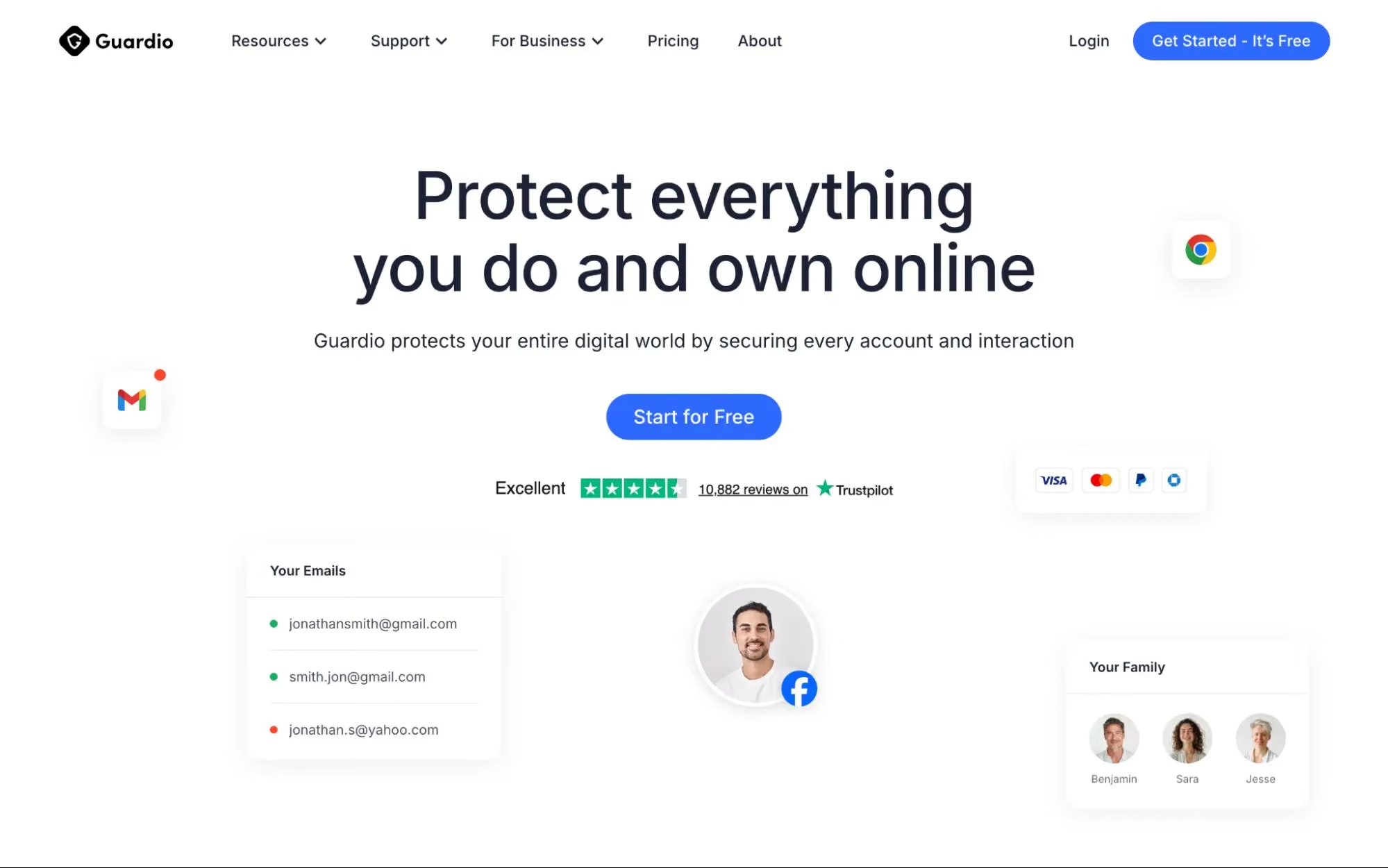
Guardio provides always-on protection that helps users avoid unsafe websites, scam links, and malicious destinations across desktop and mobile devices. Instead of asking users to paste URLs into a scanner, Guardio evaluates every link and webpage in real time, blocking phishing sites, scam pages, brand impersonation attempts, and malicious redirects before users engage with them.
Guardio also protects users from harmful downloads and dangerous files, flags suspicious emails and messages, and monitors for exposed credentials and data leaks. When personal information appears in a known breach, Guardio alerts users so they can take immediate action. This combination of proactive protection, identity monitoring, and cross-device coverage makes Guardio an ideal fit for individuals and families who want practical security without needing technical expertise.
2. Google Safe Browsing
Google Safe Browsing is a free service that checks URLs against Google’s database of known phishing and malware sites. It operates across Chrome and other Google products, providing a foundational layer of protection for a very large user base.
The Site Status tool lets anyone manually check a specific URL against Google’s threat lists. It is straightforward and effective for identifying sites that have already been reported and flagged. However, detection depends on sites being previously cataloged, so newly created phishing pages may pass through undetected until sufficient reports accumulate. Google Safe Browsing works best as a baseline protection layer rather than a standalone safety solution.
3. VirusTotal
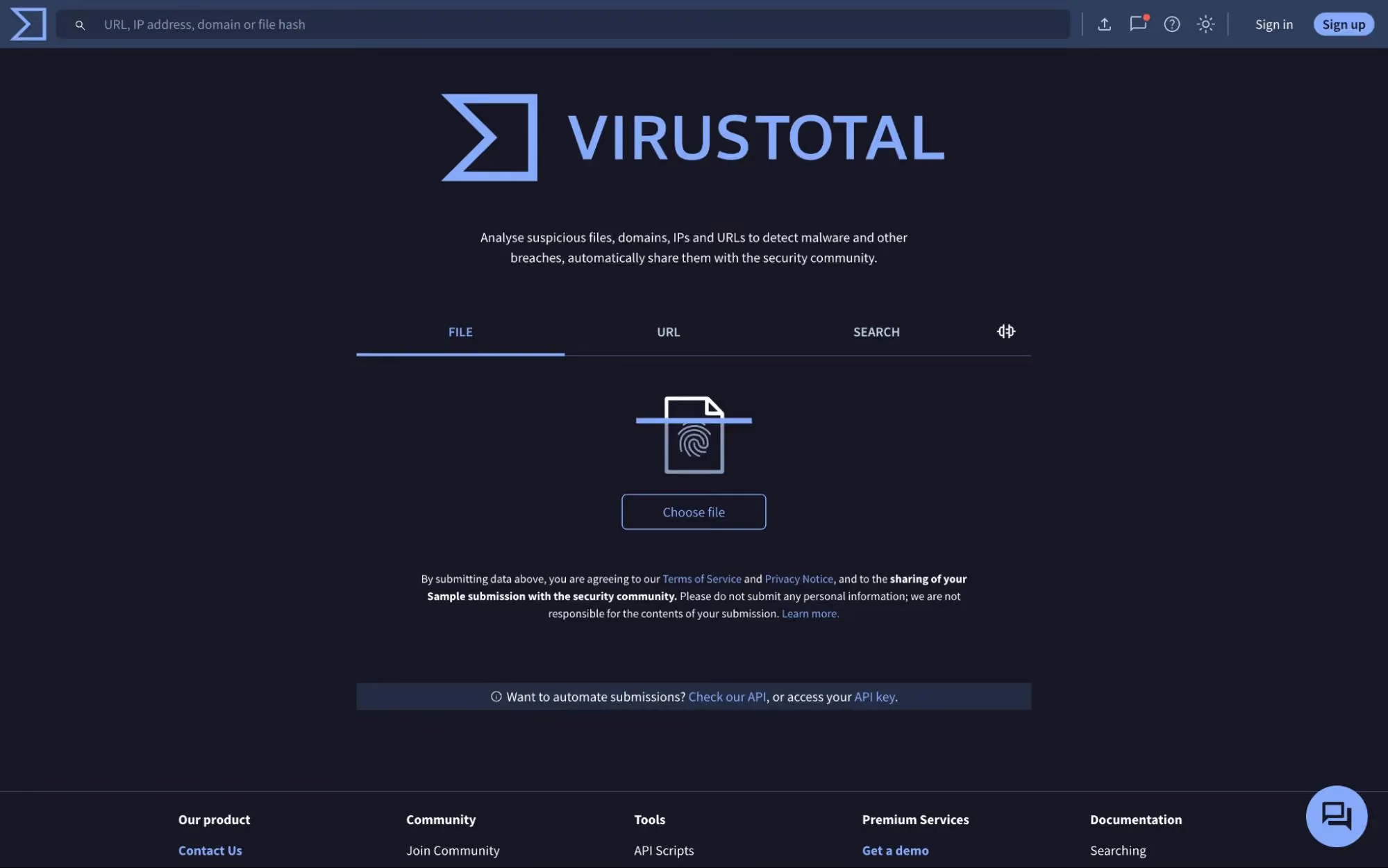
VirusTotal scans URLs, files, and domains against more than 70 antivirus engines and security services simultaneously. It provides a transparent, multi-vendor view of how different security companies classify a given URL, which makes it a trusted resource among cybersecurity researchers and technical users.
VirusTotal is especially useful for verifying whether a specific link has a known history of malicious activity. Its primary limitation is that it reflects existing detections from its engine partners. If a scam page is newly created and has not yet been reported to any of the engines in VirusTotal queries, the URL may appear clean. This makes it better suited for investigating suspicious links after encountering them rather than for proactive, real-time browsing protection.
4. URLVoid
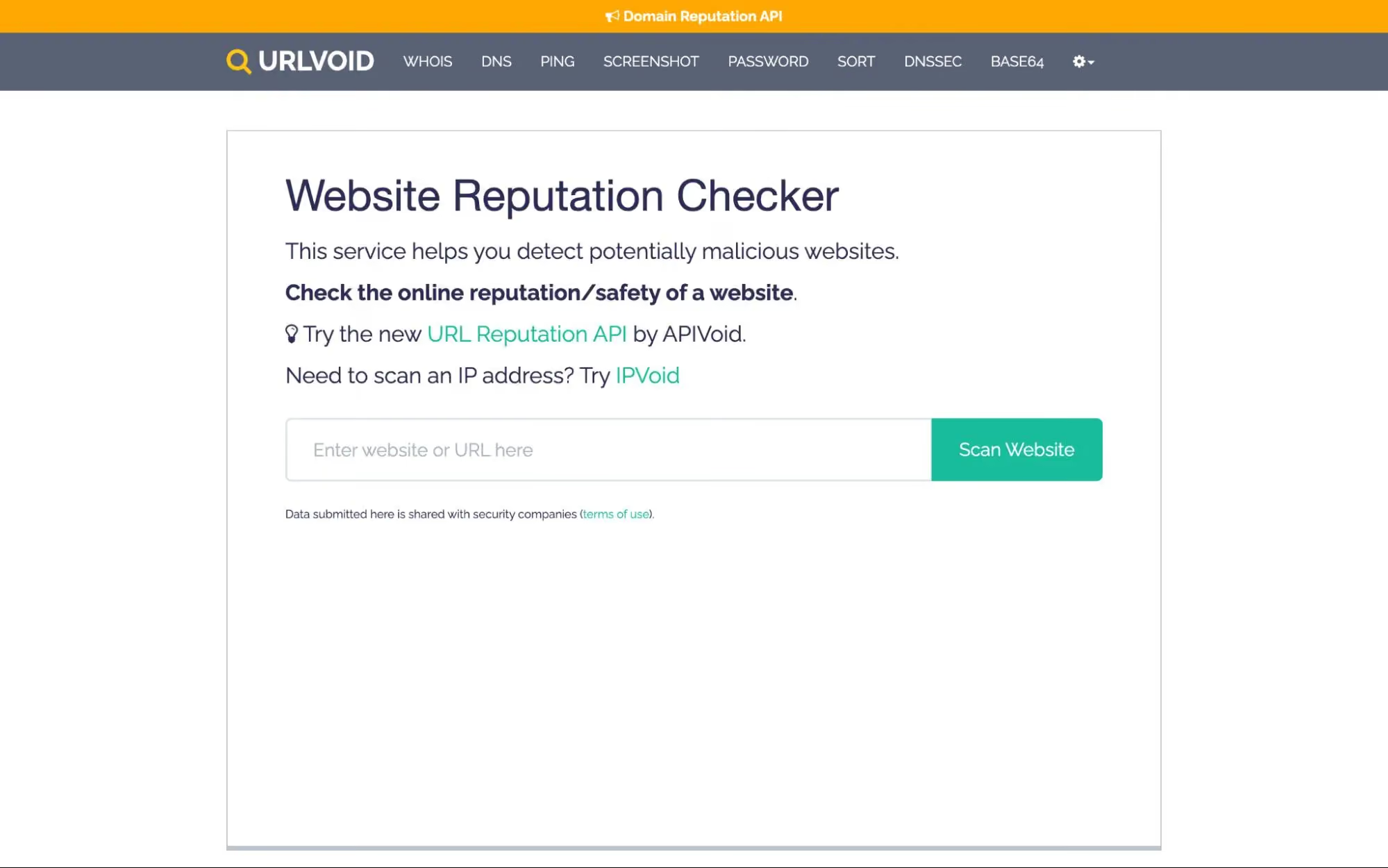
URLVoid is a free online tool that analyzes website URLs by cross-referencing them against more than 30 blocklist engines and online reputation services. It generates a safety report that includes details such as the domain’s IP address, server location, creation date, and whether it has been flagged by any blocklist.
URLVoid is particularly helpful for running quick background checks on unfamiliar websites, especially newly registered domains that may be linked to phishing or scam activity. Its main limitation is that it relies entirely on third-party blocklist data. It does not perform real-time behavioral analysis of websites and does not actively block threats during browsing sessions. For users who need always-on protection, URLVoid works better as a supplementary verification step.
5. ScamAdviser

ScamAdviser assigns trust scores to websites based on more than 40 data sources, including domain age, hosting location, SSL certificate status, site popularity, and user reviews. It is commonly used by consumers to evaluate unfamiliar online stores or services before making a purchase.
The platform is useful for spotting obvious warning signs, such as recently registered domains or suspicious ownership details. However, its scoring system can sometimes produce inconsistent results. Sophisticated phishing pages with valid SSL certificates and clean hosting histories may receive moderate or high trust scores, and newly launched legitimate businesses may be flagged unfairly. ScamAdviser works best as a starting point for due diligence rather than a definitive safety verdict.
6. Kaspersky Threat Intelligence Portal
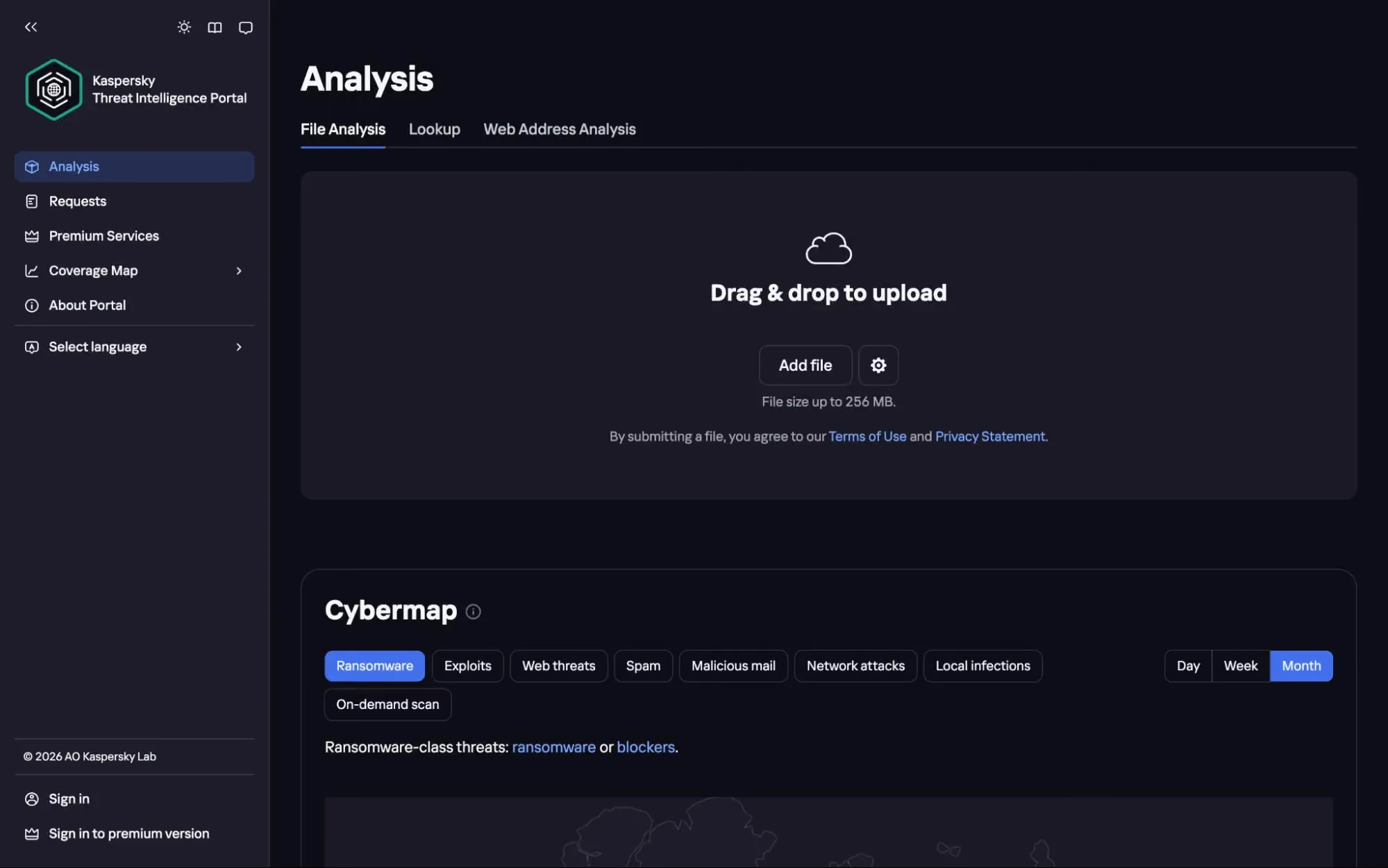
The Kaspersky Threat Intelligence Portal allows users to scan URLs, domains, IP addresses, and file hashes against Kaspersky’s extensive threat intelligence database. It classifies objects into zones (Dangerous, Not Trusted, Good, or Not Categorized) and provides contextual information such as WHOIS data, connected hosts, and detection names.
This portal draws on threat data accumulated by Kaspersky’s global research teams and automated analysis systems. The free tier provides basic lookup results, while premium access unlocks deeper reports, including sandbox analysis and APT intelligence. For everyday consumers, the output can be highly technical. The tool is more practical for security analysts and IT teams who need detailed threat context when investigating specific indicators of compromise.
7. PhishTank
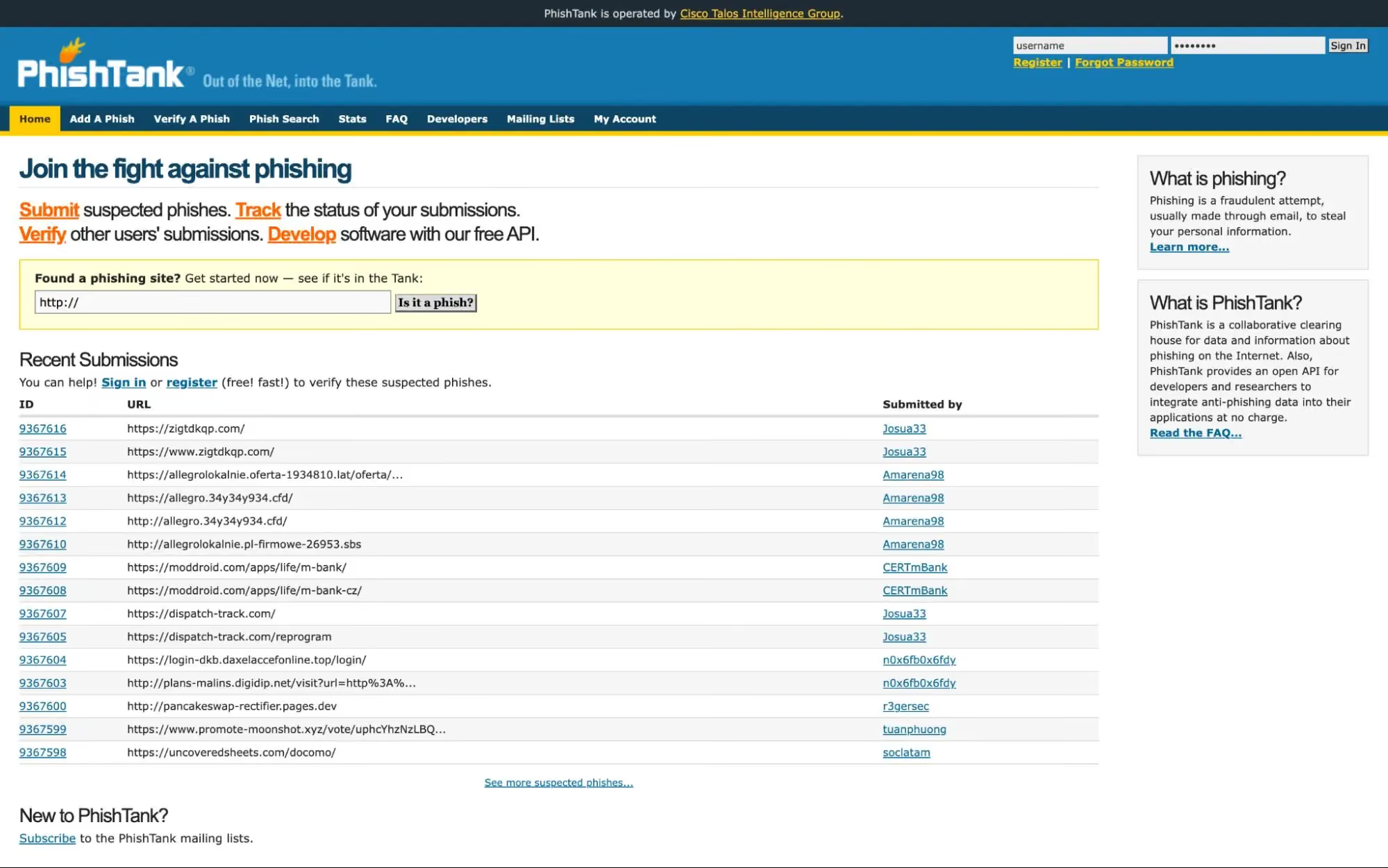
PhishTank is a community-driven platform operated by Cisco Talos Intelligence Group that serves as a clearinghouse for verified phishing data. Users can submit suspected phishing URLs, and the community votes to verify whether each submission is a confirmed phish. The verified database is freely available through the website and a developer API.
PhishTank is a valuable resource for checking whether a specific URL has been reported and confirmed as a phishing page. Its open API also makes it a popular data source for developers building anti-phishing tools. The main limitation is that PhishTank depends on community submissions and verification, which means newly launched phishing pages may not appear in the database until someone reports them. It functions as an information resource, not a real-time protection tool.
8. Cisco Talos Intelligence
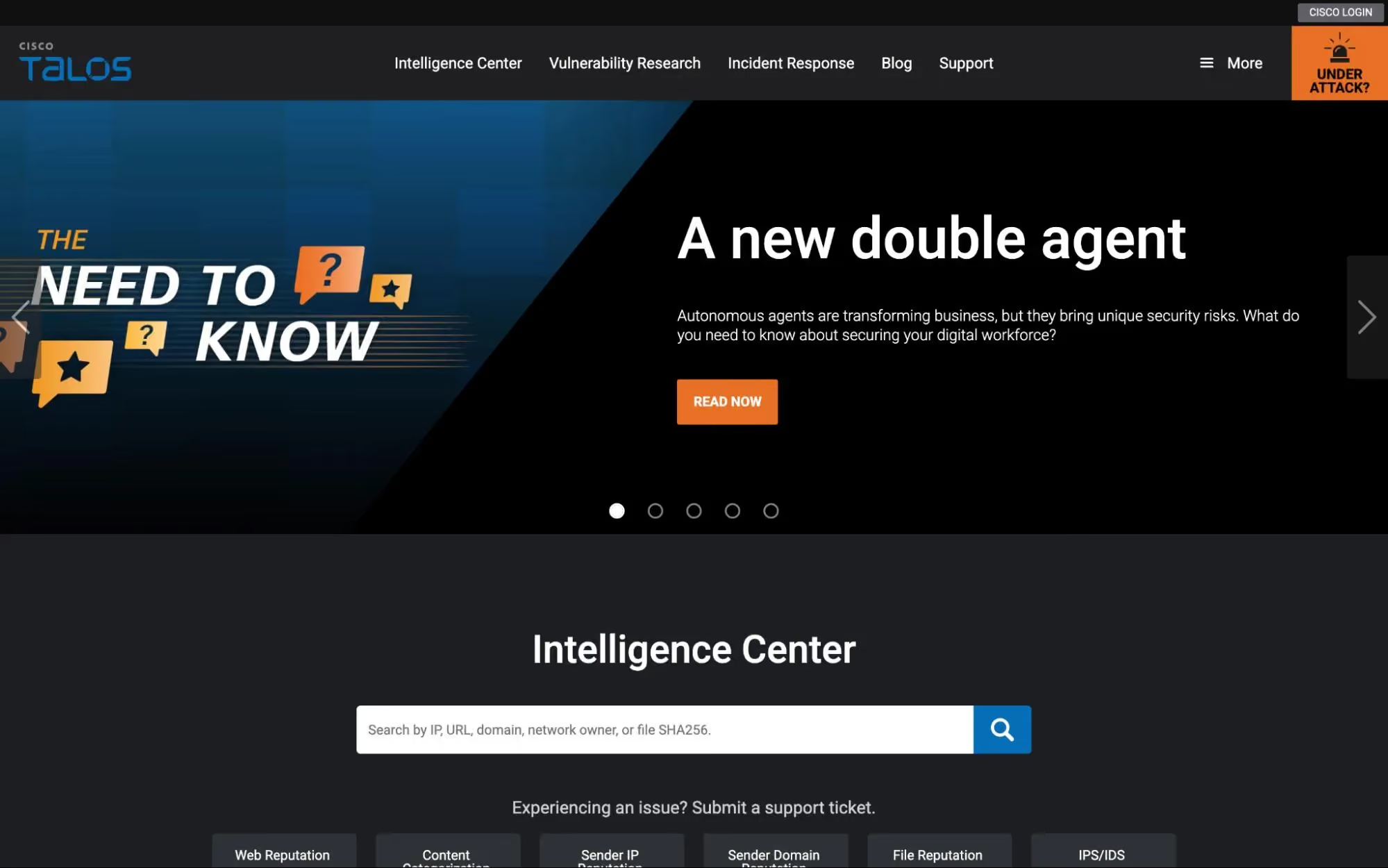
Cisco Talos Intelligence maintains reputation data on billions of files, domains, and IP addresses. Its Reputation Center lets users look up the threat level and content category of any domain, URL, or IP address. The reputation data is refreshed every few hours and feeds directly into Cisco’s security product ecosystem, including Secure Firewall and ClamAV.
Talos uses a granular threat-level system that ranges from Trusted to Untrusted, with detailed context about why a particular domain received its rating. This makes it a powerful tool for network administrators and security teams who need to assess whether specific infrastructure is safe. For general consumers, the interface and output are oriented toward enterprise use and may not provide the simple safe-or-unsafe verdict that everyday users need.
Website Safety Checker Tools Comparison Overview
The tools listed above serve different purposes and audiences. Some are built for consumers who want to browse safely, while others are designed for security professionals and website administrators. The table below provides a side-by-side comparison to help you quickly identify which tool fits your needs:
Key Features to Look for in Website Safety Checker Tools
With many website safety checker tools available, understanding which features genuinely matter can help you avoid choosing a scanner that looks useful but leaves critical gaps in your protection. The features below represent what separates effective tools from outdated or limited ones.
- Real-Time Malicious Website Detection: Manually pasting URLs into a scanner before every click is impractical for daily browsing. Tools with real-time detection evaluate links automatically in the background, catching threats before you interact with a page. This is especially important given how quickly phishing pages appear and disappear. Many scam sites operate for only hours before being taken down, making after-the-fact scanning ineffective.
- Phishing and Scam Website Identification: Phishing sites now replicate banks, e-commerce platforms, and government services with near-perfect accuracy. Effective tools detect phishing behavior by analyzing page elements, form structures, and credential harvesting patterns rather than relying solely on whether a URL has been previously reported.
- URL Reputation and Threat Intelligence Scanning: Strong tools draw on multiple data sources, including blocklists, domain reputation databases, and real-time threat intelligence feeds. This multi-layered approach helps identify both known malicious sites and newly suspicious domains that may not yet appear on a single blocklist.
- Device-Level Protection and Alerts: The most practical tools for everyday users provide protection directly on the devices they use, surfacing clear warnings before a risky page loads. Device-level integration means protection is active across search results, ads, email links, and social media, covering the places where users actually encounter threats.
- Malware and Script Analysis: Some threats go beyond phishing. Malicious websites may attempt to execute harmful scripts, trigger drive-by downloads, or install unwanted extensions. Tools that analyze on-page behavior, including scripts, redirects, and hidden iframes, provide a deeper layer of defense against these risks.
- Low-Friction, Always-On Protection: The best tools work quietly in the background, without forcing users to paste URLs manually or analyze every link on their own.
How to Choose the Right Website Safety Checker Tool
The right website safety checker tool depends on what you are protecting, how you browse, and whether you need passive scanning or active, always-on defense. The factors below can help you narrow down the best fit.
How Guardio Helps Detect and Block Unsafe Websites
Most website safety checker tools are useful for investigating individual links, but they are not built for the way people actually move through search results, messages, ads, and unfamiliar websites in everyday online life. Guardio fills this gap with continuous, real-time protection that works across desktop and mobile, covering the full range of threats users face during daily online activity.
- Real-Time Detection of Phishing, Scam, and Malicious Websites: Guardio goes beyond basic blocklists to identify risky websites using multiple signals, including behavioral analysis and AI-driven detection. This means even newly created phishing pages and fast-changing scam sites can be flagged and blocked before users enter any personal information or interact with fraudulent content.
- Protection From Harmful Downloads and Malware: Beyond blocking unsafe pages, Guardio also detects and prevents harmful file downloads and dangerous extensions. When a website attempts to push a malicious file or trick users into installing an unwanted extension, Guardio intervenes before the download completes, adding an extra layer of device-level safety.
- Real-Time Alerts for High-Risk Websites and Online Scams: Guardio helps evaluate risky destinations reached through email, text messages, ads, social media, and search results, warning users before they engage with harmful pages. Shortened URLs, multi-step redirects, and links embedded in messages are all resolved and analyzed before the final destination loads. When a high-risk site is detected, Guardio surfaces a clear, actionable warning.
- Cross-Device Protection, Email, and Online Accounts: Available as both a desktop app and a mobile app, Guardio provides protection across the platforms where threats are most likely to reach users. It also monitors for exposed credentials and data leaks tied to the user’s email addresses, alerting them to take action such as changing passwords or enabling two-factor authentication when their data appears in known breaches.
Conclusion
Unsafe websites continue to be a significant online threat in 2026, powered by AI-generated phishing pages, short-lived scam domains, and increasingly convincing brand impersonation. While traditional website safety checker tools still serve a purpose for investigating known threats and running manual URL scans, many of them were not designed for the speed at which modern attacks operate.
For security researchers and IT professionals, tools like VirusTotal, Kaspersky Threat Intelligence Portal, PhishTank, and Cisco Talos Intelligence offer valuable investigative capabilities. For everyday users who need practical protection while browsing across all devices, tools that work in real time and across devices provide the most reliable defense.
Guardio stands out by combining real-time phishing and scam site blocking with harmful download protection, identity risk alerts, and cross-device coverage through a single platform designed for everyday online safety. Whether you are checking a link from a text message, clicking through search results, or shopping on an unfamiliar website, Guardio helps stop threats before they cause harm.
{{component-cta-custom}}
FAQs
Which website safety checker is best for non-technical people who just want a simple yes-or-no warning?
A tool with automatic, real-time blocking is usually better for everyday users than one that makes you paste links into a scanner.
- Choose always-on protection if you click links from texts, ads, search results, or social media without stopping to investigate each one.
- Look for clear warnings, not technical jargon, so you can tell when to back out fast without decoding a risk score.
- Favor tools that work across desktop and mobile, because scam sites often reach you first on your phone.
- Treat manual checkers as a second opinion, not your main defense, since many bad sites are live only briefly.
For a deeper breakdown of fake-site warning signs, see how to identify fake websites.
Can a website safety checker catch scam pages that are brand new?
Sometimes, but brand-new scam sites are exactly where database-only tools can struggle.
- Don’t assume “clean” means safe when a URL checker says a site has no reports yet; it may simply be too new.
- Prefer tools that inspect behavior in real time, such as fake login forms, suspicious redirects, or lookalike domains.
- Use extra caution with urgent messages about banks, deliveries, taxes, or account problems, since scammers rotate those pages fast.
- Check the context of the link too, not just the destination - where it came from often tells you as much as the URL itself.
To understand how these attacks are built, explore phishing explained.
What should I do if a website safety checker says a site is suspicious, but I already clicked it?
Act like the click matters, even if you didn’t download anything or finish logging in.
- Close the page immediately and don’t interact with popups, CAPTCHA prompts, or “verify your account” forms.
- Change your password right away if you entered login details, especially if that password is reused anywhere else.
- Watch for follow-up scams by email or text, because one risky click often leads to more impersonation attempts.
- Run through your recent activity to see whether you approved notifications, installed an extension, or downloaded a file without noticing.
If credentials may be exposed, start with what to do when your account is hacked.
How does Guardio help when I don’t have time to scan every link manually?
Guardio helps by checking risky sites in real time instead of waiting for you to submit each URL yourself.
- Keep real-time protection turned on so suspicious sites, downloads, and redirects can be blocked before you engage with them.
- Use Guardio on both desktop and phone if your browsing starts in email, texts, or social apps and ends on the web.
- Review blocked activity in your dashboard to spot patterns, like repeat scam domains or risky browsing habits.
- Don’t override warnings casually unless you’ve independently verified the site and understand why it was flagged.
To see how Guardio’s protection works behind the scenes, visit What does Guardio do?
Can Guardio help beyond blocked websites, like scam texts, breach alerts, or risky downloads?
Yes, Guardio is more useful when you treat it as a broader safety layer, not just a website checker.
- Turn on mobile protection and text filtering so scam links can be caught before they ever become browser visits.
- Add your emails and phone number to monitoring so you get alerted when exposed data shows up in a leak.
- Pay attention to download and extension warnings, since many scams shift from fake pages to malicious files fast.
- Use family coverage where available so the least technical person in the household is protected too.
You can expand that protection with Mobile Browsing Protection.

 Safe Browsing
What are Proxies and How do They Help with Cybersecurity