What Is Spyware? How It Hides, What It Steals, and How to Remove It



Key Takeaways
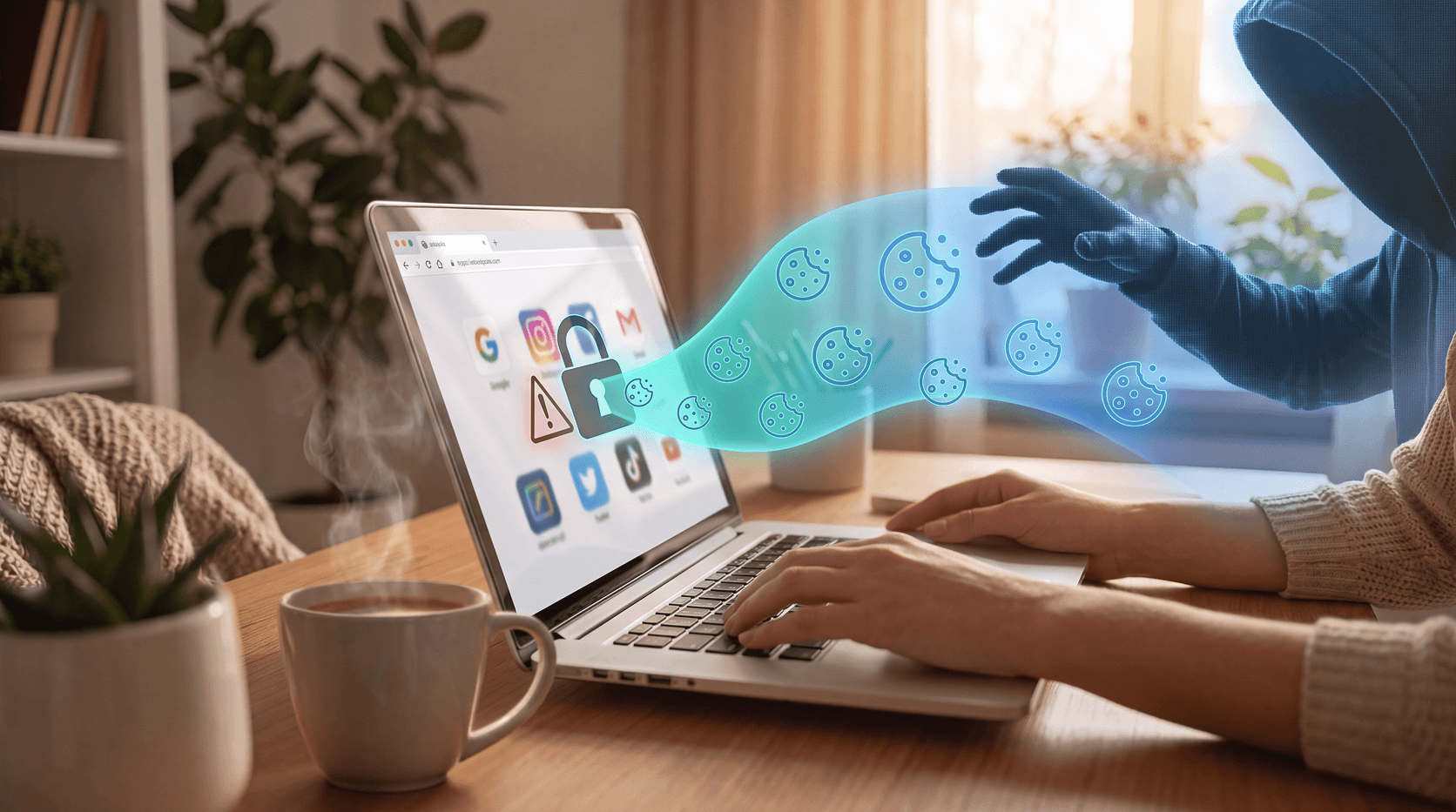
Spyware is malicious software that secretly installs on your device and monitors your activity without your knowledge. It collects passwords, financial data, and personal information, then sends it to attackers. Most people don't know it's there because it's specifically built to stay hidden, but it can be detected and removed with the right tools.
You don't have to click anything suspicious for spyware to end up on your device. That's what makes it different from most other online threats. It doesn't announce itself. It doesn't lock your files or demand a ransom. It just watches. Quietly. For as long as it can.
Spyware is one of the most common forms of malware, and most people have no idea it's there until real damage is already done. This guide covers what spyware actually is, how it gets onto your devices, what it's after, how it hides, and what you can do to get rid of it.
What is spyware?
Spyware is malicious software that installs itself on your device without your knowledge and monitors what you do. It runs in the background, often undetected, collecting data and sending it back to whoever deployed it. That could be a cybercriminal, a bad-faith advertiser, or in some cases, someone you know personally.
Unlike ransomware or a virus, spyware doesn't want you to know it's there. Its value depends entirely on staying invisible. According to Malwarebytes, spyware "runs quietly in the background, maintaining a secret presence, collecting information or monitoring your activities", and it doesn't come with an easy uninstall option once it's in.
How does spyware get on your device?
The most common entry points are things most people do every day. Clicking a link in a phishing email, downloading a free app or browser extension, or installing software that bundles a hidden program alongside the one you actually wanted.
Spyware also spreads through drive-by downloads, where visiting a compromised website is enough to trigger an install with no click required.
Software bundles are a particularly sneaky vector. You download a free PDF converter or a game, agree to the terms without reading them, and a second program gets installed quietly alongside it. That second program is the spyware. Malwarebytes notes that spyware frequently disguises itself as a useful tool, like a download manager or disk cleaner, to get past your defenses. Even if you later uninstall the original app, the spyware stays.
Common spyware delivery methods:
- Phishing emails with malicious links or attachments
- Free software bundles with hidden programs
- Drive-by downloads from compromised websites
- Fake or repackaged mobile apps
- Browser extensions with excessive permissions
What does spyware steal?
The answer depends on the type, but the list is longer than most people expect.
Spyware can capture your passwords as you type them, record credit card numbers, harvest email contacts, track your location, and take screenshots at regular intervals. Some variants read your messages. Others listen through your microphone.
Here's how the main types break down:
A keylogger alone can hand an attacker everything, from your email password to the answers to your security questions. It doesn't need to break encryption. It just watches you type.
How spyware hides on your device
Staying hidden is what spyware is engineered to do. Most variants use several techniques at once.
They disguise themselves as legitimate system processes, adopting names that look like normal Windows or macOS services. Some install rootkits that operate at the kernel level of your operating system, which makes them invisible to standard security scans. Others use process injection, embedding their code inside trusted applications already running on your device.
On mobile, spyware apps often request broad permissions under the guise of functionality. A flashlight app that wants access to your microphone and contacts isn't broken. It's doing exactly what it was built to do.
Some spyware also disables or interferes with antivirus tools specifically to prevent detection. It's not passive. It actively works to stay alive on your device.
Stalkerware: the spyware hiding in plain sight
Stalkerware is a specific and particularly concerning category. It's commercially available software marketed for purposes like parental monitoring or employee tracking, but it's frequently used by abusive partners to surveil victims without their consent.
According to the Coalition Against Stalkerware, Kaspersky identified over 31,000 cases of stalkerware in 2023, marking a 6% increase from the previous year. That reversal of the prior downward trend suggests the problem is growing.
Stalkerware hides its icon, runs silently, and can track location, read messages, record calls, and log app activity around the clock. Unlike criminal spyware deployed remotely, stalkerware usually requires brief physical access to install. That makes it particularly common in situations where trust, and device access, already exist.
If you suspect stalkerware on your device, consult the Coalition Against Stalkerware's resources before removing it. Abrupt removal can sometimes escalate danger in certain situations.
Signs your device might have spyware
Spyware rarely announces itself, but it does leave traces. Watch for combinations of these warning signs:
- Battery draining faster than usual without any change in your usage
- Device running noticeably slower, especially during tasks that were quick before
- Unexpected data usage spikes when you haven't been streaming or downloading
- More pop-up ads than normal, including on sites that don't typically show them
- Browser homepage changed without your input
- Apps you don't remember installing showing up in your app list
- Your phone feels warm even when it's sitting idle
None of these symptoms are definitive on their own. Two or more together are worth taking seriously.
How to remove spyware from your device
Removal depends on what's installed and how deeply it's embedded. Here's a practical starting point.
On Windows or Mac:
- Run a full scan with reputable security software. Malwarebytes offers a free version that detects many common spyware types.
- Open Task Manager (Windows) or Activity Monitor (Mac) and look for processes using high CPU or memory that you don't recognize. Search their names online before ending them.
- Review your installed programs and uninstall anything unfamiliar.
- Check your browser extensions and remove any you didn't intentionally add.
On Android:
- Go to Settings > Apps and look for anything you don't recognize.
- Check which apps have administrator permissions and revoke access from anything suspicious.
- Run a mobile security scan.
On iPhone:
- Look for an app called Cydia. If it's on your phone and you didn't jailbreak it yourself, remove it immediately, it's a sign something's wrong.
- Update to the latest iOS version, which often patches the exploits spyware relies on.
The nuclear option: A factory reset will remove almost any spyware. It wipes everything, so back up your data first, but make sure the backup itself isn't infected.
Real-time protection like Guardio, on your computer and your phone, adds a layer of defense before installation even happens, blocking malicious sites and flagging suspicious downloads as they occur.
Get a free security scan with Guardio today and stay protected from spyware.
Conclusion
Spyware is built to stay hidden. That's the whole point. But once you know what to look for, you're no longer the easy target it was counting on.
Check your devices regularly, be cautious about what you download, and use a security tool that watches the things you can't. Guardio monitors activity on your computer and your phone in real time, blocking suspicious sites and flagging threats before they can install anything.
Get a free security scan with Guardio today and stay protected.
FAQs
What is spyware in simple terms?
Spyware is software that secretly installs on your device and monitors your activity without your permission. It collects data like passwords, browsing history, and financial information, then sends it to whoever deployed it. Most people have no idea it's running because it's built to stay hidden.
How do I know if I have spyware on my phone?
Common signs of spyware on your phone include faster battery drain, unexpected data usage spikes, slower performance, unfamiliar apps, and pop-up ads appearing on sites that don't normally show them. No single sign is conclusive, but two or more together are a strong indicator worth investigating with a security scan.
Can spyware be removed completely?
Most spyware can be removed with reputable security software like Malwarebytes, or by manually uninstalling suspicious apps and revoking permissions. Deep infections that use rootkits may require a factory reset. The earlier you catch spyware, the easier removal tends to be.
What is the difference between spyware and stalkerware?
Stalkerware is a type of spyware specifically built to monitor individuals in personal relationships. Unlike criminal spyware installed remotely, stalkerware usually requires brief physical access to install. It's often sold legally as a monitoring tool but is frequently used for surveillance without consent.
Can iPhones get spyware?
Yes, iPhones can get spyware, though they're generally harder to infect than Android devices. Jailbroken iPhones are especially vulnerable. Sophisticated spyware like Pegasus has been documented targeting iPhones through zero-click exploits that require no user action at all.
What data does spyware steal?
Spyware can steal passwords, credit card numbers, banking credentials, email contacts, messages, location data, and browsing history, depending on the type. Keyloggers capture everything you type. Banking trojans target financial transactions. Infostealers harvest stored browser data. Some variants can also access your camera and microphone.
How does spyware get on your device without you knowing?
Spyware most commonly arrives through phishing links, free software bundles, fake apps, and drive-by downloads triggered just by visiting a compromised website. It often disguises itself as a legitimate utility or hides inside a program you intentionally downloaded, then installs silently in the background.