Passkeys vs Passwords: Is It Time to Switch in 2026?


Key Takeaways
If you've been prompted to "sign in with a passkey" recently, you're not imagining things. In 2026, passkeys are showing up everywhere, from your Google account and Apple ID to banking apps and your favorite streaming service. But what exactly are they, and should you ditch your old passwords for good?
The short answer: yes, passkeys are significantly safer than passwords, and the data is making it hard to argue otherwise. More than 5 billion passkeys are now in active use globally, and 90% of consumers are now familiar with them, with 75% having enabled at least one passkey, according to the FIDO Alliance's State of Passkeys 2026 report. Meanwhile, the password problem is getting worse: over 19 billion passwords were exposed in data breaches between April 2024 and April 2025 alone, and 61% of people still reuse passwords across multiple accounts.
Something has to change. Let's break down exactly what passkeys are, how they compare to passwords, and whether 2026 is finally the year to make the full switch.
What is a password (and why is it still a problem)?
You already know what a password is, a string of characters you type to prove it's you. But here's what most people don't think about: when you log in with a password, that password (or a hashed version of it) lives on a company's server. If that server gets breached, your credentials can end up on the dark web.
The mechanics are simple, and that simplicity is the problem:
- You type a password → the server compares it to a stored hash → access granted (or denied).
- That server-side storage is a single point of failure. One breach, and thousands or millions of credentials are exposed.
Add to that the very human tendency to reuse passwords, pick weak ones, or fall for phishing emails that trick you into typing them on fake login pages, and you've got a system that's fundamentally broken by design.
The numbers don't lie:
- 19 billion+ passwords were leaked in a single 12-month period (April 2024, April 2025).
- 94% of passwords are duplicates, meaning almost nobody is creating truly unique credentials.
- 46% of people have had a password stolen in the past year.
- Stolen credentials remain among the most common causes of data breaches, per Verizon's 2025 DBIR.
Passwords haven't failed because people are careless. They've failed because the system was never built to survive the scale of today's internet.
What is a passkey?
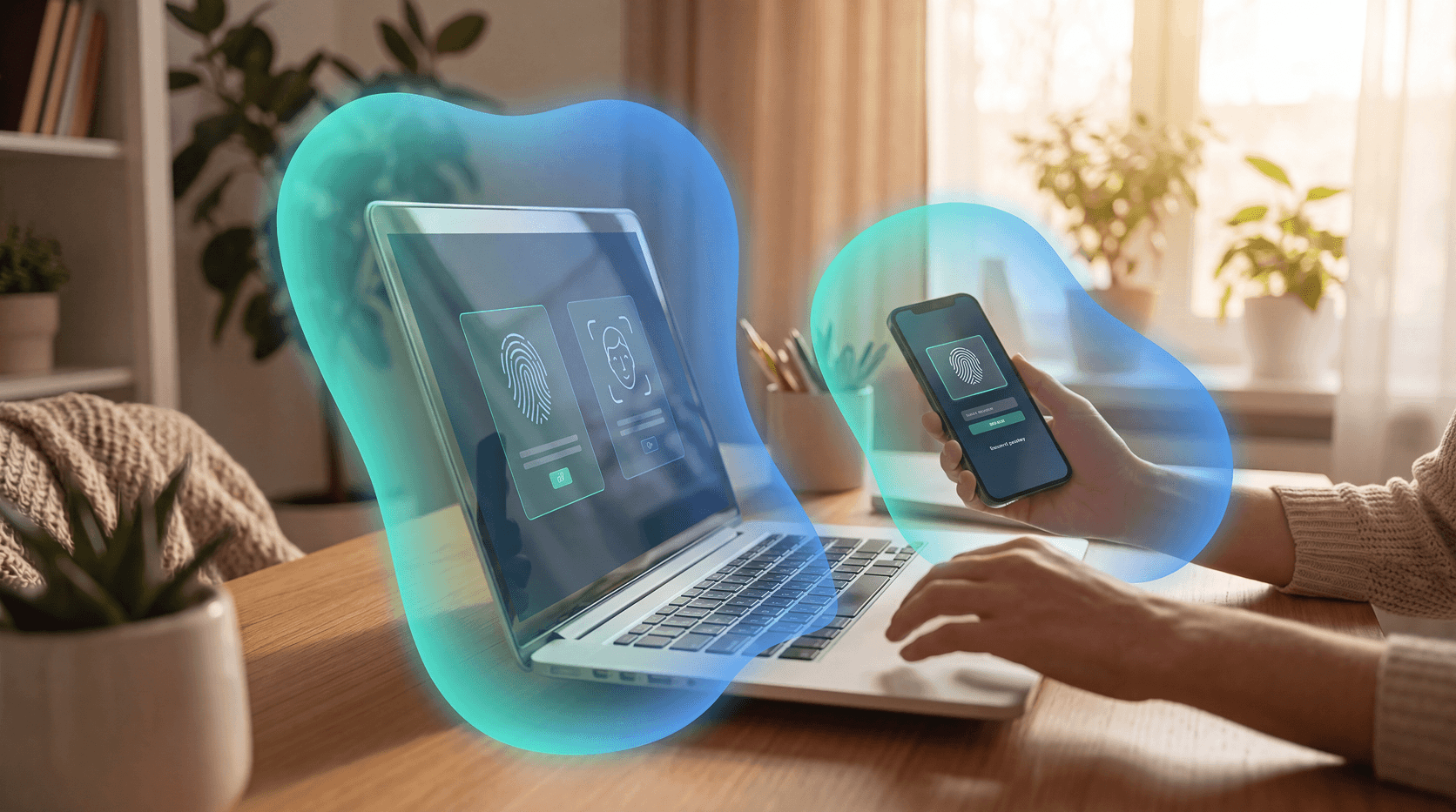
A passkey is a cryptographic key pair tied to your device. Instead of typing a string of characters, you authenticate by unlocking your device, usually with your fingerprint, face, or PIN.
Here's the key difference: the secret never leaves your device.
When you create a passkey, your device generates two mathematically linked keys:
- Private key, stored securely on your device (in your phone's secure enclave or your laptop's TPM chip). It never goes anywhere.
- Public key, sent to and stored on the service's server. It's useless without the matching private key.
When you log in, the server sends a unique "challenge." Your device uses the private key to sign that challenge, and the server verifies it with the public key. If the signatures match, you're in, all without a single character of your password being transmitted.
Why this matters for security:
- No password to steal from the server.
- No password to phish from you. Even the most convincing fake login page can't capture a passkey.
- No reuse across sites. Each passkey is unique to each service.
- Resistant to brute force. There's no guessable string to attack.
Passkeys are built on the FIDO2/WebAuthn standard, backed by Apple, Google, Microsoft, and hundreds of other organizations. They sync across your devices through iCloud Keychain, Google Password Manager, or a third-party password manager like Bitwarden or 1Password.
Passkeys vs. passwords: a side-by-side comparison
The verdict is clear on security. Where passkeys still lag is universal adoption, not every website or app supports them yet. But that gap is closing fast.
Are passkeys actually safer than passwords?
Yes, and not by a small margin.
Passkeys eliminate the two most common attack vectors that cause breaches:
- Phishing: You can't accidentally type your passkey into a fake login page. The device verifies the domain automatically; if it doesn't match, the authentication simply won't complete.
- Credential stuffing: Attackers use leaked password lists to try logging into other sites. Since passkeys can't be reused across services, stolen credentials become worthless.
According to the FIDO Alliance's 2025 Passkey Index, 93% of accounts are now eligible for passkeys among participating organizations, and 26% of all sign-ins already use passkeys. That's not a niche technology anymore. That's a mainstream security upgrade.
For individuals, the risk reduction is meaningful and immediate. For businesses, it's even more critical: 87% of firms breached in 2024 were compromised via identity vulnerabilities, with an average incident cost of $2.5 million.
What are the downsides of passkeys?
Passkeys aren't perfect, yet. Here are the real limitations worth knowing:
1. Not every site supports them yet. Passkeys are growing fast, but thousands of websites still only accept passwords. You'll be living in a hybrid world for a while.
2. Device dependency. Your passkey is tied to your device. Lose your phone with no backup, and account recovery can be a headache. The fix: always register a secondary device or use a passkey-compatible password manager that syncs across devices.
3. Shared and legacy devices. Passkeys don't work well on shared computers or legacy enterprise systems. Passwords with strong multi-factor authentication (MFA) still make sense here.
4. Platform lock-in concerns. If you use iCloud Keychain for passkeys on Apple devices, switching to Android can be clunky. Cross-platform managers like Bitwarden or 1Password solve this, but it adds a setup step.
Who's already using passkeys?
The major tech platforms moved first, and their users are already benefiting:
- Google began rolling out passkeys on World Password Day 2023 and has since made them the default sign-in option for billions of accounts.
- Apple integrates passkeys natively into iCloud Keychain on iOS 16+ and macOS Ventura+.
- Microsoft supports passkeys for Microsoft accounts and across enterprise environments via Windows Hello.
- PayPal, Shopify, GitHub, Nintendo, Best Buy, and hundreds more services now support passkeys.
As of 2026, 75% of consumers globally have already enabled at least one passkey, according to the FIDO Alliance's State of Passkeys 2026 report. The shift isn't coming. It's already happening.
Is 2026 the year to switch?
For most people: yes.
If you're already using an iPhone, Android phone, or a modern Windows or Mac computer, you almost certainly have everything you need to start using passkeys right now. Here's how to think about the transition:
Switch to passkeys first on:
- Google/Gmail
- Apple ID
- Microsoft account
- GitHub
- Any banking or financial apps that offer them
Keep passwords (for now) on:
- Older enterprise software
- Shared or kiosk devices
- Any service that doesn't yet offer passkey support
Best practice for the transition period: Use a reputable password manager alongside passkeys. Your passwords stay strong and unique while you migrate, and most modern password managers, including 1Password, Bitwarden, and Dashlane, now store passkeys in the same vault.
How Guardio keeps you protected right now
Whether you're fully on passkeys, still using passwords, or somewhere in between, the transition period is when you're most vulnerable. Attackers know you're still using passwords on many sites. They're actively trying to steal them through phishing pages, malicious browser extensions, and data broker leaks.
Guardio protects you across your browser and your phone, detecting and blocking phishing pages in real time, so even if you haven't switched that account to a passkey yet, you won't accidentally hand your credentials to a scammer. Guardio also monitors for identity breaches, alerting you the moment your email or credentials appear in a leaked database, so you can act before attackers do.
Think of it this way: passkeys are the long-term solution. Guardio is the protection you need while you get there, and after.
Conclusion
Passkeys represent the most meaningful shift in everyday authentication in decades. They're faster, simpler, and dramatically safer than passwords. The technology is mature, the major platforms already support it, and the transition is easier than most people expect.
For your most important accounts, Google, Apple, banking, there's no good reason to wait. Set up passkeys now, use a strong password manager for everything else, and let Guardio cover the gap in between.
FAQs
What's the difference between a passkey and a password?
A password is a string of characters stored on a server that you memorize and type. A passkey is a cryptographic key pair where the private key stays on your device and is never transmitted, making it immune to phishing and server-side breaches. The two methods are fundamentally different: passwords require a server to store a secret, passkeys do not.
Are passkeys safer than passwords?
Yes. Passkeys are fully phishing-resistant, can't be reused across sites, and have no server-side secret to steal. According to the FIDO Alliance's 2025 Passkey Index, 93% of accounts at participating organizations are now eligible for passkeys, and 26% of all sign-ins already use them, reflecting a broad shift toward this safer standard.
Can passkeys be hacked?
Passkeys are extremely difficult to compromise. The private key never leaves your device and is protected by your biometric data or PIN, meaning an attacker would need physical access to your unlocked device to use your passkey. There is no password database to breach and no credential string to phish.
What happens if I lose my phone?
If you lose your device, recovery depends on how your passkeys are stored. Passkeys synced via iCloud Keychain or Google Password Manager can be restored on a new device using your Apple ID or Google account credentials. Third-party managers like 1Password or Bitwarden also provide cross-device backup, which is the safest approach for most people.
Do I need to delete all my passwords to use passkeys?
No. Most services let you add a passkey alongside your existing password. You can transition gradually by setting up passkeys on your most important accounts first, like Google, Apple ID, and banking apps, and keeping passwords as a fallback while broader support grows across other websites and apps.
Is my browser protected if I'm using passkeys?
Passkeys protect your authentication, but your browser can still be targeted by malware, malicious extensions, or phishing pages for accounts that don't yet support passkeys. Guardio adds a real-time security layer across your browser and your phone that detects and blocks these threats, covering the gap during the transition period and beyond.