Kids' First Debit Card Apps: What Parents Should Check Before Signing Up



Key Takeaways
Kids' debit card apps promise a lot: financial literacy, parental controls, and a safe first step into the world of money. Some of them deliver. But before you hand your child their first card, there are a few things worth checking that the marketing never mentions.
Why these apps are everywhere right now
The idea is genuinely good. Give kids access to real money, keep parents in the loop, and build money habits early. Apps like Greenlight, GoHenry (called Acorns Early in the US), and Cash App accounts for teens have made that possible in a way that a plain piggy bank never could.
And the demand is real. Common Sense Media's 2025 census found that 51% of children age eight and younger already have their own tablet or cellphone. Kids are living digital lives earlier than ever, and money is following them there.
The problem isn't the concept. It's that not all of these apps are built with the same care, and some carry risks that aren't obvious on the sign-up page.
What does the app actually do with your child's data?
This is the first question to ask, and most parents skip it.
Kids' apps are subject to a federal law called COPPA, the Children's Online Privacy Protection Act, which requires companies to get verifiable parental consent before collecting personal information from children under 13. The updated COPPA rule, announced by the FTC in January 2025 and published in April 2025, now covers biometric identifiers, expands protections around third-party data sharing, and requires companies to maintain written security programs. Operators had to comply by April 22, 2026, so the requirements are now in force. COPPA covers only children under 13, so apps aimed at teens aren't covered by it, though other privacy and consumer-protection laws may apply.
Here's the part that should make you pause: despite these rules, Pixalate, an ad-compliance vendor, judged 1,136 of the 1,149 ad-supported, likely child-directed U.S. apps it reviewed in Q2 2025 (99%) to lack verifiable parental consent. It also found about 40% sent IP addresses or device IDs into ad bidstreams. These are Pixalate's own assessments, not legal findings.
Banking apps for kids aren't exempted from this problem just because they involve money. Before signing up, read the privacy policy and look for three specific things:
- What data is collected. Does the app need location, device ID, or behavioral data? If so, why?
- Whether data is shared with third parties for advertising. Under the updated COPPA rule, that now requires a separate parental consent step.
- How long data is retained. The updated rule says personal information may not be retained indefinitely, but some apps may not have updated their policies yet.
If the privacy policy is vague or hard to find, that's an answer in itself.
Spending controls: what to look for and what to ignore
Every kids' debit card app will tell you it has parental controls. That's table stakes. What matters is how granular those controls actually are.
Look for apps that let you:
- Set spending limits by category (so a trip to a convenience store doesn't turn into an in-app gaming binge).
- Block specific merchants or merchant types. Some apps let you restrict purchases to specific stores; others just cap a total spend amount.
- Get instant notifications. Real-time alerts for every transaction give you visibility without having to log in and check manually.
- Approve or decline individual purchases before they go through. A few apps offer this feature, and for younger kids in particular, it's worth having.
What you can mostly ignore: flashy features like investment accounts, chore-tracking dashboards, and spending charts. They're useful once a child is engaged, but they don't replace the core question of whether you can see what's happening and intervene quickly.
One thing to test before committing: turn off notifications in the app's settings, then turn them back on. If that process is confusing, the app was probably designed for the child's experience, not yours.
Are your kids being set up as targets for scams?
This isn't a hypothetical for young people. In the FTC's 2023 Consumer Sentinel data, 44% of fraud reports from people in their 20s included a financial loss. The FTC doesn't separate out minors, so this shows young adults are heavily affected, not children specifically, but kids spend time in the same digital channels.
Giving a child a debit card and an app creates new exposure. A card number is a card number. A login is a login. If your child shares either one because a fake "customer support" message asked for it, the money can disappear fast, and getting it back isn't guaranteed. If a scammer uses your child's card details, report it right away: federal rules and card-network zero-liability policies may limit your loss for unauthorized transactions.
The apps best equipped to handle this are ones that:
- Never show the full card number in the app by default. Cards should be visible only when explicitly requested.
- Require authentication before sensitive actions. Changing a PIN, transferring money, or linking a new device should all require a verification step.
- Have a clear process for freezing the card. One tap, always visible, no menus to dig through.
Ask your child's school if they have resources on spotting fake messages and payment scams. Digital safety education works better alongside a real card than it does in the abstract.
Fee structures: read these carefully
A lot of kids' debit card apps are free to download and then quietly expensive to use. Several apps charge a flat monthly family fee, roughly $6 to $12 on current plans such as Greenlight's Core and Max and Acorns Early, while others, like Step, charge no monthly fee. Prices change, so check the current pricing page. Some apps also charge for features that competitors include in their base plan.
Before signing up, check:
- Whether there's a free tier that includes the controls you actually need. A free account that only works for a teen and gives you no visibility is not actually useful.
- Whether there are transaction fees for loading money, withdrawing cash, replacing a card, or sending funds between family members.
- What happens if you cancel. Some apps make it easy; others require a support ticket and a waiting period that leaves money temporarily inaccessible.
The apps that are genuinely transparent about fees put them on their pricing page clearly and let you calculate a monthly cost before entering a card number. If you have to scroll through an FAQ or read the fine print to figure out what you'll pay, expect surprises.
The phone and browser protection you might be missing
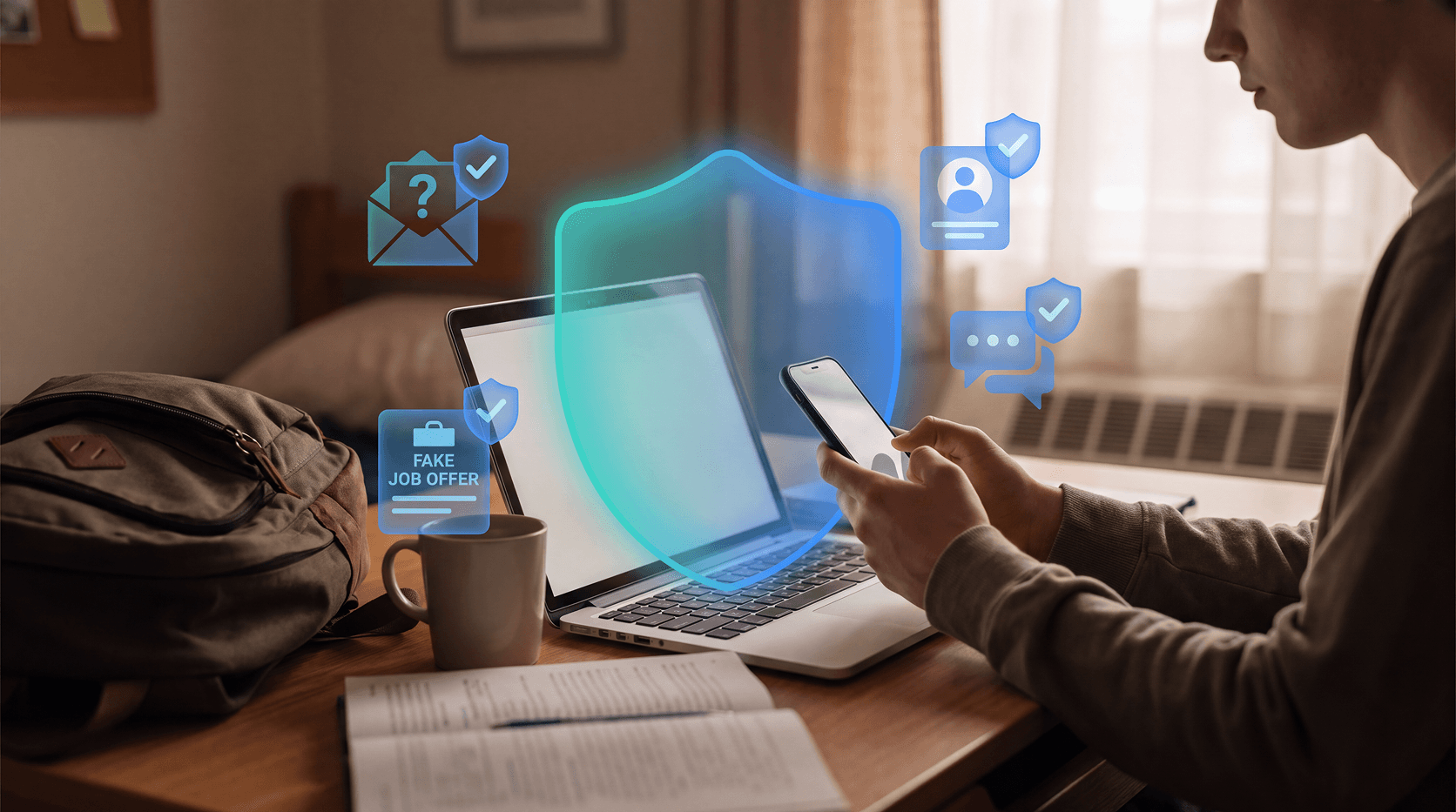
A kids' debit card app doesn't exist in isolation. It lives on a phone that also has social media, messaging apps, and a browser. Scams targeting young people often work by starting on one platform and moving to another.
A child who gets a fake message on Instagram asking them to "verify your GoHenry account" might not immediately recognize that as a phishing attempt. They've seen legitimate account verification requests before. The combination of real financial tools and a connected device creates a new kind of exposure.
This is where a security layer for phishing sites and malicious links can help. Guardio's browsing protection blocks known phishing sites and fake login pages before they open, on both computers and phones, and Email Security flags phishing emails that get past Gmail's spam filter. It doesn't replace your judgment or your conversations about online safety, but it can help close a gap that parental controls on a banking app can't cover.
Get a free security scan with Guardio today and stay protected.
A quick checklist before you sign up
If you're evaluating a kids' debit card app, run through these before you hand anything over:
- Read the privacy policy, specifically the sections on third-party data sharing and retention.
- Check whether parental consent is separate for advertising data (required under the updated COPPA rule).
- Test the spending limit and notification settings before loading money.
- Find the card freeze option before your child touches the app.
- Look up the fee structure and calculate what you'd pay monthly.
- Talk to your child about what "customer support" will and won't ask for.
- Make sure the device the app runs on has protection against phishing sites and malicious links.
None of this takes long, and it's worth the time.
FAQs
What should I look for in a kids' debit card app?
Look for clear parental controls, real-time spending notifications, a card freeze option, and a transparent privacy policy that explains what data is collected and whether it's shared with advertisers. The updated COPPA rule (compliance has been required since April 22, 2026) requires separate parental consent for disclosures to third parties that aren't integral to the service, such as advertising, so check whether the app reflects this.
Are kids' debit card apps safe?
Many reputable apps are reasonably safe, but safety depends on the specific app and how it's set up. Pixalate, an ad-compliance vendor, judged 99% of the ad-supported, likely child-directed apps it reviewed in Q2 2025 to lack verifiable parental consent. That is its own assessment, not a legal finding, and it covered ad-supported apps only. Review the privacy policy and enable all available security settings before letting your child use the app independently.
Can my child's debit card be used in scams?
Yes. In the FTC's 2023 Consumer Sentinel data, 44% of fraud reports from people in their 20s included a financial loss, and the FTC doesn't break out minors. A debit card number combined with a believable fake message is enough for a scammer to cause real financial harm. Teach your child never to share a PIN, password, or one-time code with anyone who contacts them, even if they say they're from the bank or the app.
What is COPPA and why does it matter for kids' banking apps?
COPPA, the Children's Online Privacy Protection Act, is a federal law requiring companies to get verifiable parental consent before collecting personal information from children under 13. The FTC updated the rule in 2025 to expand protections, including biometric data and stricter rules around third-party advertising. Apps that don't comply put your child's data at risk. COPPA covers only children under 13, so teens aren't covered by it.
What's the difference between a prepaid card and a debit card for kids?
Many kids' cards are prepaid accounts, while others are debit cards linked to a deposit account. For example, Greenlight's cardholder agreement describes its card as prepaid, issued by Community Federal Savings Bank. Federal Regulation E protections for errors and unauthorized transfers apply to prepaid accounts as well as bank accounts, so the label matters less than the terms. Check the cardholder agreement for who issues the card, what the fees are, and whether the funds are FDIC-insured.
Do free kids' debit card apps have hidden fees?
Sometimes. Free tiers often limit key features like real-time notifications or category-based spending controls, and some apps charge per transaction or for ATM withdrawals. Always calculate the actual monthly cost before signing up, including any fees that apply to the features you specifically need.