How to Recognize a Phishing Email: Visual Cues, Red Flags, and a Quick-Check Checklist


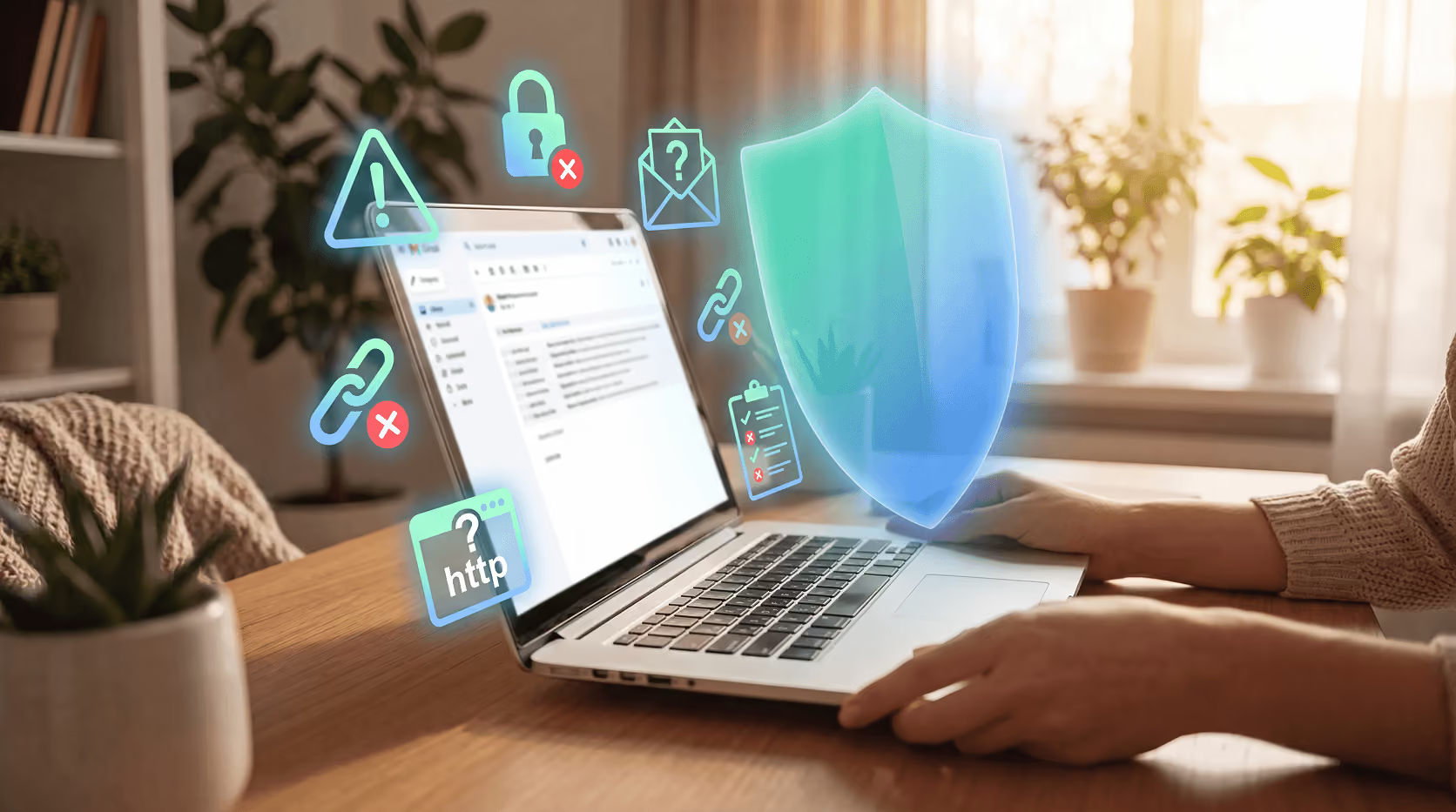
Key Takeaways
Most phishing emails don't look obviously fake. That's the whole point. They're built to look like a password reset from your bank, a shipping update from Amazon, or an urgent message from your boss. The goal is to get you to act fast, before you stop to think.
Here's the thing: the signs are almost always there. You just need to know what to look for.
According to the Verizon 2024 Data Breach Investigations Report, the human element was involved in 68% of all data breaches, and phishing remains one of the most reliable ways attackers exploit it. The FBI received 193,407 phishing complaints in 2024 alone, making it America's most reported cybercrime that year.
This guide walks you through exactly how to recognize a phishing email, what the visual cues look like, the red flags that show up again and again, and a quick checklist you can run through every time something feels off.
What phishing emails are actually trying to do
Phishing works through manipulation, not technical hacking. The attacker is trying to trick you into handing over your login credentials, personal information, or money by impersonating someone you trust.
The most common disguises include:
- Your bank or credit card company, warning about suspicious activity
- A delivery service, asking you to reschedule or pay a customs fee
- A workplace tool like Microsoft 365, Google, or DocuSign, asking you to log in
- A friend or colleague, whose account has already been compromised
The impersonation can be nearly flawless. Logos, colors, and formatting often match the real brand closely. What gives them away are the details they can't quite get right.
For a broader look at how phishing scams operate across different channels, our phishing resource hub has you covered.
Visual cues: what to look at before you read the message
The first sweep of any suspicious email should be visual, before you even read the body copy.
The sender's email address
This is the single most reliable tell. The display name might say "PayPal Security Team," but if you hover over the sender name or tap it on mobile, the actual address often reveals something different. Look for:
- A domain that doesn't match the company (e.g.,
support@paypa1-secure.cominstead of@paypal.com) - Extra characters or hyphens in the domain (
amazon-security.netvs.amazon.com) - A long string of random characters before the @ symbol
- A free email domain like Gmail or Yahoo claiming to be from a major institution
Legitimate companies send automated emails from their own verified domains. Always.
The greeting
Generic greetings are a fast indicator. "Dear Customer," "Dear User," or "Hello Account Holder" signal that the message was sent to thousands of people at once. Real correspondence from companies you actually use will almost always include your name.
Logos and formatting
Phishing emails often use slightly blurry logos, inconsistent fonts, or mismatched colors. This happens when attackers grab images from the web rather than brand asset libraries. Side-by-side with a real email from the same company, the difference stands out quickly.
Attachments you didn't ask for
An unexpected attachment, especially a .zip, .exe, or .pdf from someone you don't recognize, is a significant warning sign. Don't open it. Not even to check what it is.
Red flags in the message itself
Once you've done the visual pass, read the content carefully. These are the patterns that show up most often in phishing attempts.
Urgency and threats
"Your account will be suspended in 24 hours." "Verify your identity immediately or lose access." Attackers want you to react before you think. Real companies rarely impose same-day deadlines for routine account actions. If the email is pushing you to act right now, slow down.
A link that doesn't match where it claims to go
Hover over any link in the email before clicking. The URL that appears in the bottom of your browser should match the displayed text and the company's actual domain. Watch for:
- A domain that swaps letters (e.g.,
rninstead ofm, which looks nearly identical in many fonts) - A legitimate-looking brand name buried in a longer URL (
amazon.com.phishingsite.netis NOT an Amazon link) - Shortened URLs that obscure the destination entirely
On mobile, press and hold a link to preview the destination before tapping.
Requests for sensitive information
Legitimate companies don't ask for your password, Social Security number, or full credit card number over email. Full stop. If an email is asking you to provide that kind of information in a reply or through a form, it's a scam.
Grammar, spelling, and odd phrasing
This one's less reliable than it used to be. AI tools have made phishing emails significantly more polished. But awkward sentence structures, inconsistent capitalization, or odd word choices still slip through. Trust your instincts when something reads strangely.
The quick-check checklist
Run through this before you click anything in a suspicious email.
If you check more than two boxes, don't engage. Report it instead.
How to report a phishing email
Don't just delete it. Reporting helps protect everyone else who might receive the same message.
- In Gmail: Open the email, click the three-dot menu, and select "Report phishing."
- In Outlook: Use the "Report" button or forward to
phish@office365.microsoft.com. - Forward to the Anti-Phishing Working Group (APWG): You can report phishing emails to reportphishing@apwg.org.
- Notify the impersonated company: If the email pretends to be from your bank or a known brand, forward it to their fraud team. Most companies have a dedicated address for this.
Why this keeps getting harder
Phishing emails are better than they've ever been. KnowBe4's 2025 research found that 82.6% of phishing emails now contain AI-generated content, and the global average rate of employees who click on a phishing link without any training sits at 33.1%.
The volume of attacks is high. The quality is improving. And the targets are ordinary people going about their normal day online.
That's exactly why visual habits matter. The checklist above takes less than 60 seconds. Spending those 60 seconds on a suspicious email is the kind of habit that keeps your accounts, your money, and your personal information from falling into the wrong hands.
Conclusion
You don't need to be a security expert to spot a phishing email. You need to slow down for one minute and look at the right things. The sender address, the greeting, the links, the request, and your own instincts will take you a long way.
Guardio monitors your inbox and browsing activity in real time, flagging suspicious links and known phishing domains before you ever have to click them. It achieved 100% detection in independent phishing tests, so the protection is real, not just a feature on a list. Developing your own eye for the signs is a skill no one can take from you. Guardio just makes sure something is watching your back in the moments you're moving too fast to notice.
Get a free security scan with Guardio today and stay protected from phishing attacks.
FAQs
What are the most common signs of a phishing email?
The most reliable signs are: a sender address that doesn't match the claimed company's domain, a generic greeting instead of your name, a link that goes somewhere different than it claims, and a sense of urgency pushing you to act immediately.
Can phishing emails look completely real?
Yes. Modern phishing emails often use real company logos, accurate formatting, and polished writing. Visual inspection of the sender's actual email address and link destinations (not just display names) is the most reliable way to catch them.
What should I do if I receive a phishing email?
Don't click any links or open attachments. Report it using your email client's built-in reporting tool, forward it to the relevant company's fraud team, and delete it. If you're on a work device, notify your IT team.
Is it safe to open a phishing email?
Opening the email itself rarely causes harm. The risk comes from clicking links, opening attachments, or providing information. That said, some sophisticated attacks can trigger scripts on image load, so it's safest to treat any suspicious email as hands-off.
Why do phishing emails create urgency?
Urgency is a manipulation technique. Attackers want you to react before you have time to verify whether the email is real. Legitimate companies almost never impose same-day or immediate deadlines for routine account actions.
How do I check if a link in an email is safe?
Hover over the link (or press and hold on mobile) to preview the actual destination URL. Verify that the domain exactly matches the company's real website. If it doesn't, don't click.
What's the difference between phishing and spear phishing?
Regular phishing sends the same message to many people, hoping someone takes the bait. Spear phishing is targeted. The attacker knows something about you (your name, your company, a recent order) and personalizes the message to seem more credible.
Can Guardio help protect me from phishing emails?
Guardio detects and blocks malicious links and known phishing domains in real time as you browse and receive emails. It achieved 100% detection in independent phishing tests, compared to 80% for Aura in the same evaluation.

 Phishing Scams
Who Texted Me from This Phone Number? Unraveling the Mystery


