Is Your Home Printer a Security Risk? The Overlooked Entry Point on Your Network


Key Takeaways
Your router gets a password. Your laptop gets antivirus. Your phone locks itself after 30 seconds. Your printer? It's probably sitting in the corner of your home office doing exactly what it shipped with, the same default password, the same outdated firmware, and the same open ports that anyone with basic tools could find.
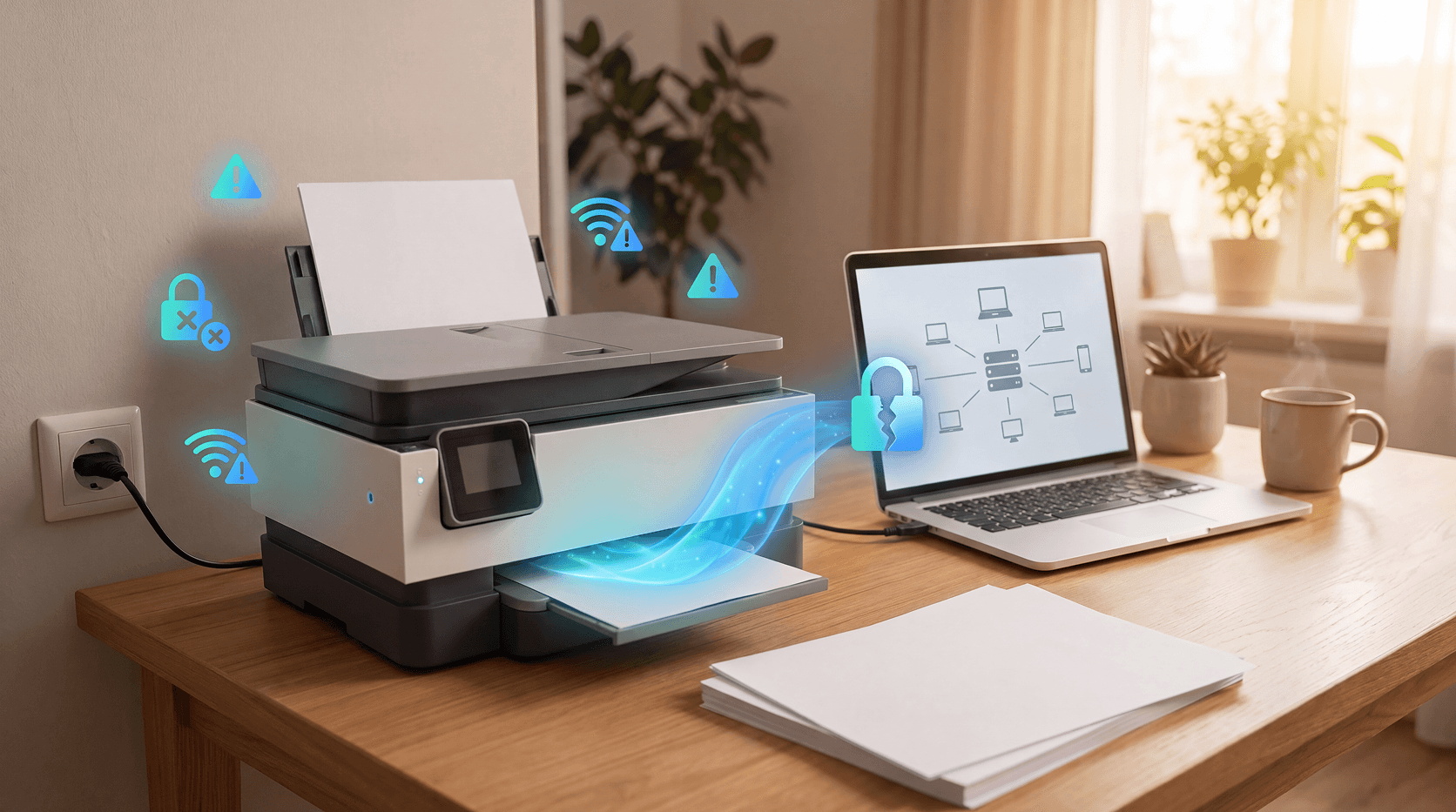
That quiet little machine is a computer. It runs an operating system, connects to your Wi-Fi, stores copies of what you've printed, and in many cases, exposes an admin interface to anyone on your network. Sometimes beyond it.
This is what printer hacking looks like in practice, and here's what you can do about it.
Your printer is a full computer on your network
Most people think of a printer as a one-way output device. Send document, paper comes out. That's not how modern printers work.
Today's home printers run embedded operating systems. They have network interfaces, web-based admin dashboards, internal storage, and in many models, hard drives that cache documents. They receive data over Wi-Fi, communicate with cloud services, and can be accessed remotely.
That functionality is what makes them useful. It's also what makes them a target.
When security researchers at Cybernews ran a controlled experiment, they used publicly available tools to scan for printers accessible over the internet. They found more than 800,000 devices with network printing features enabled and open to the web. From a sample of 50,000, they successfully hijacked 27,944 printers without any special access, just open ports and default settings left untouched.
That number isn't a fluke. It's a pattern. Printers are consistently treated as appliances when they should be treated as networked devices.
What can a hacker actually do with your printer?
Printer hacking isn't just about printing weird pages. Here's what unauthorized access can actually mean for you.
Read your stored documents. Many printers keep a cache of recent print jobs in internal memory or on a built-in hard drive. Tax returns, medical forms, bank statements, legal documents. If a hacker can reach your printer's file system, they can read what you've printed.
Use your printer as a launchpad. Once inside your printer, an attacker has a foothold on your home network. From there, they can probe other connected devices, your laptop, your phone, your smart TV. Security experts call this lateral movement, and printers are particularly useful for it because they're rarely monitored.
Intercept documents in transit. When you print over Wi-Fi, your document travels as a data packet across your network. If your printer or router uses outdated encryption, or none at all, that packet can be intercepted before it ever reaches the tray.
Hijack the device itself. In more aggressive scenarios, attackers can take over a printer's functions entirely, flooding it with junk print jobs, locking out the admin interface, or using the device in broader attacks against other targets.
In June 2025, security researchers at Rapid7 disclosed eight new vulnerabilities affecting 748 printer models across five manufacturers: Brother, Fujifilm, Ricoh, Konica Minolta, and Toshiba Tec. The most serious flaw, an authentication bypass vulnerability, allowed attackers to leak a device's serial number and generate the default administrator password. Security Magazine reported that Brother confirmed the flaw couldn't be fully patched through firmware alone.
Why home printers are so easy to exploit
The core problem isn't the hardware. It's the defaults.
Printers ship with factory credentials like admin / admin or admin / password. Most people never change them. The admin web interface is left open. Firmware updates are never applied. Ports that should be closed stay open.
HP's own security guidance identifies the most common vulnerabilities: generic default credentials, outdated encryption protocols like WEP, unpatched firmware, unprotected ports (particularly port 9100 and port 631), and cloud-linked services with no access controls.
Most of these aren't sophisticated technical failures. They're the result of never setting the device up properly in the first place.
There's also a practical reality: people forget printers exist as network devices. You set one up, connect it to Wi-Fi, and move on. It sits there for years. Nobody updates it. Nobody checks its settings. And all that time, it's a live device sitting on your home network.
How to actually secure your home printer
These steps don't require technical expertise. They take about 20 minutes and they close the most common attack paths.
1. Change the default admin password.
Access your printer's web interface by typing its IP address into a browser (you'll find this in your printer's network settings or your router's connected devices list). Log in and change the admin password to something strong and unique.
2. Update the firmware.
Check your manufacturer's support site for the latest firmware for your specific model. Many printers can do this from the settings menu directly. If the June 2025 Rapid7 disclosures showed us anything, it's that firmware vulnerabilities are real and actively exploited.
3. Turn off features you don't use.
Remote printing, cloud printing, AirPrint, Wi-Fi Direct. If you don't use them, disable them. Every active feature is a potential entry point.
4. Put your printer on a guest network.
Most modern routers let you create a separate Wi-Fi network for devices. Isolating your printer here means that even if it's compromised, an attacker can't use it to pivot to your other devices.
5. Disable unused ports.
Port 9100 (raw printing) and port 631 (Internet Printing Protocol) are common targets for scanners. If your printer supports port management, close what you're not using.
6. Enable encryption.
Check that your printer is using WPA3 or at minimum WPA2 on your network. Also check whether your printer supports SSL/TLS for its admin interface.
7. Wipe it before you sell or recycle it.
Printers with internal storage hold a history of everything printed. Most modern printers have a factory reset option that clears this data. Use it before the device leaves your hands.
The broader picture: your printer isn't alone
Printers sit in a larger category of devices most people overlook when they think about home network security: smart TVs, baby monitors, connected speakers, older routers. Each one is a networked computer with its own software, its own default settings, and its own potential vulnerabilities.
The real risk isn't any single device. It's the assumption that because something isn't a laptop or a phone, it doesn't need to be secured.
Your printer connects to the same network as your banking app, your email, and your work documents. That connection runs both ways.
Guardio protects your browsing, email, and identity from threats that standard antivirus misses, blocking dangerous sites and alerting you the moment your personal information turns up in a data breach. While it doesn't directly configure your printer settings, keeping your identity and your other devices protected limits how much damage a compromised printer can do if it ever becomes an entry point.
Get a free security scan with Guardio today and see what's exposed.
Conclusion
Your printer is probably the least-secured device on your network. It has default credentials, unpatched firmware, and open ports that it shipped with and that nobody ever touched. That's not unusual. It's just how most home setups work.
The good news is that fixing this is genuinely straightforward. Change the password. Update the firmware. Turn off what you don't use. Isolate it on a guest network. None of that takes more than a few minutes, and it closes the attack paths that most printer hacking exploits.
Security isn't about locking down one device. It's about making sure every device on your network earns its place there.
FAQs
Can my home printer really be hacked?
Yes, home printers can be hacked. They are networked computers that run operating systems, store documents, and communicate over Wi-Fi. Security researchers at Cybernews hijacked nearly 28,000 printers in a single experiment by scanning for open ports and default credentials. Leaving factory settings unchanged is one of the most common and easily exploited vulnerabilities on a home network.
What can a hacker do with access to my printer?
A hacker with access to a home printer can read stored print jobs (including tax returns or bank statements), use the printer as a launchpad to reach other devices on the same network, intercept documents traveling over Wi-Fi, and in some cases take full control of the device. Printers are useful for attackers because most home users never monitor them.
How do I know if my printer has been hacked?
Signs that a printer may have been hacked include unexpected behavior (printing random pages, going offline without explanation), admin settings you didn't change, unfamiliar devices appearing on your network, or a printer that can no longer be reached through its normal interface. If you suspect a compromise, a factory reset followed by a firmware update is the right first step.
What is the most common printer security mistake?
The most common printer security mistake is not changing the default admin password. Most printers ship with credentials like "admin/admin" or "admin/password" that are publicly listed in manufacturer documentation. Anyone on your network, or in some cases anyone on the internet, can use these to access the printer's admin interface and make unauthorized changes.
Do printers store copies of what I've printed?
Many modern printers store print jobs in internal memory or on a hard drive, sometimes indefinitely. This means sensitive documents printed months ago could still be recoverable if someone gains access to the device. Always run a factory reset before selling or disposing of a printer to clear any stored print history.
How often should I update my printer's firmware?
Check for printer firmware updates every few months, or immediately after any security disclosure affecting your printer brand. In June 2025, Rapid7 disclosed eight vulnerabilities affecting 748 printer models across five manufacturers. Manufacturers release patches for these issues, but the patches only protect you if you install them.
Should I put my printer on a separate network?
Yes. Isolating a home printer on a guest Wi-Fi network limits the damage if the device is ever compromised. An attacker who gains access to a printer on a guest network can't automatically reach other devices on the main network, like laptops, phones, or smart home gear. Most modern routers make this straightforward to set up in a few minutes.
 How-To & Safety Tips
CAPTCHA Scams: How to Spot and Avoid Fake CAPTCHAs