Baby Monitor and Nursery Camera Hacking: Securing the Weakest Link in a Smart Nursery


Key Takeaways
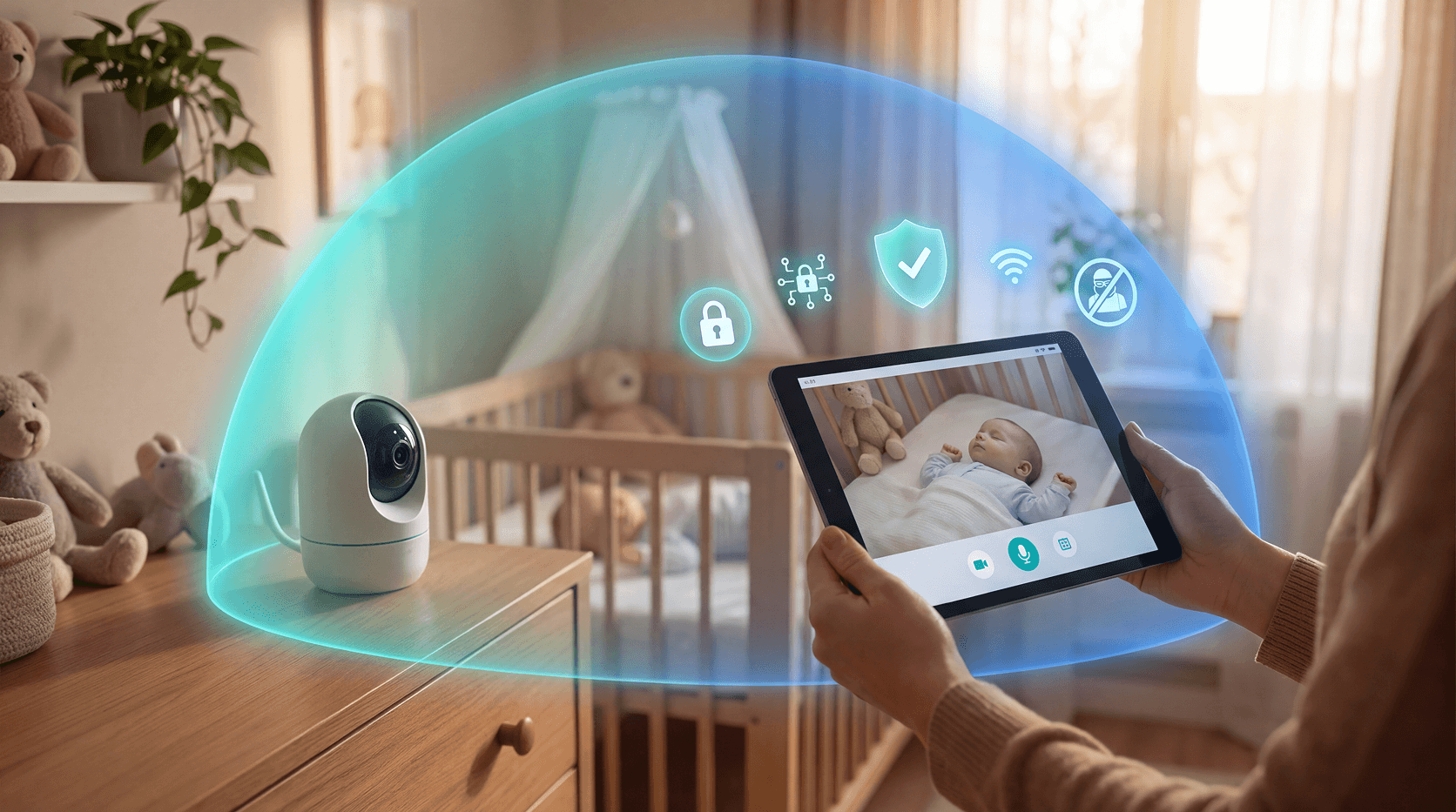
You set up the baby monitor, found a good angle on the crib, and went to bed feeling like a responsible parent. What most people don't think about is that the same camera streaming footage of their sleeping child might also be visible to someone they've never met.
Baby monitor hacking is real. It isn't a pandemic, and most parents will never experience it. But the incidents that have happened, a stranger's voice coming through the speaker, a camera panning on its own, footage appearing somewhere it shouldn't, are serious enough to understand and prevent.
This guide gives you the realistic picture and a clear plan to act on.
Can baby monitors actually be hacked?
Yes, but the risk is concentrated in Wi-Fi connected models, and it almost always traces back to the same few mistakes.
The smart baby monitor market was worth roughly $1.4 billion in 2024 and is projected to reach $3.7 billion by 2034. More cameras, more cloud connectivity, and more homes with weak network security create a larger pool of targets. IoT device attacks surged 107% in the first five months of 2024 compared to the same period in 2023, and affected devices stayed under attack for an average of 52.8 hours per incident, according to SonicWall's 2024 Mid-Year Cyber Threat Report.
The monitor isn't usually the end goal. Once someone has access to a camera on your network, they have a foothold that can reach your laptop, your banking apps, and every other connected device in your home.
What type of monitor is safest?
Before adjusting any settings, it helps to understand what you're working with.
Monitor TypeSecurity RiskKey Trade-offAnalog RFVery low (no internet)Audio-only, limited rangeDECT (dedicated radio link)Very low (no internet)No remote smartphone accessWi-Fi / IP / CloudModerate to high (setup-dependent)Full smart features, remote accessHybrid (local storage + optional cloud)Low to moderateBetter privacy, fewer smart features
DECT monitors use a dedicated, time-division radio link (TDMA/TDD) rather than an internet connection, which is why they can't be intercepted remotely over the internet. If remote access isn't important to you, DECT or analog monitors eliminate internet-based hacking risk entirely.
Wi-Fi monitors are the most capable and the most exposed. The rest of this guide focuses on securing them.
How do hackers get in? The five most common ways
Most baby monitor attacks aren't sophisticated. They exploit the same predictable weaknesses:
- Default passwords. Factory credentials like "admin/admin" are catalogued online and tested by automated bots that scan thousands of IP addresses per minute. If you haven't changed the password, the camera is open.
- Outdated firmware. Manufacturers release security patches regularly. If auto-update isn't enabled and you never check manually, known vulnerabilities stay in place indefinitely.
- Credential stuffing. If you use the same email and password for your monitor's app as you do for another service that's been breached, attackers will try that combination on every connected device they can find.
- Man-in-the-middle attacks. Someone on or near your network can intercept the communication between your device and the companion app, especially if traffic isn't properly encrypted end-to-end.
- Open ports and camera indexing. Some cameras expose ports to the internet for remote access. Tools like Shodan can find those open ports automatically, making the camera discoverable without any traditional "hacking" at all. In May 2026, researchers disclosed that over 1.1 million baby monitors and security cameras worldwide, built on a shared cloud platform used across 300+ brands, were accessible to anyone with basic technical knowledge, due to specific security flaws including missing access controls and hardcoded keys, not just misconfiguration.
Warning signs your baby monitor may be compromised
Most parents won't catch a compromise in real time. These signs are worth knowing:
- The camera pans or tilts on its own
- You hear unfamiliar voices or sounds through the speaker
- The LED indicator behaves unexpectedly (on when it shouldn't be, changed color)
- Your router shows unrecognized devices connected to your network
- The monitor app logs you out, resets a password, or shows sessions you didn't start
- Data usage on your home network spikes without explanation
- The camera restarts or goes offline repeatedly without a clear reason
Any one of these could have an innocent explanation. A pattern of them, especially unfamiliar voices or camera movement, is worth taking seriously. Fox News / CyberGuy documents the same warning signals parents and security researchers consistently flag.
10 steps to secure your baby monitor
These aren't complicated. Most take under five minutes each.
- Change the default password immediately. Use at least 12 characters with a mix of uppercase, lowercase, numbers, and symbols. Don't reuse a password from any other account.
- Turn on two-factor authentication (2FA). This adds a second verification step beyond your password. Most monitor apps now support it. Enable it.
- Update firmware regularly. Register your device with the manufacturer so you receive update notifications. Check for patches at least once a month. Security fixes only work if you apply them.
- Secure your router too. Your camera is only as secure as the network it's on. Change the router's default admin credentials, use WPA3 encryption (WPA2 at minimum), disable WPS, and update the router's own firmware.
- Put the camera on a separate network. Most modern routers let you create a guest network or IoT VLAN. Put your baby monitor on it. This way, even if the camera is compromised, it can't communicate directly with your laptop or phone.
- Disable features you don't use. Remote access, port forwarding, and DDNS are useful if you want to check in from outside the house. If you don't, turn them off. Every open feature is a potential entry point.
- Audit who has access. Check which email accounts have access to the monitor's companion app. Remove anyone who no longer needs it.
- Review access logs. Log into your monitor's app or web portal and look for unrecognized sessions or unfamiliar IP addresses. Some brands show this clearly; others bury it in settings.
- Buy from brands with a clear security track record. Look for manufacturers that publish a security disclosure policy, offer two-factor authentication, and push firmware updates consistently. Vague language about "encrypted" or "secure" without specifics is a yellow flag.
- Use physical controls. Power off the camera when the room is unoccupied for extended periods. If the monitor has a physical lens cover, use it. It's the simplest protection available.
What to do if you think your monitor was hacked
Don't wait to be certain. If something feels wrong, act immediately.
- Unplug the camera from power
- Change your monitor app password and enable 2FA from a separate device
- Change your home Wi-Fi password (you'll need to reconnect your other devices)
- Log into your router and check for unrecognized connected devices; remove any you don't recognize
- Contact the monitor manufacturer's security team and report what you observed
- Check whether your email appears in known data breaches at haveibeenpwned.com
- If the same password was used elsewhere, change it on every other account
- If a child was targeted or filmed without consent, file a report with the FTC at reportfraud.ftc.gov and contact local law enforcement
What manufacturers collect, even when nothing goes wrong
A monitor that's never hacked can still raise privacy concerns.
Many collect more than video: audio, sleep patterns, movement data, room temperature, and sometimes voice. Review the manufacturer's privacy policy before purchase. Questions worth asking: What data is collected? Who is it shared with? Is it retained after you delete the account?
The FTC finalized updated COPPA rules in January 2025, strengthening protections around data collection from services used by or directed at children under 13. State laws are moving in a similar direction. Connecticut's Consumer Data Privacy Act adds tiered protections for minors, including consent requirements for data from children under 13, opt-in rules for targeted advertising involving teens under 16, and added restrictions on profiling and targeted ads for anyone under 18. As a parent, knowing what your monitor's manufacturer collects puts you in a better position to choose, and to object.
Conclusion
A baby monitor is one of the most intimate devices in your home. It deserves the same attention to security that you'd give your front door lock.
The good news is that most risks are preventable. A strong, unique password, updated firmware, and a separate network for your IoT devices close the door on the vast majority of known attack methods. None of these steps require technical expertise. They just require doing them.
Your monitor isn't the only place your family's data could be exposed. Get a free security scan with Guardio today to check whether your email or personal information has already turned up in a data breach.
FAQs
Can someone hack a baby monitor without knowing my password?
Yes. If a monitor is misconfigured with an open port or default credentials, tools like Shodan can find and access the camera feed without a traditional password attack. In May 2026, researchers found over 1.1 million cameras built on a shared cloud platform exposed the same way, through security flaws rather than user error alone. Misconfiguration is just as dangerous as a weak password.
Is a DECT baby monitor safer than a Wi-Fi baby monitor?
DECT monitors are significantly safer from remote hacking because they don't connect to the internet. They use a dedicated, time-division radio link rather than Wi-Fi, and there's no cloud component for a remote attacker to target. The trade-off is no smartphone access or remote viewing.
How do I know if my baby monitor has been hacked?
The clearest signs are a camera that moves on its own, unfamiliar voices through the speaker, unrecognized devices on your home network, and app login alerts for sessions you didn't start. A single odd event may have an innocent explanation. A pattern of these signs is worth treating as a real incident and acting on immediately.
What's the first thing I should do if I suspect my baby monitor was hacked?
Unplug the camera immediately. Then change your monitor app password and enable two-factor authentication from a different device. Change your Wi-Fi password next, and check your router's connected device list for anything unrecognized. Report the incident to the manufacturer's security team, and check haveibeenpwned.com to see if your credentials appeared in a known breach.
Are cloud-based baby monitors riskier than local storage models?
Cloud-based monitors add a layer of risk because your footage passes through and may be stored on the manufacturer's servers. A breach at the manufacturer level, like the VTech breach in 2015, which exposed data from millions of connected children's devices, can expose data even if your home network is secure. Local storage models keep footage on-device, which reduces exposure to a server-side breach.
Does unplugging the camera when not in use prevent hacking?
Yes, completely. A camera with no power can't stream footage, accept connections, or be accessed remotely. It's the simplest and most reliable protection available, particularly overnight or when the nursery is empty for an extended period. The trade-off is the inconvenience of powering it back on and reconnecting.
 How-To & Safety Tips
Instagram Account Hacked? Here's How to Get It Back
 How-To & Safety Tips
How to encrypt your email and why it's important


