Best Website Security Check Tools to Detect Threats & Stay Protected in 2026



Key Takeaways
Unsafe websites are no longer limited to obvious scam pages with broken layouts and misspelled text. In 2026, phishing sites look nearly identical to the brands they impersonate, and many are built using AI tools that generate polished designs, realistic copy, and convincing checkout flows in minutes.
Website security check tools help you evaluate whether a site is trustworthy before you interact with it. Some tools scan for malware and known threats or focus on phishing detection, brand impersonation, or server-side vulnerabilities.
This guide covers the 8 best website security check tools available in 2026. It explains what each tool does, who it is designed for, and where its limitations lie. It also breaks down the essential features that separate effective tools from outdated ones and helps you decide which option fits your specific needs.
{{component-cta-custom}}
8 Best Website Security Check Tools to Identify Unsafe Sites and Online Threats
Not every website security check tool works the same way. Some scan a URL against known threat databases, while others analyze live page behavior, check server configurations, or monitor for vulnerabilities in real-time. Some are designed for security professionals and website owners, while others are built for everyday users who want to browse safely without needing technical knowledge.
The tools listed below represent the strongest options available in 2026, each with a different focus and audience. Guardio leads the list as the most comprehensive solution for users looking for real-time, cross-device website safety that works naturally during everyday online activity.
1. Guardio
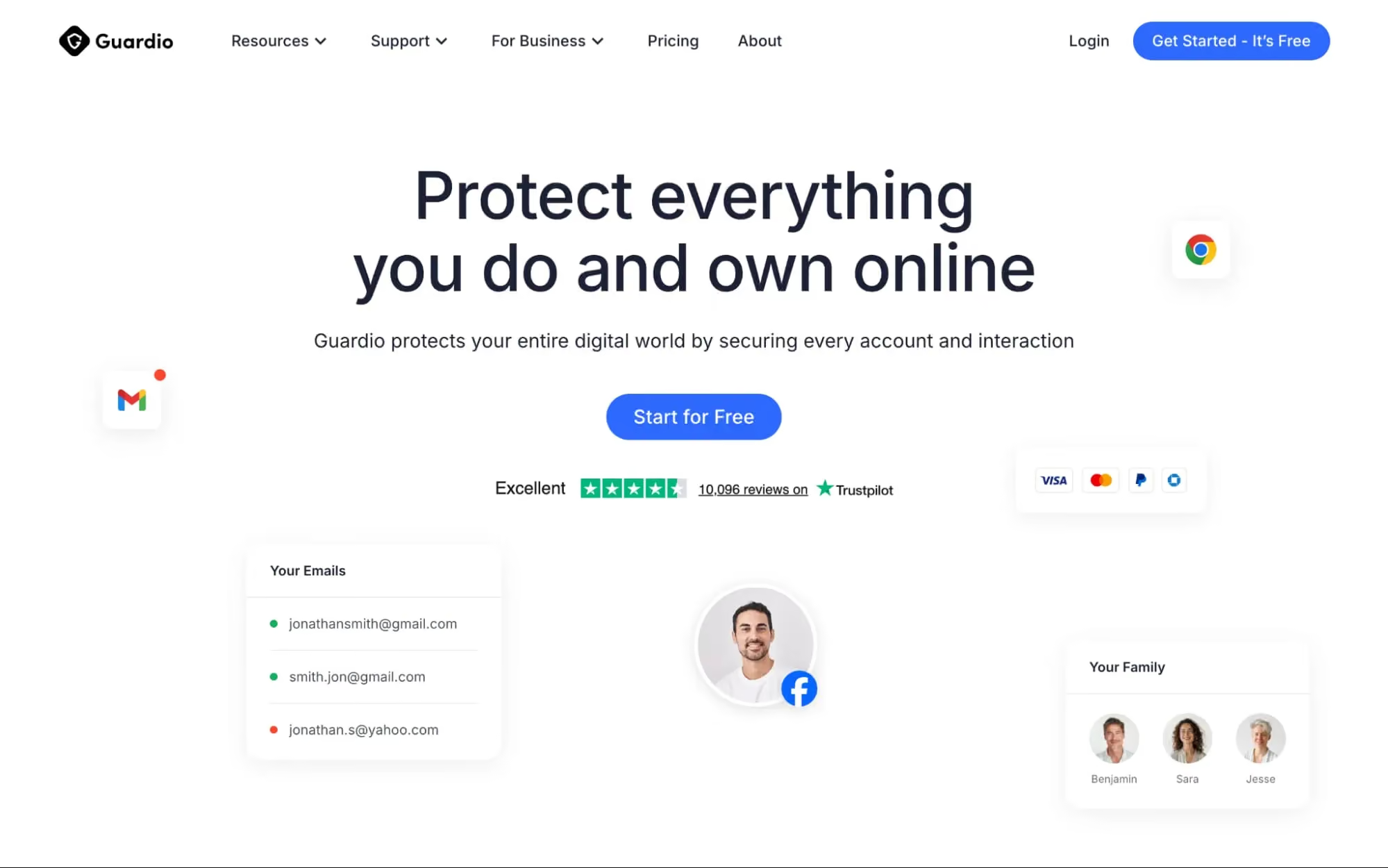
Guardio provides real-time website security checks that work automatically on your device. Rather than requiring users to manually paste URLs into a scanner, Guardio operates through an always-on protection that evaluates links and web pages in real-time, flagging phishing sites, scam pages, brand impersonation, and malicious redirects before users interact with them.
Beyond link scanning, Guardio also monitors for data leaks and exposed credentials, alerting users when their personal information appears in known breaches. This combination of proactive safety and identity monitoring makes Guardio a strong fit for individuals and families who want always-on protection across desktop and mobile without needing to think about it.
2. Google Safe Browsing Site Status
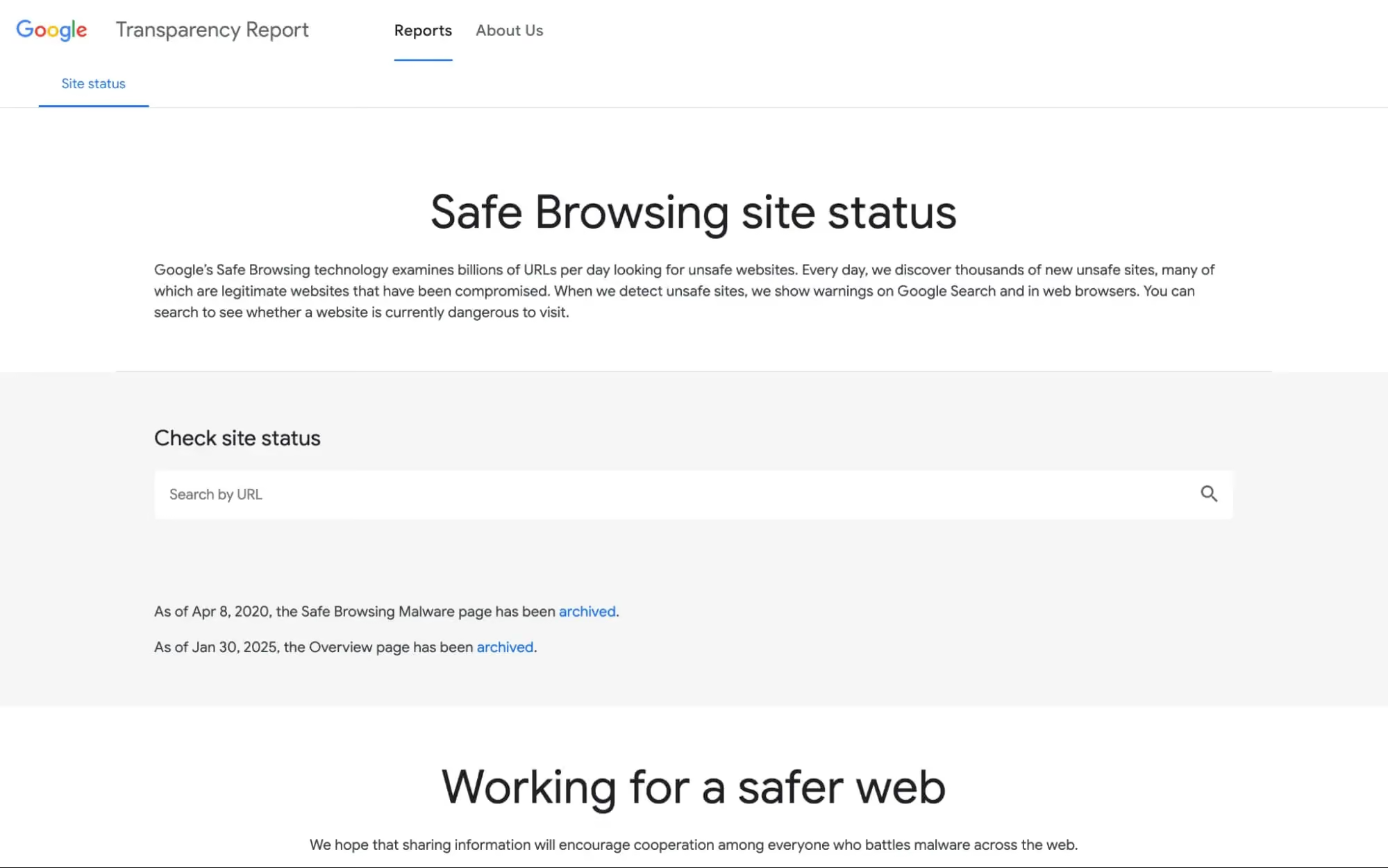
Google Safe Browsing is a free tool that checks whether a URL has been flagged in Google's database of known phishing and malware sites. It runs in the background across Chrome, Gmail, and many Android apps, providing a baseline layer of protection for billions of users.
The Site Status tool allows anyone to manually check a specific URL against Google's threat lists. It is straightforward and reliable for identifying sites that have already been reported. However, because detection depends on sites being previously identified and added to Google's lists, newly created scam pages can remain undetected until enough reports accumulate. This makes Google Safe Browsing most effective as a foundational layer rather than a standalone website security check tool.
3. VirusTotal URL Scanner
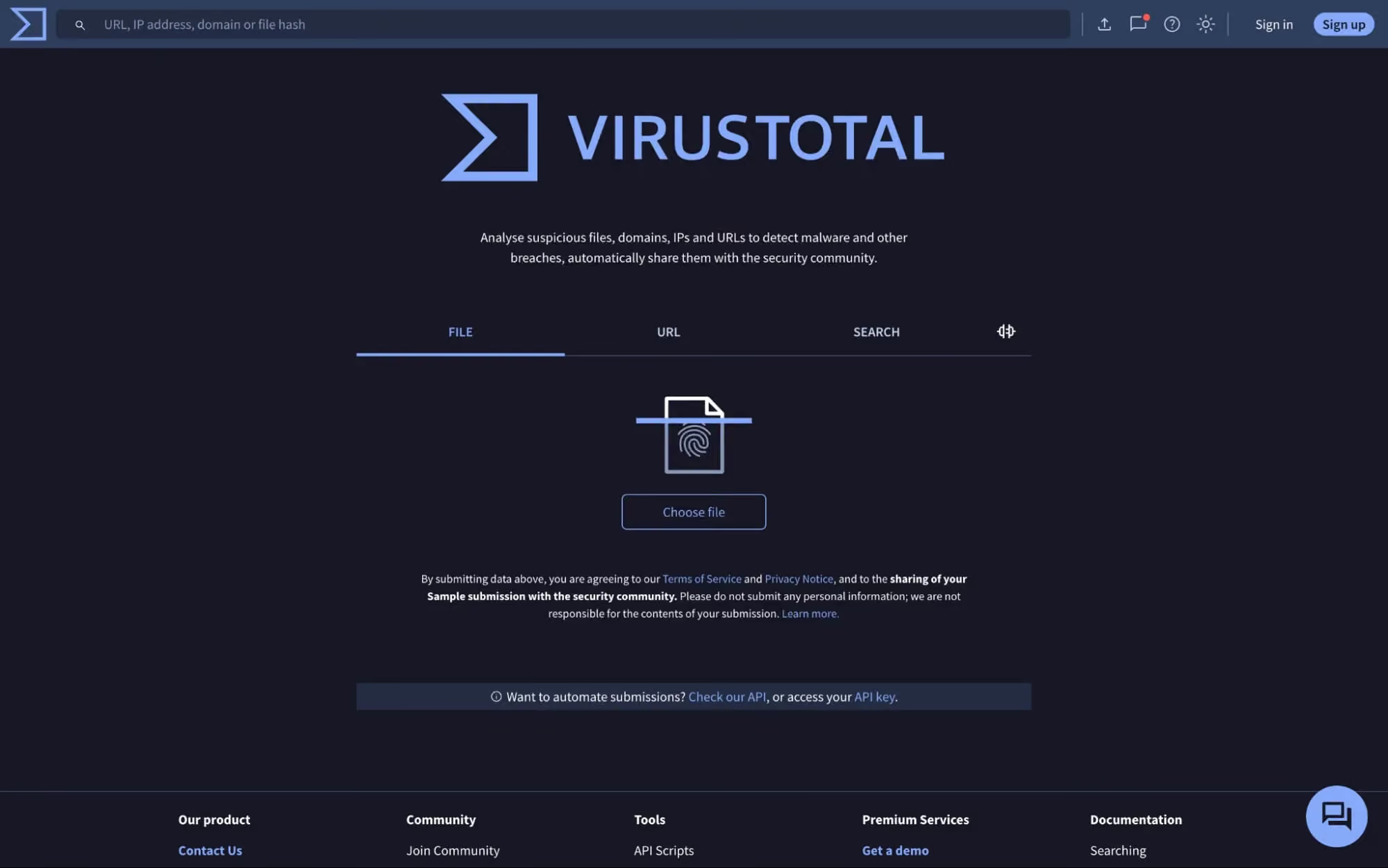
VirusTotal scans URLs against more than 70 antivirus engines and security services to show whether a link has been flagged as malicious. It provides a transparent, multi-vendor view of how different security companies classify a given URL, making it a trusted tool among security researchers and technical users.
VirusTotal is useful for verifying whether a specific link has a known history of malicious activity. Its main limitation is that it reflects existing detections rather than real-time analysis. If a scam page is brand new and has not yet been reported to any of the engine's VirusTotal queries, the URL may appear clean. This makes it better-suited for investigating suspicious links after the fact rather than for proactive, everyday browsing protection.
4. ImmuniWeb Website Security Test
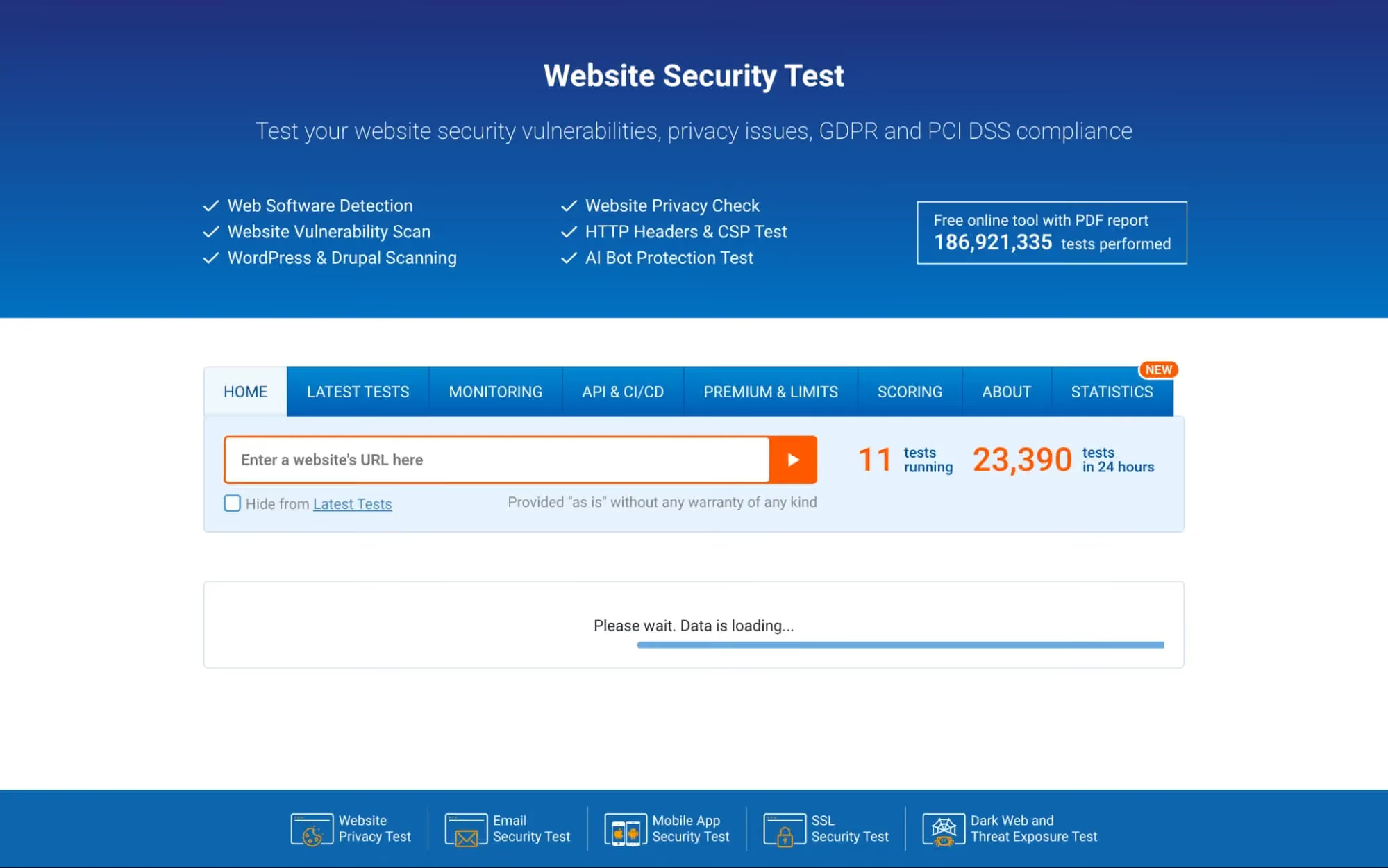
ImmuniWeb offers a free website security test that evaluates a site for outdated software, known vulnerabilities, HTTP header misconfigurations, and compliance issues related to GDPR and PCI DSS.
This tool is primarily designed for website owners, developers, and IT teams who need to assess the security posture of their own sites. It provides detailed technical reports with actionable findings. For everyday users who simply want to know whether a website they are about to visit is safe, ImmuniWeb's output can be overly technical and is not designed for quick, real-time browsing decisions.
5. Cloudflare Security Tools
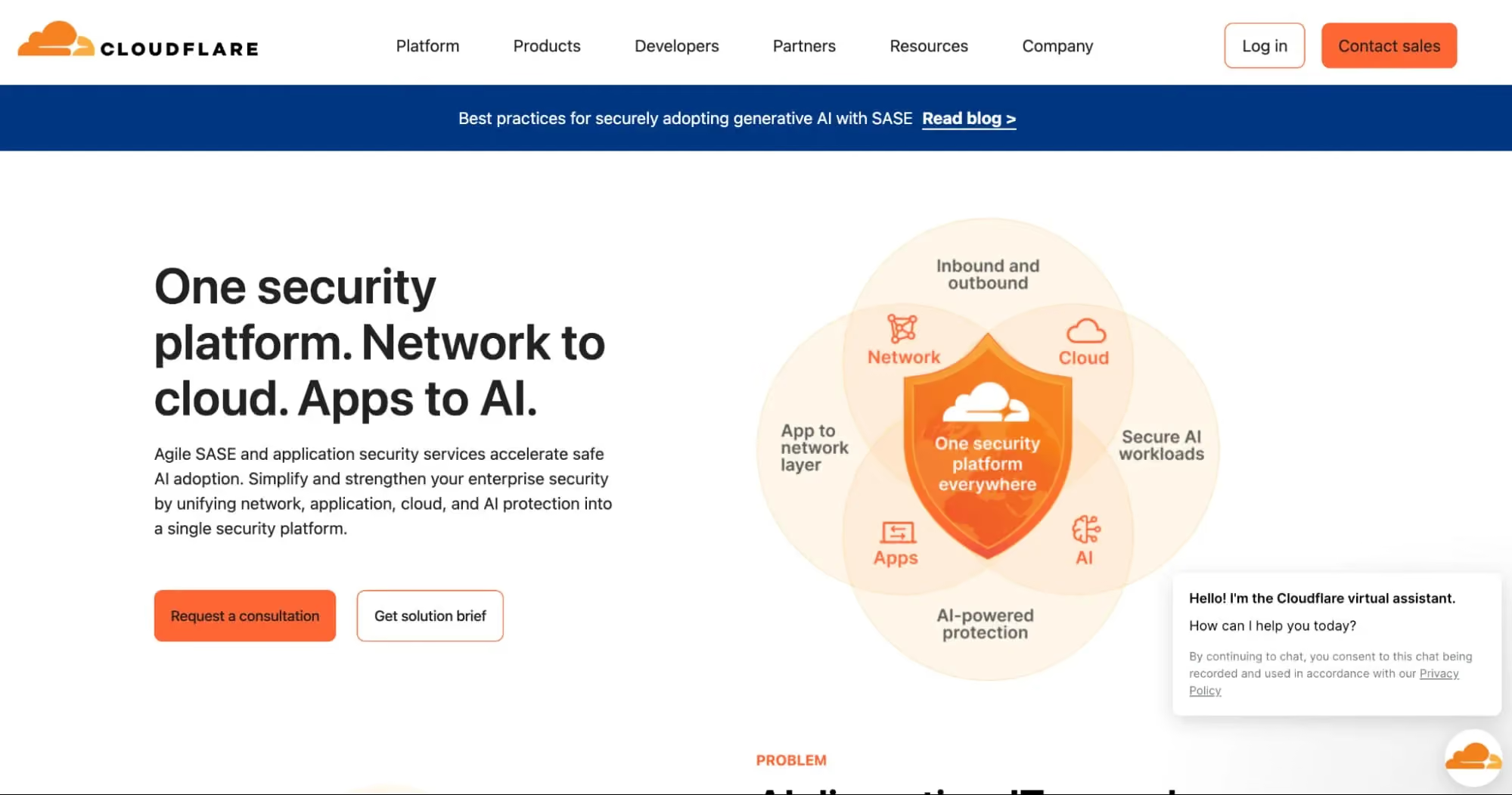
Cloudflare provides a suite of security tools that protect websites from DDoS attacks, bot traffic, and web application vulnerabilities. Its services include a web application firewall (WAF), SSL/TLS encryption management, DNS security, and bot mitigation.
Cloudflare's tools are built for website owners and administrators who need to secure their own infrastructure. They do not function as a consumer-facing website security check tool. If you are a site visitor looking to verify whether a page is safe before interacting with it, Cloudflare's offerings are not designed for that use case. However, for organizations managing web properties, Cloudflare remains one of the most widely used platforms for server-side security. Think of it as a website owner’s protection layer, not a tool you’d use to check a random store before buying.
6. Norton Safe Web
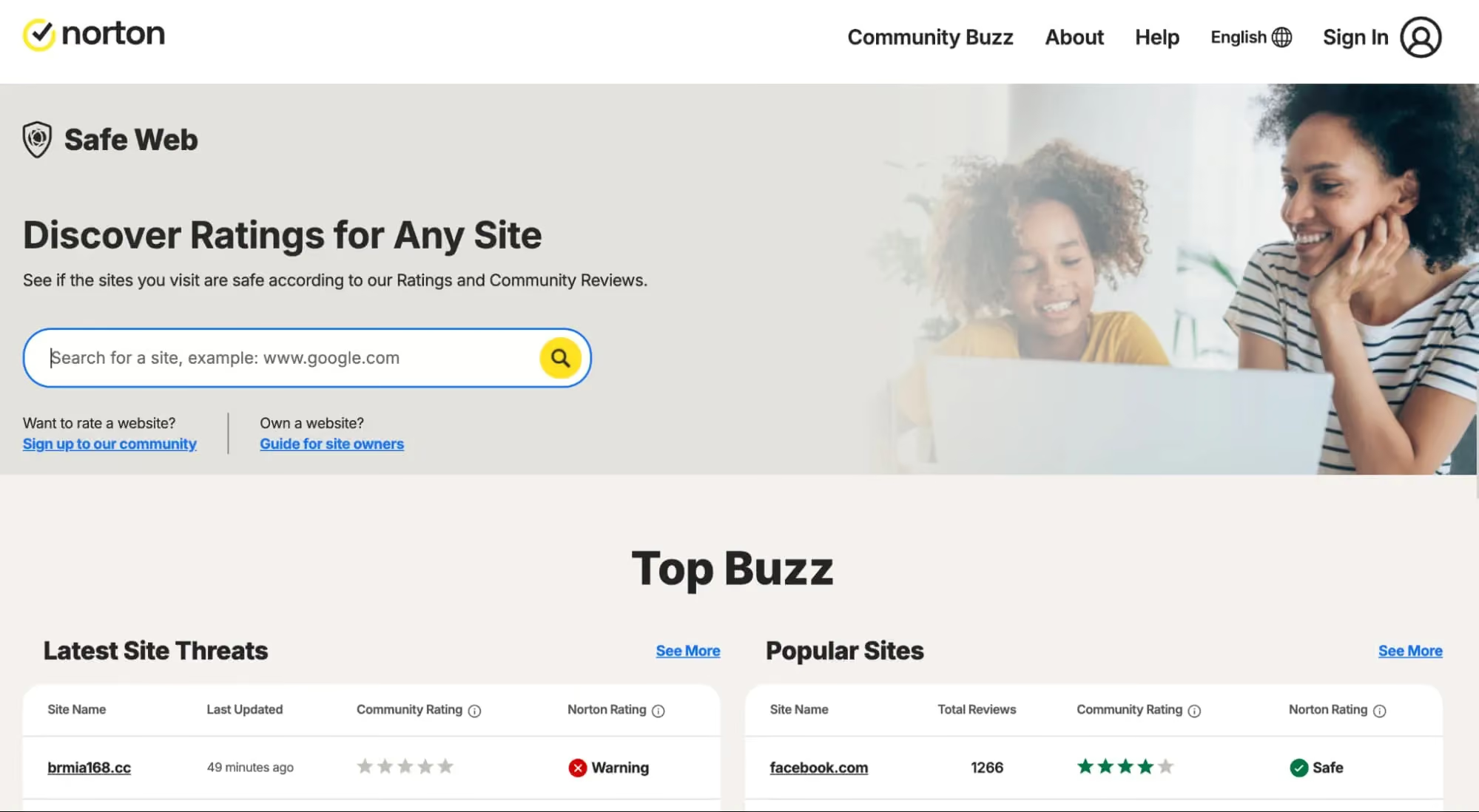
Norton Safe Web evaluates websites using a combination of reputation data, automated analysis, and user feedback. It assigns safety ratings to sites and warns users about pages linked to phishing, scams, or malware distribution.
Norton Safe Web works well for checking whether a website has a known history of unsafe behavior. Users can search for a specific URL or use Norton's browser extensions for integrated warnings. The main limitation is its reliance on reputation scores. A brand-new scam page may appear safe until enough negative data accumulates to change its rating. This delay can leave users exposed to recently created threats that have not yet been widely reported.
7. URLScan.io
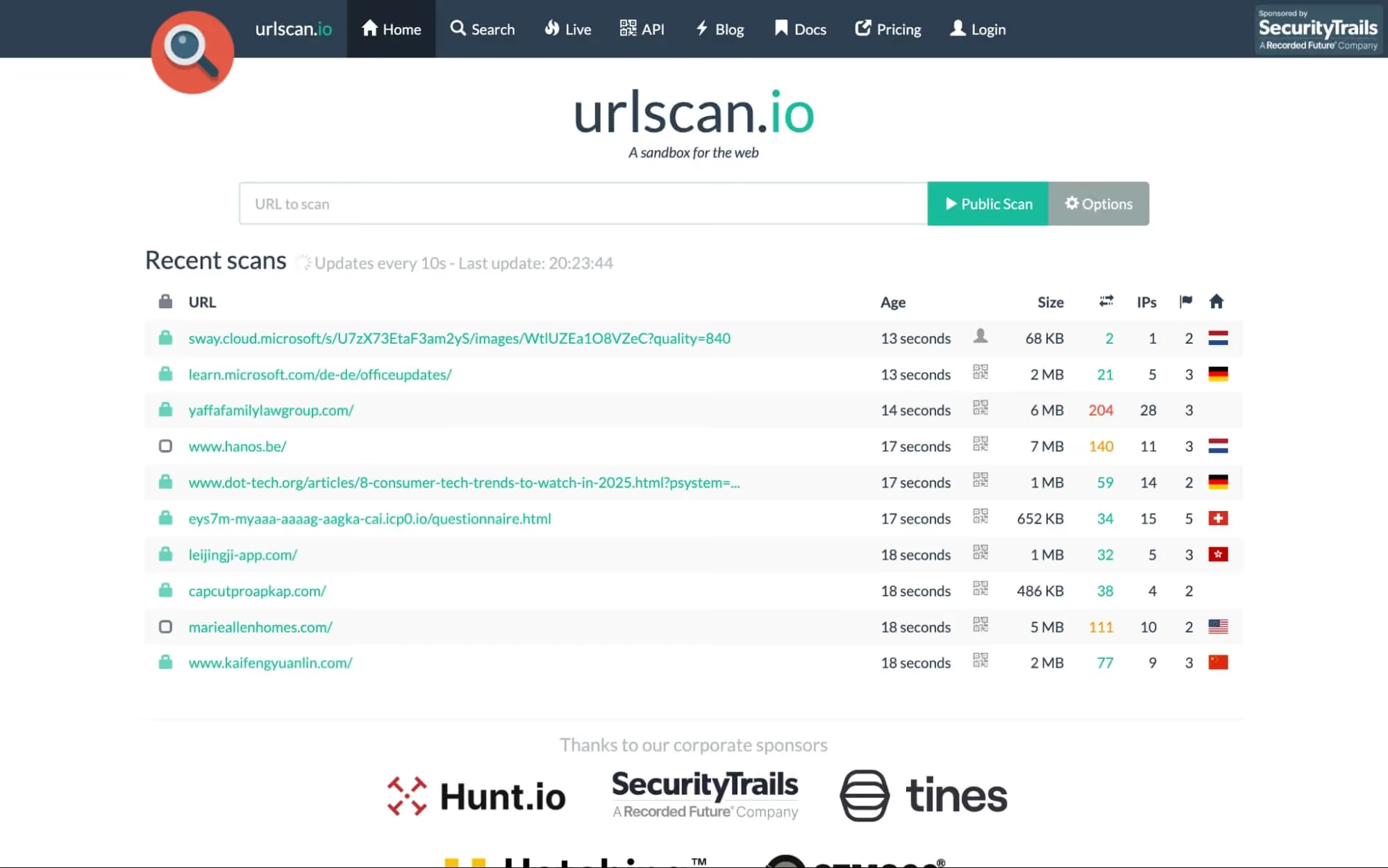
URLScan.io loads a webpage in a controlled, sandboxed environment and captures detailed information about its behavior, including scripts executed, network requests made, DOM content, and screenshots of how the page renders. This makes it a powerful investigation tool for understanding what a webpage actually does behind the scenes.
URLScan.io is designed for security researchers, analysts, and technically skilled users who want granular visibility into webpage behavior. It does not provide a simple safe or unsafe verdict, which means non-technical users may find it difficult to interpret the results. As an investigation tool, it is excellent. As a daily website security check tool for general consumers, it is not practical.
8. Detectify Web Vulnerability Scanner
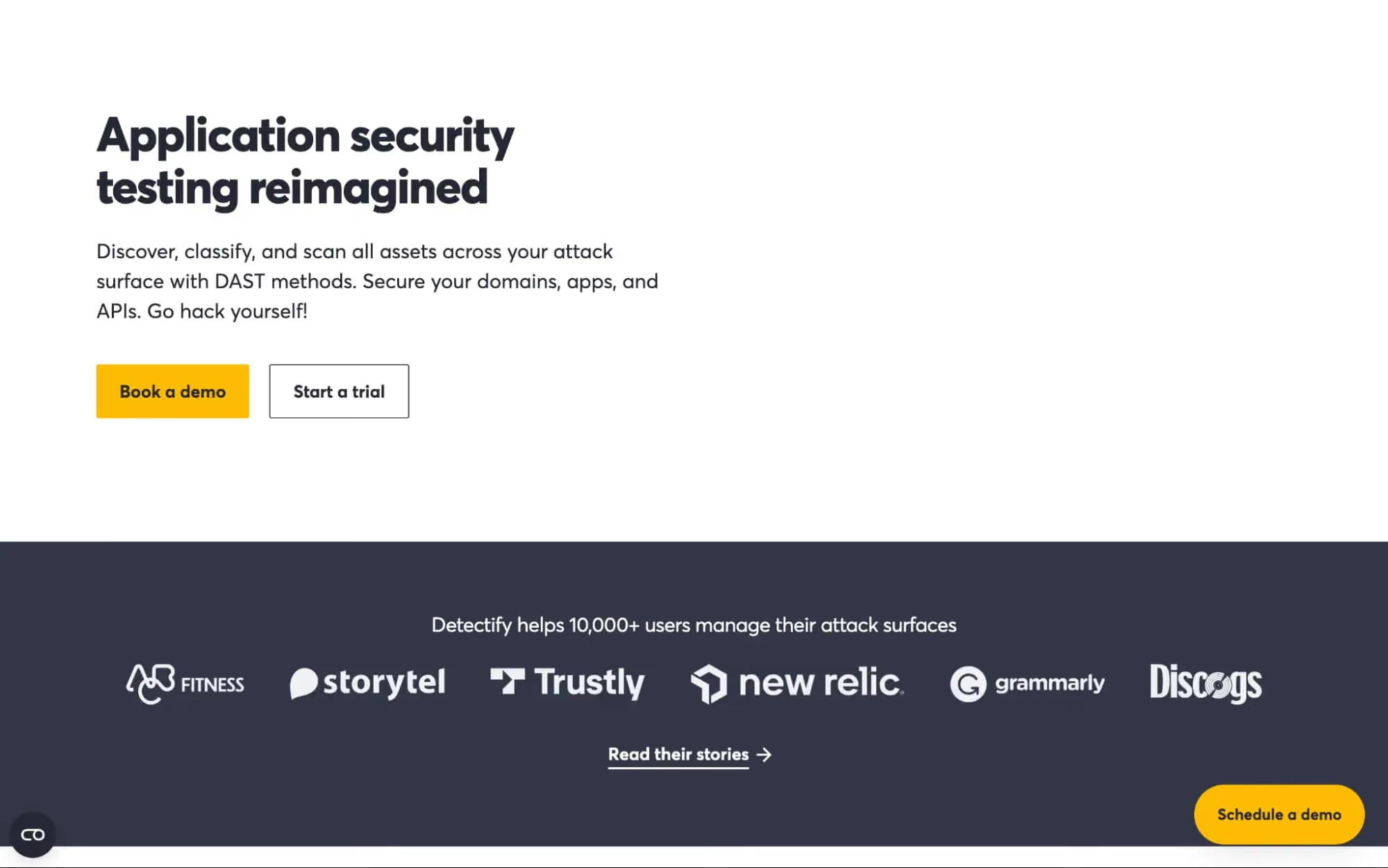
Detectify is a web vulnerability scanner designed for security teams and developers who need to continuously test their web applications for exploitable flaws. It combines automated DAST (Dynamic Application Security Testing) with a crowdsourced research model, where ethical hackers submit vulnerability findings that feed directly into the scanning engine.
Detectify is built for organizations that manage web applications and need to identify vulnerabilities like SQL injection, XSS, misconfigurations, and subdomain takeovers. It is not a tool for individual consumers checking whether a website is safe to visit. For security teams responsible for maintaining the integrity of their own web properties, Detectify offers deep, continuously updated vulnerability coverage with thousands of checks and CI/CD-friendly workflows.
Website Security Check Tools Comparison
The tools listed above serve different purposes and audiences. Some are built for consumers who want to browse safely, while others are designed for website owners and security teams. The table below provides a side-by-side comparison to help you quickly identify which tool fits your needs:
Essential Features to Look for in a Website Security Check Tool
With so many tools available, knowing which features actually matter can help you avoid choosing a scanner that looks useful but leaves critical gaps in protection. The features below represent what separates effective website security check tools from outdated or limited options:
- Real-Time Protection, Not Just One-Time Scanning: Manually pasting URLs into a scanner is impractical for everyday browsing. Tools with real-time, background protection evaluate links automatically as you browse, catching threats before you interact with them.
- Phishing and Fraud Detection Across Browsing Sessions: Phishing sites mimic banks, e-commerce platforms, and government services. Effective tools detect phishing behavior across entire browsing sessions, identifying credential harvesting pages, fake checkouts, and deceptive forms.
- Real-Time Blocking and Clear Alerts: The best tools block risky sites before you interact and surface clear warnings across common entry points (search, ads, messages, and everyday browsing).
- URL Reputation Intelligence and Threat Feeds: Strong tools draw on multiple sources including, blacklists, domain reputation databases, and real-time threat feeds. This multi-layered approach identifies both known malicious sites and newly suspicious domains.
- Coverage Across Devices (Desktop and Mobile): A tool that only works on desktop leaves mobile browsing unprotected, where phishing links frequently arrive via texts and social media. Look for coverage that extends beyond desktop browsing, especially for links opened from texts and social apps.
- Fast Checks for Shortened and Redirecting Links: Shortened URLs and redirects are used to mask malicious destinations. Effective tools resolve these redirects and evaluate the final landing page, not just the visible URL.
- Privacy and Identity Monitoring Add-Ons: Tools with identity monitoring alert users when their email, passwords, or sensitive data appear in known breaches, enabling faster action like changing passwords or enabling two-factor authentication.
How to Choose the Best Website Security Check Tool for Your Needs
The best website security check tool for you depends on what you are trying to protect and how you use the internet. The decision factors below can help narrow down the right fit.
How Guardio Helps You Stay Safe From Malicious Websites in Real-Time
Traditional security tools are useful for investigating specific links, but most aren't built for the way people actually browse. Guardio fills this gap with continuous, real-time protection across desktop and mobile.
- Blocks Phishing Sites and Scam Pages Before You Interact: Guardio uses multiple signals beyond basic blocklists to flag risky destinations early, including fast-changing scam pages. This means even newly created phishing pages can be detected and blocked before users enter any personal information.
- Detects Unsafe Links, Redirects, and Device-Based Threats: Guardio evaluates links hidden in emails, texts, ads, and search results as users encounter them, including shortened URLs and multi-step redirects. It also detects malicious extensions and unauthorized notification hijacking.
- Provides Always-On Protection Across Devices and Sessions: With coverage across devices, Guardio helps protect the places people actually click, such as texts, email links, social posts, and search results.
- Helps Prevent Identity Theft and Account Compromise Online: Beyond blocking unsafe sites, Guardio monitors for exposed credentials and data leaks, alerting users to take immediate steps like changing passwords or enabling stronger authentication before attackers can act.
- Designed for Fast, User-Friendly Device Security Without Complexity: Built for everyday users, Guardio sets up in minutes with clear, actionable warnings. The dashboard helps you see what was blocked and what account settings may need attention.
Conclusion
Unsafe websites are a growing threat in 2026, driven by AI-generated phishing pages, short-lived scam domains, and increasingly convincing brand impersonation. While traditional website security check tools still play a role in identifying known threats and auditing site configurations, many were not designed for the speed and sophistication of modern attacks.
For website owners and security teams, tools like ImmuniWeb, Detectify, and Cloudflare offer valuable server-side vulnerability scanning and infrastructure protection. For security researchers, VirusTotal and URLScan.io provide deep investigative capabilities. For everyday users who need practical, always-on protection while browsing, tools that operate in real-time across devices offer the most reliable defense.
Guardio stands out by combining real-time scam and phishing prevention with account and identity risk visibility across devices into a single, user-friendly platform. Whether you are checking a suspicious link in a text message, browsing search results, or managing your online accounts, Guardio works in the background to stop threats before they cause harm.
{{component-cta-custom}}
FAQs
What should I check before buying from a brand-new online store?
Before entering payment details, pause and verify the store’s legitimacy beyond just how “professional” it looks.
- Search the domain age (new domains under 6 months old deserve extra caution).
- Look for real contact details, like a physical address and working support email, not just a contact form.
- Check for copied product photos by running a reverse image search.
- Avoid debit cards on unfamiliar sites; use credit cards for stronger fraud protection.
If you’re unsure how to evaluate a suspicious store, learn the warning signs of how to identify fake websites.
I clicked a suspicious link, what should I do immediately?
Act fast to reduce the risk of account compromise or identity theft.
- Do not enter any information if the page is still open, close it immediately.
- Change passwords for any accounts that may be connected, especially email and banking.
- Enable two-factor authentication (2FA) wherever possible.
- Run a browser security scan to check for harmful extensions or hidden threats.
If you’re unsure what steps to take next, follow this practical recovery guide on what to do if you click on a phishing link.
How do scammers make fake websites look so real in 2026?
Scammers now use AI tools, stolen brand assets, and cloned checkout flows to mimic trusted brands almost perfectly.
- Check the full URL carefully; look for subtle misspellings or extra words.
- Avoid logging in through links in ads or texts; go directly to the official site instead.
- Watch for urgent language like “Account Suspended” or “Limited Time Verification.”
- Be cautious with payment requests via gift cards or crypto, which are common scam tactics.
Understanding how phishing works makes it easier to spot - learn more in this breakdown of phishing.
How can I see which websites Guardio has blocked for me?
You can review every blocked site directly from your Guardio dashboard or mobile app.
- Open the Browsing Activity page on your dashboard to view desktop blocks.
- Tap “Browsing Protection” in the mobile app to see blocked sites on your phone.
- Reveal full URLs in the dashboard by clicking the eye icon next to the source column.
- Report false positives if you believe a site was blocked by mistake.
Here’s a step-by-step walkthrough for viewing blocked websites in Guardio.
How does Guardio protect me differently from traditional antivirus software?
Guardio blocks threats before they load in your browser instead of reacting after malware infects your device.
- Stops phishing pages before they open, not after credentials are stolen.
- Neutralizes malicious browser extensions that traditional antivirus may miss.
- Uses AI-driven detection to catch brand-new scam domains.
- Monitors data leaks tied to your email or phone number so you can act quickly.
If you’re comparing tools, here’s a clear explanation of how Guardio is different from traditional antivirus.

 Safe Browsing
How to Stay Safe on Public WiFi and Why Hackers Love It