10 Best URL Scanners to Detect Malicious Links in 2026


Key Takeaways
Malicious links now show up everywhere in emails, text messages, social media posts, online ads, QR codes, and even search results. What’s changed is how these links are created. Scammers now use AI to generate realistic websites, polished copy, fake reviews, and even brand-accurate designs, making malicious pages harder to spot at a glance. Some of these scam pages exist for only a few hours before disappearing, which means traditional security tools often miss them entirely. That’s where URL scanners come in.
URL scanners help you check whether a link is safe before it does damage. They analyze websites for phishing behavior, malware, scam patterns, and brand impersonation, including signs commonly seen in AI-generated scam sites. However, not all scanners are built to keep up with how fast and adaptive modern threats have become.
In this guide, we’ll break down the best URL scanners available, explain how they work, where they’re effective, and where they fall short. You’ll also learn how to choose the right tool depending on how you browse, whether you’re checking a suspicious link once or looking for protection that works continuously in the background.
{{component-cta-custom}}
10 Best URL Scanners to Check If a Link Is Safe
Not all URL scanners work the same way. Some tools rely on reputation databases and past reports, while others focus on real-time behavior, scam patterns, and brand impersonation. A few are built for security researchers, while others are designed for everyday users who just want to know whether clicking a link is safe. Below is a curated list of the 10 best URL scanners in 2026, starting with Guardio, which offers the most comprehensive and proactive way to check if a link is safe before it leads to real damage.
1. Guardio
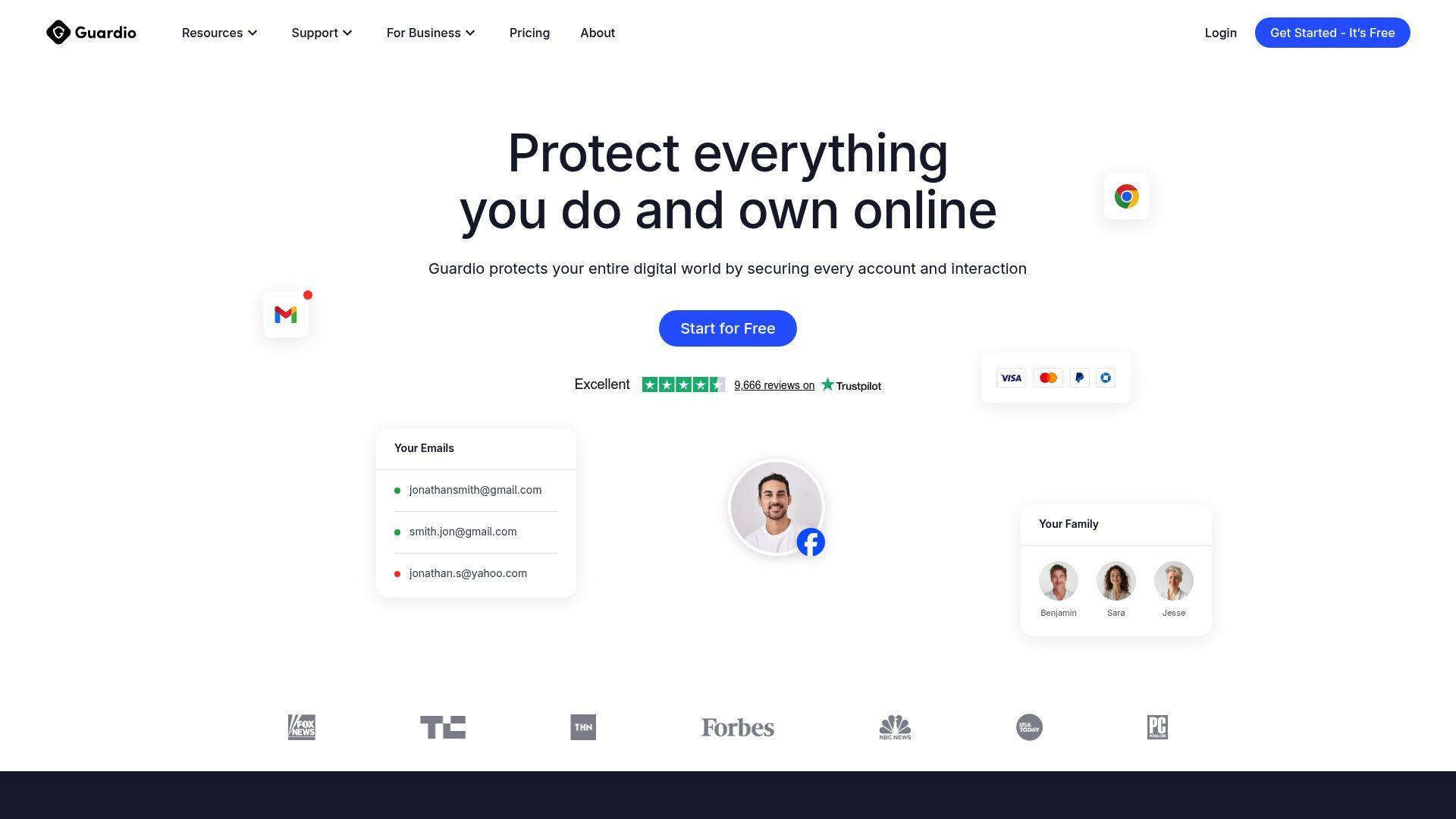
Guardio focuses on real-time link safety, flagging scam destinations, phishing pages, and impersonation flows before you interact with them. It pairs prevention with account security insights and data leak alerts, showing you what’s exposed and what to fix next, across devices.
Beyond scanning links, Guardio also helps limit the damage that often follows phishing attacks. It provides data leak alerts and account security insights, allowing users to spot exposed credentials and weak account settings early and take action before attackers misuse them. This makes Guardio a strong choice for individuals, families, and small teams looking for an always-on URL scanner that works naturally during everyday online activity.
2. VirusTotal
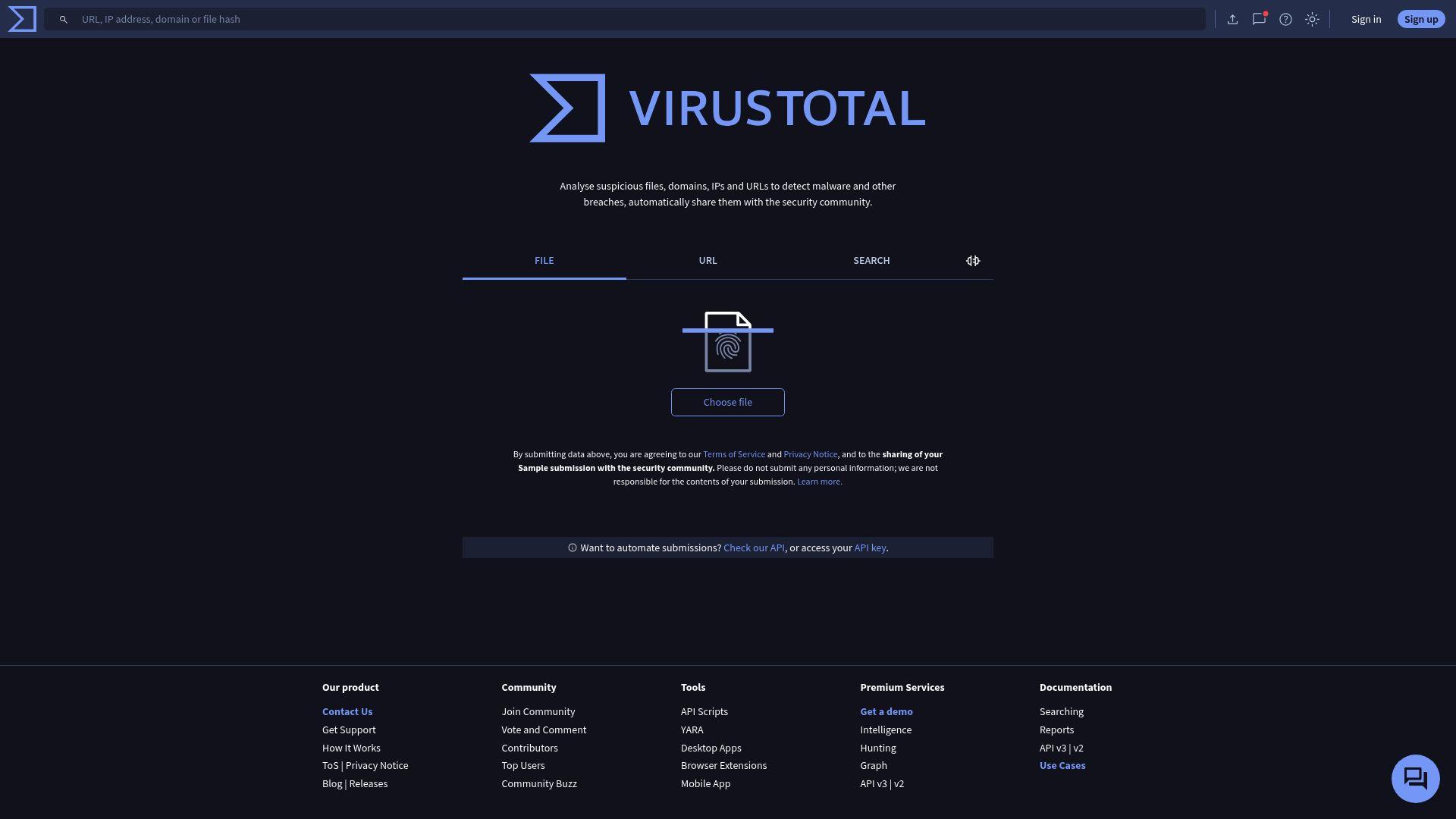
VirusTotal scans URLs against dozens of antivirus engines and reputation services to show whether a link has already been flagged as malicious. It is widely trusted in the security community and provides transparency into how different vendors classify a URL. However, VirusTotal mainly reflects existing detections. If a scam page is new or has not been reported yet, it may appear safe, which limits its usefulness for everyday users facing fast-moving threats.
3. browser security tools
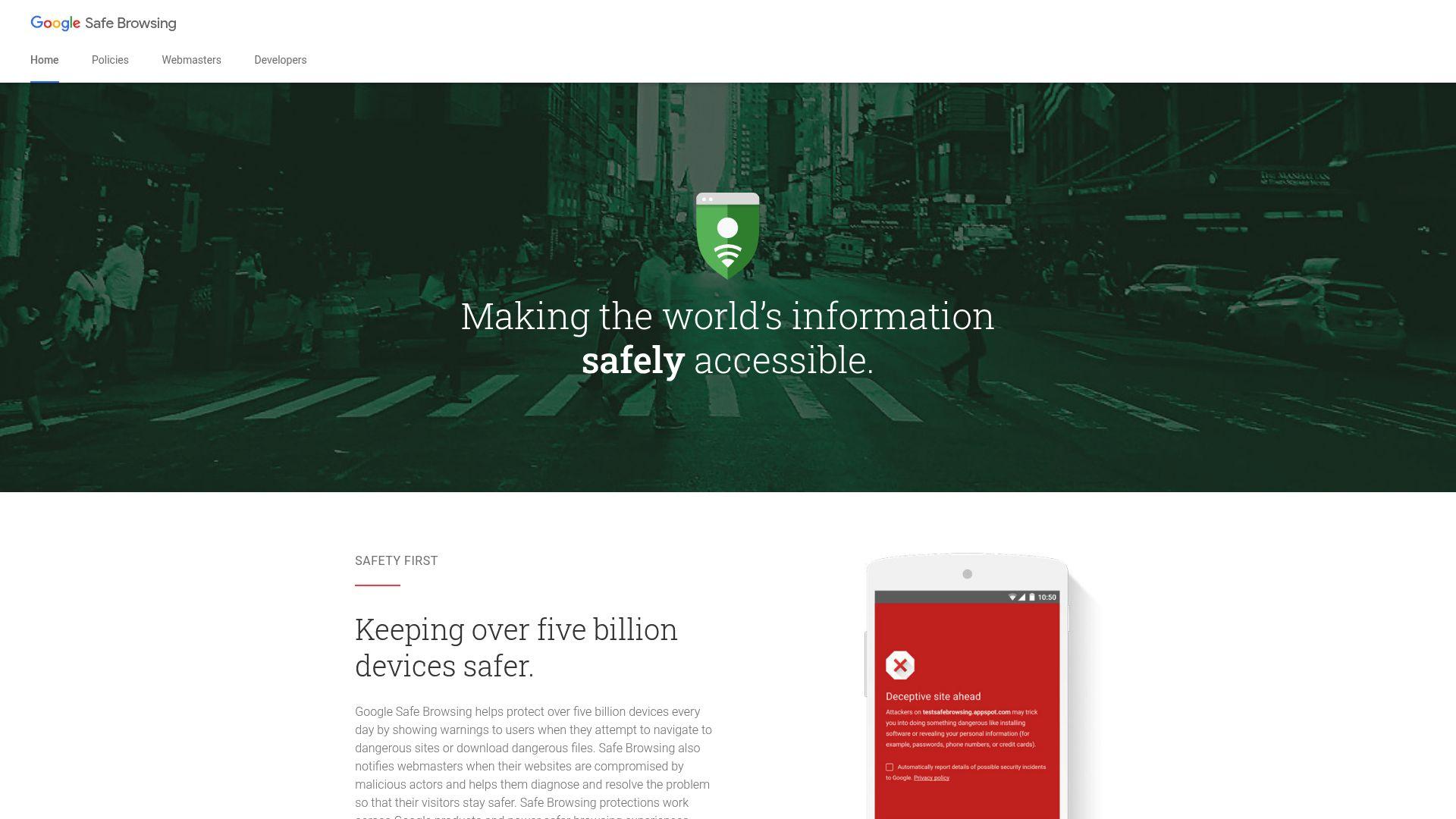
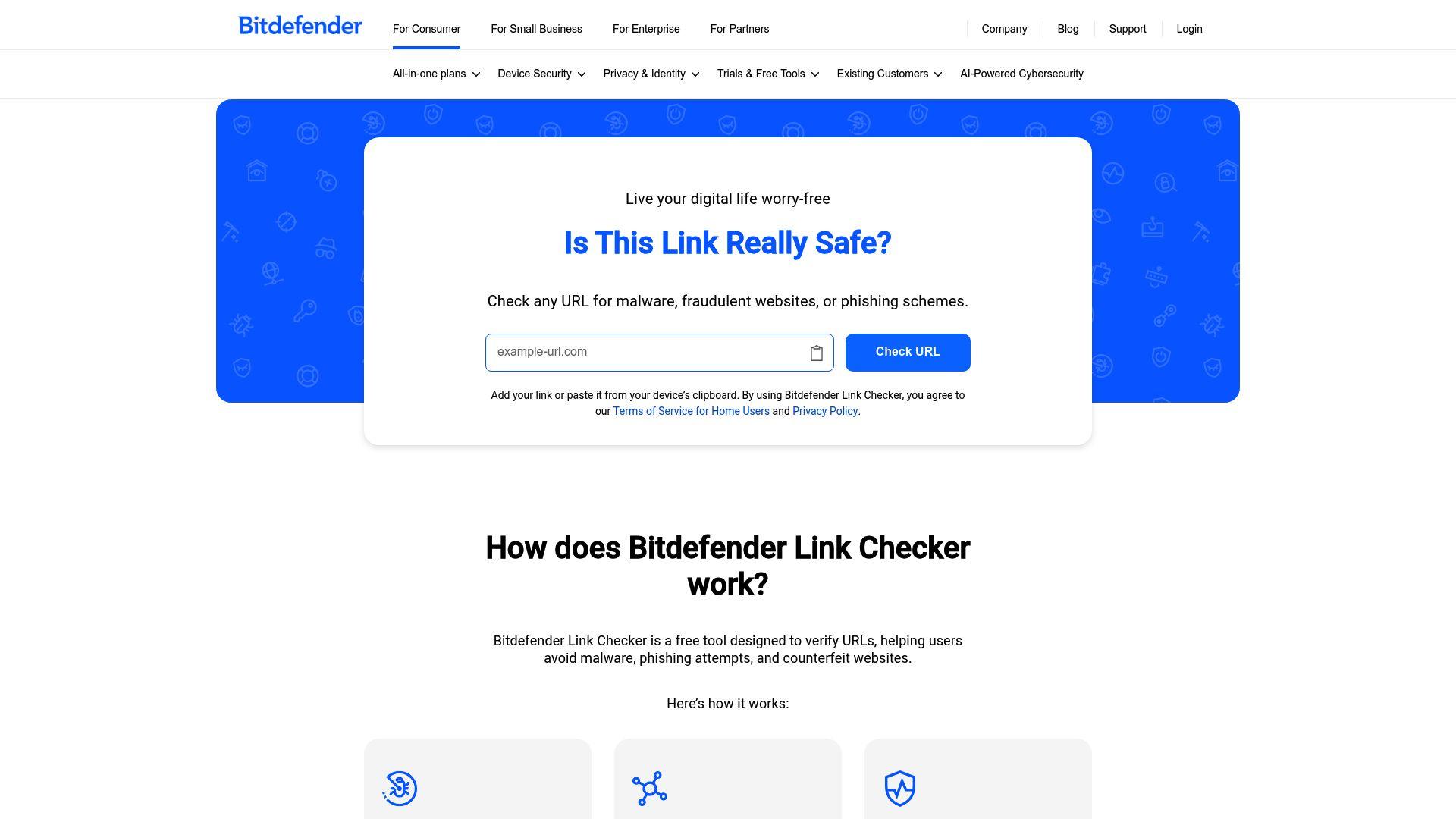
Bitdefender Link Checker allows users to manually scan a URL for phishing and malware risks using Bitdefender’s threat database. It is simple and useful when a link already feels suspicious. Because it requires manual input, it does not scale well for frequent browsing or protection across multiple channels.
5. URLVoid
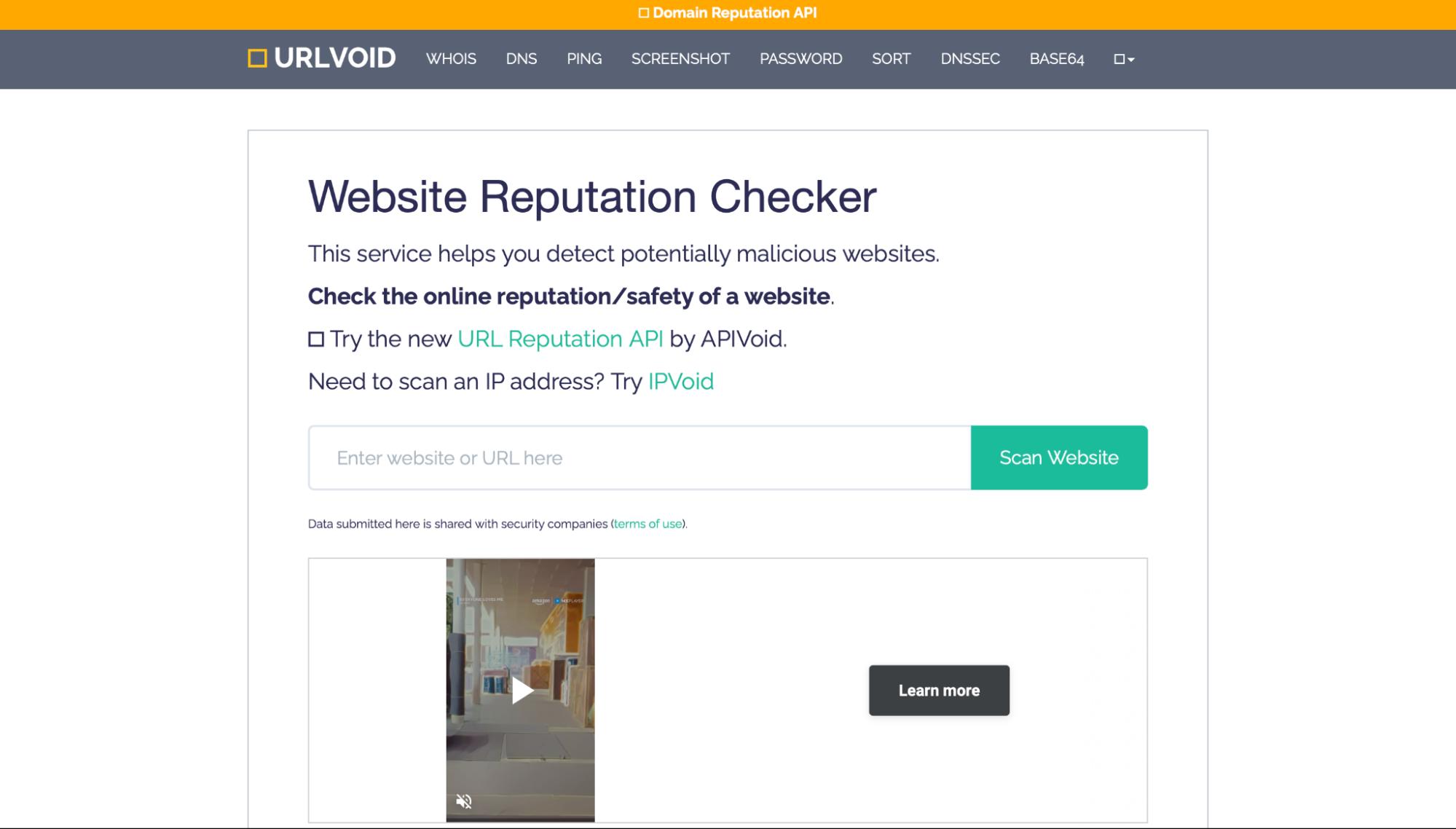
URLVoid is a reputation-based URL scanner that checks a domain against multiple blacklist and threat-intelligence sources to flag potential risk. It’s especially useful for quickly vetting unfamiliar websites by surfacing signals like blacklist hits, domain/IP details, and historical indicators tied to suspicious infrastructure. Since it primarily relies on reputation and known reports, it may not catch brand-new scam pages that haven’t been flagged yet, but it’s a strong, lightweight option for fast link verification.
6. Norton Safe Web
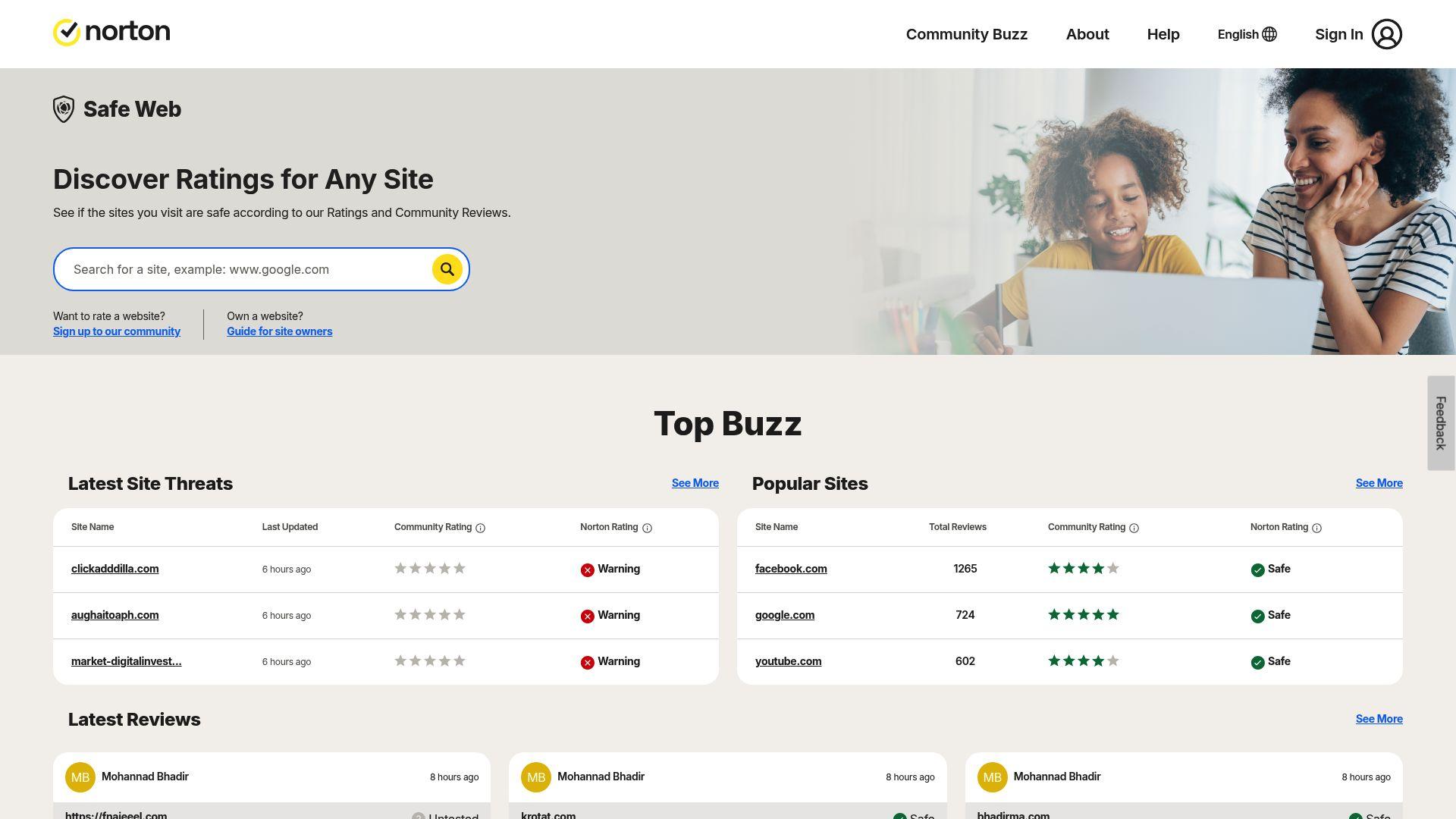
Norton Safe Web evaluates websites based on reputation data, user feedback, and automated analysis. It provides warnings for sites linked to scams, phishing, or malware activity. The tool works well for identifying websites with a long history of unsafe behavior. Its reliance on reputation scores means new scam pages may appear safe until enough data is collected to change their rating.
7. Kaspersky Threat Intelligence Portal

Kaspersky’s portal provides detailed technical information about URLs, IPs, and threats. It is designed for investigation rather than quick decision-making. For everyday users, the depth of data can be difficult to interpret when all they want to know is whether a link is safe to click.
8. URLScan.io
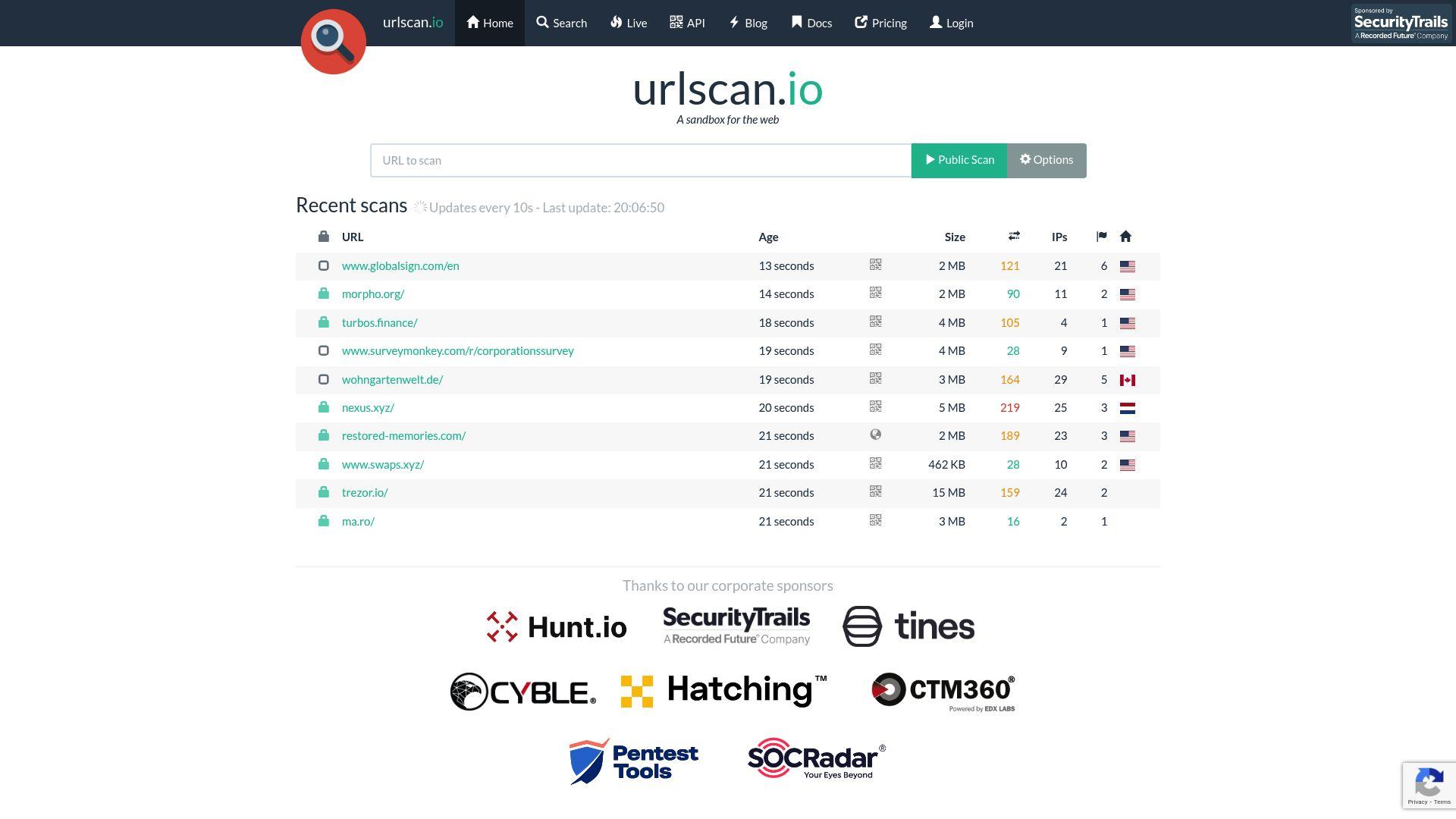
URLScan.io shows how a webpage behaves by loading it in a controlled environment and capturing scripts, requests, and screenshots. This helps reveal hidden activity. It does not give a simple safe, or unsafe verdict, which limits its usefulness for non-technical users.
9. PhishTank
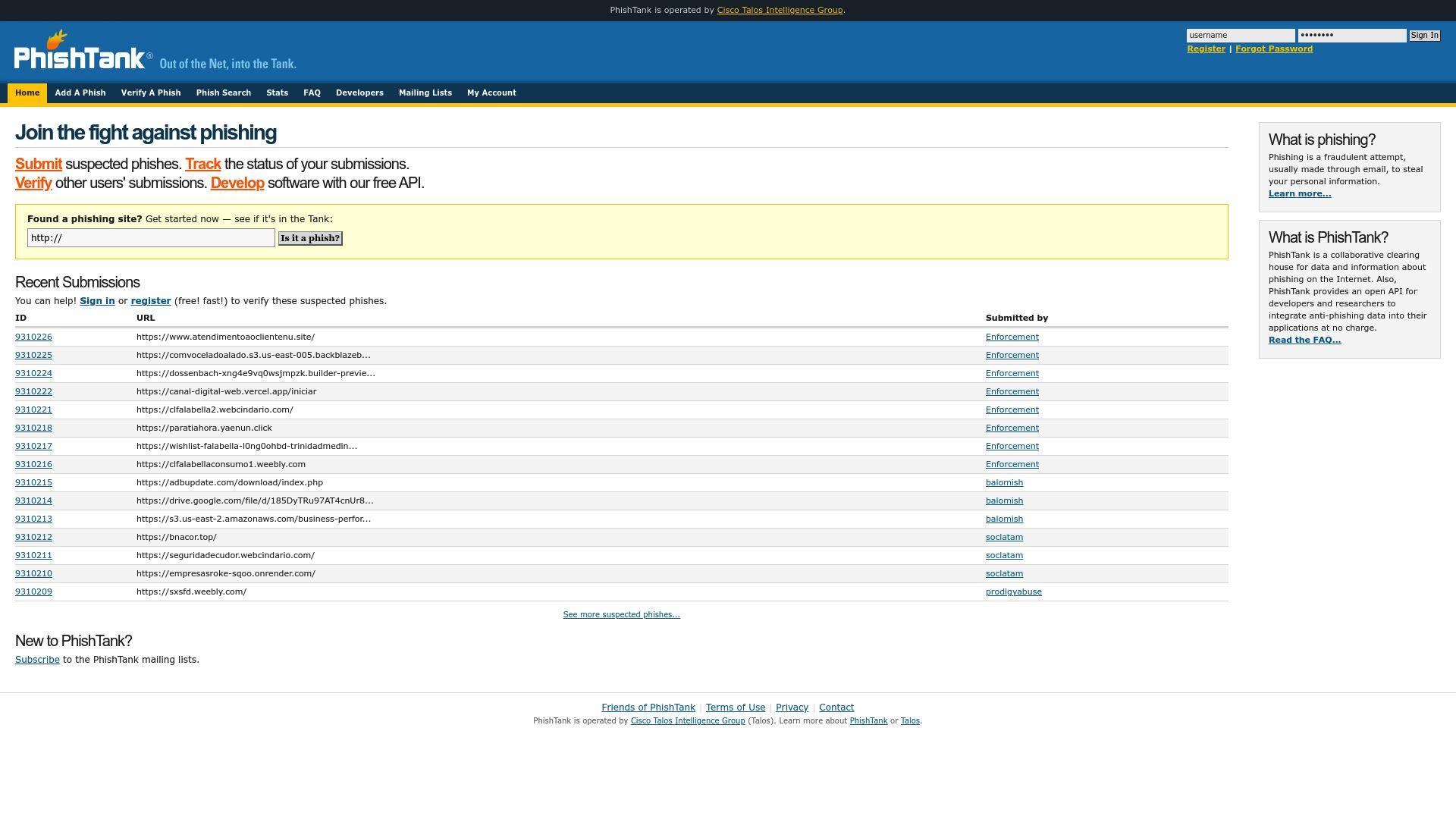
PhishTank is a community-driven database of confirmed phishing URLs. Users submit suspicious links, and verified phishing sites are added to the platform. It is useful for checking whether a link has already been reported as phishing. Since the system depends on user submissions, new phishing campaigns often go undetected until enough reports are reviewed and approved.
10. Sucuri SiteCheck
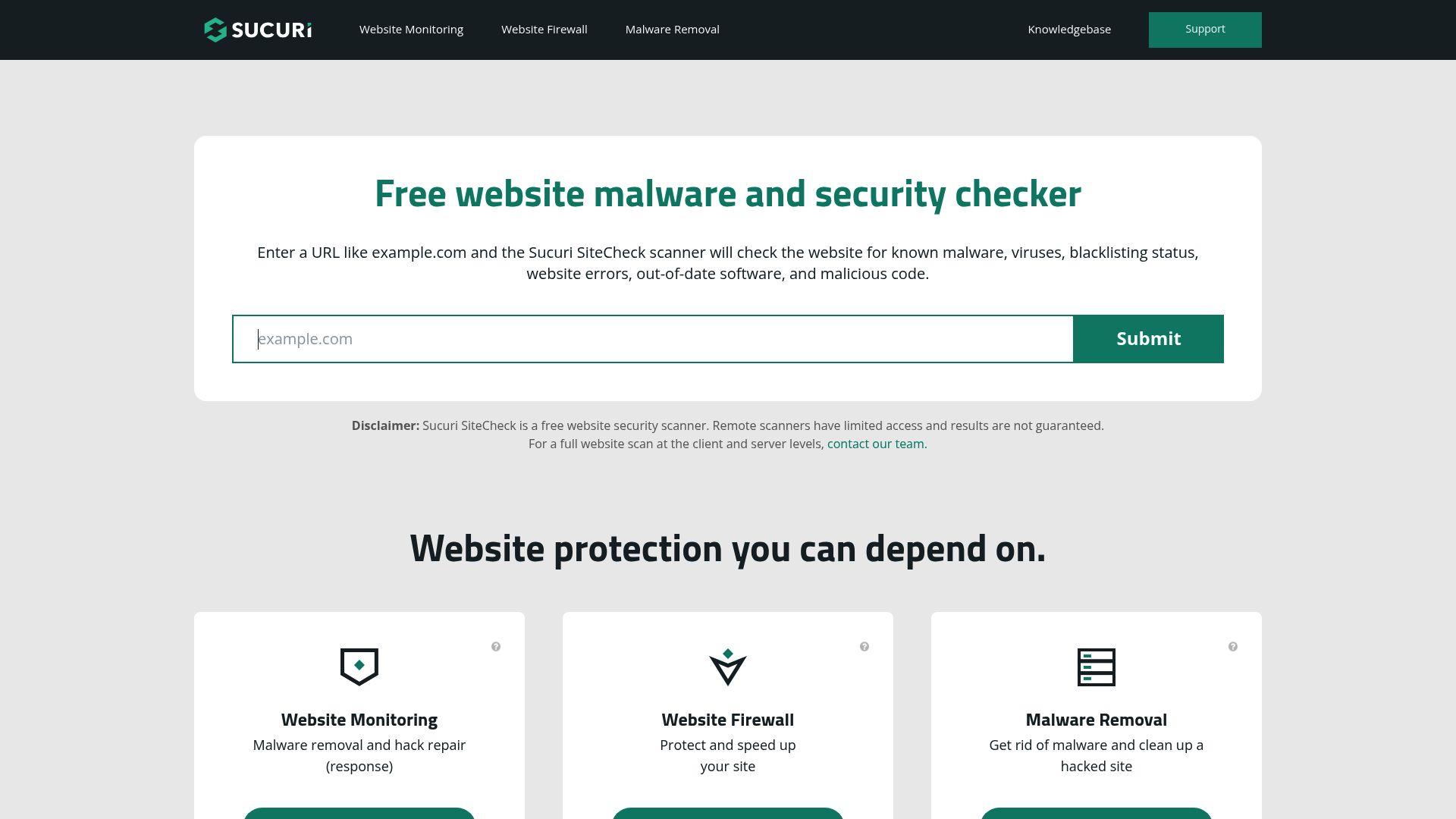
Sucuri SiteCheck scans websites for malware infections, blacklist status, and security issues. It is mainly designed for website owners to monitor the health of their own sites. While it can identify compromised websites, it is less focused on phishing links and scam journeys that target individual users. It works better as a site diagnostic tool than a daily URL scanner.
URL Scanners Comparison Table
URL scanners differ widely in what they detect and how they protect you. While many tools rely on past reports and reputation scores, Guardio focuses on real-time detection of phishing, scam links, and fake websites. The comparison below shows how each tool stacks up.
| Tool | Threat Types Covered | Deployment Model | Best For |
|---|---|---|---|
| Guardio | Phishing links, scam pages, fake websites, brand impersonation, malicious redirects | Cross-device protection | Real-time link safety + account risk alerts across devices |
| VirusTotal | Malware, phishing, suspicious URLs based on vendor reports | Web-based manual scanner | Security researchers and technical users checking known threats |
| browser security tools | Known phishing and malware sites | Built into browsers and apps | Background protection against established malicious URLs |
| Bitdefender Link Checker | Malware and phishing links | Web-based manual scanner | One-time checks of suspicious links |
| URLVoid | Reputation/blacklist signals for suspicious domains and URLs | Web-based reputation scanner | Quick checks of unknown domains using multiple blacklist sources |
| Norton Safe Web | Phishing, scams, malware using reputation scores | Web-based and browser integrations | Reputation-based site safety checks |
| Kaspersky Threat Intelligence Portal | Malware, phishing, IP and URL intelligence | Web portal for analysis | Security teams and threat analysts |
| URLScan.io | Suspicious page behavior, scripts, network activity | Web-based analysis tool | Advanced users analyzing how a page behaves |
| PhishTank | Confirmed phishing URLs | Community-driven database | Checking if a link is already reported as phishing |
| Sucuri SiteCheck | Malware infections, blacklisting status | Web-based site scanner | Website owners checking site health |
What Makes a URL Scanner Effective Against Modern Threats
Modern online threats move faster than ever, which means not every URL scanner is built to keep up. Understanding what actually makes a scanner effective helps explain why some tools catch scams early while others miss them entirely.
- Real-Time Detection vs Reputation-Based Scanning: Modern scams appear and disappear quickly, often before they are added to threat databases. An effective URL scanner analyzes link behavior in real-time, rather than relying only on past reports and known blacklists.
- Coverage for Phishing, Scam Pages, and Malware: A strong URL scanner looks beyond malware and also identifies phishing attempts and scam pages that trick users into sharing login details, payment information, or personal data.
- Ability to Detect Brand Impersonation and Lookalike Domains: Many scams use fake websites that closely resemble trusted brands. Effective scanners detect domain tricks, visual impersonation, and misleading page elements designed to create false trust.
- Speed and Ease of Use for Everyday Users: Users should not have to copy and paste links or interpret technical reports. The best scanners provide clear warnings and act quickly, so people can make safe decisions without slowing down their browsing.
- Cross-Device and Cross-Channel Coverage: Threats reach users through emails, messages, social media, ads, and search results across multiple devices. An effective URL scanner offers protection wherever links appear, not just in one browser or on one platform.
Guardio is designed around these exact principles, focusing on early detection and practical protection for real-world browsing.
Limitations of Traditional URL Scanners
Traditional URL scanners still play a role in link safety, but many were designed for an earlier threat landscape. As scams have become faster and more adaptive, these tools often struggle to provide timely and practical protection for everyday users.
- Delayed Detection of Newly Created Scam Pages: Many traditional scanners only flag URLs after they have been reported or reviewed. Scam pages that are newly created can remain undetected for hours or days, giving attackers a window to reach victims before warnings appear.
- Over-Reliance on Blacklists and Reputation Scores: Reputation-based systems depend on historical data. If a link has not yet built a negative reputation, it may be labeled as safe even when it is actively being used in phishing or scam campaigns.
- Lack of Context Around User Behavior and Risk: Traditional scanners often evaluate URLs in isolation. They do not consider how a link is delivered, what the user is about to do on the page, or whether the flow resembles common scam behavior.
- Manual Scanning That Doesn’t Scale for Daily Use: Many tools require users to copy and paste links into a scanner. This approach is impractical for daily browsing, where users encounter dozens of links across emails, messages, ads, and search results.
How to Choose the Best URL Scanner for Your Needs
Choosing the best URL scanner depends on how you browse and how much protection you want. The table below highlights the key factors to consider before deciding which tool fits your needs.
| Decision Factor | What It Means | Why It Matters |
|---|---|---|
| One-Time Link Checks vs Continuous Protection | Some tools scan a link only when you paste it in, while others monitor links automatically as you browse. | Continuous protection helps stop scams before you click, which is more practical for everyday use. |
| Browser, Mobile, or Cross-Device Coverage | URL scanners may work in a single browser, on mobile devices, or across multiple platforms. | Scams reach users through many devices, so broader coverage reduces blind spots. |
| Consumer vs Business Use Cases | Some tools are built for individuals and families, while others are designed for security teams and analysts. | Choosing the right fit avoids tools that are either too basic or too complex for your needs. |
| Privacy, Data Handling, and Ease of Setup | This includes how links are processed, what data is stored, and how quickly the tool can be set up. | Easy setup and responsible data handling make a tool more likely to be used consistently. |
How Guardio Goes Beyond Traditional URL Scanners
Traditional URL scanners often rely on known threat lists and manual checks. Guardio is built for how scams work today, focusing on early detection, real-time warnings, and protection that fits naturally into everyday online activity.
- Proactive Detection of Risky Destinations and Scam Patterns: Guardio identifies dangerous links by analyzing behavior, structure, and common scam patterns before a site is widely reported. This helps stop phishing pages and fake websites early, when they are most likely to cause harm.
- Real-Time Warnings for Phishing and Brand Impersonation: Guardio warns users before they interact with phishing pages or lookalike websites that impersonate trusted brands. These alerts appear at the moment risk is detected, not after damage has already occurred.
- Cross-Device Protection Across Browsing and Online Activity: Guardio protects users across browsing sessions and online channels where links appear, including links encountered via email, texts, search results, and everyday web navigation.
- Alerts That Help Users Act Before Accounts Are Compromised: In addition to blocking risky URLs, Guardio provides alerts about exposed data and account security issues. This helps users fix problems early, before attackers can take advantage of them.
Conclusion
Malicious links are no longer rare or easy to spot. In 2026, phishing pages, scam websites, and impersonation flows will be created quickly and shared across emails, messages, ads, and social media. While traditional URL scanners still help identify known threats, many struggle to keep up with how fast modern scams appear and disappear.
Choosing the right URL scanner depends on how often you encounter links and how much protection you want. For users who want a simple way to know if a URL is safe before damage happens, tools that offer real-time detection and continuous protection are the most practical choice. Guardio stands out by going beyond one-time scans and helping stop threats early, before they turn into account takeovers or financial loss.
FAQs
How can I check if a link is safe without slowing down my day?
You can check links automatically with real-time scanners that work in the background.
- Use Guardio’s browser extension for automatic link scanning before you click.
- Enable mobile protection in the Guardio app to block malicious links in texts, social media, and search results.
- Avoid manual scanners if you check links oftenreal-time tools save time and reduce risk.
- Keep “Real-Time Protection” toggled on in your Guardio dashboard for 24/7 safety.
For details on Guardio’s automated scanning, see real-time protection.
What should I do if Guardio blocks a website I know?
You can override blocks, but do it carefullyscammers spoof real brands all the time.
- Visit your dashboard and go to the Browsing Activity tab to review blocked sites.
- Click the three dots next to a blocked URL to allow access if you’re confident it’s safe.
- Report mistaken blocks directly from the warning screen to help improve detection.
- Add only trusted URLs to your Allowed Listavoid doing this often.
Learn how to allow or access blocked sites safely.
How do scammers trick URL scanners and still get away with it?
Scammers use short-lived domains, AI-generated content, and cloaking to bypass traditional tools.
- Watch for lookalike URLs that mimic trusted brands but are slightly altered (e.g., paypaI.com).
- Avoid links in QR codes and social DMs unless they’re from verified sources.
- Use scanners like Guardio that detect behavioral patternsnot just domain history.
- Beware of delayed scamssome scam pages act safe initially, then redirect after you click.
Want to learn how scammers build convincing fake sites? Here’s how they do it.
How does Guardio protect me better than traditional antivirus scanners?
Guardio stops threats before you click, not after you’re already infected.
- Real-time warnings catch scams before they loadnot after.
- AI-driven detection identifies new scams without relying on old blacklist databases.
- Protects across devices, including desktop, mobile, and even social media.
- Includes identity monitoring, email flagging, and download protection too.
Learn more about how Guardio beats antivirus at link safety.
Can I track what links Guardio has blocked for me?
YesGuardio shows blocked link history and lets you manage allowed or ignored threats.
- Check blocked URLs in your desktop dashboard or mobile app.
- Reveal hidden domains with one click if you want full visibility.
- Tap into reports to understand what type of scam was detected.
- Review browsing alerts to catch risky patterns across time.
Find your history of blocked threats right here.