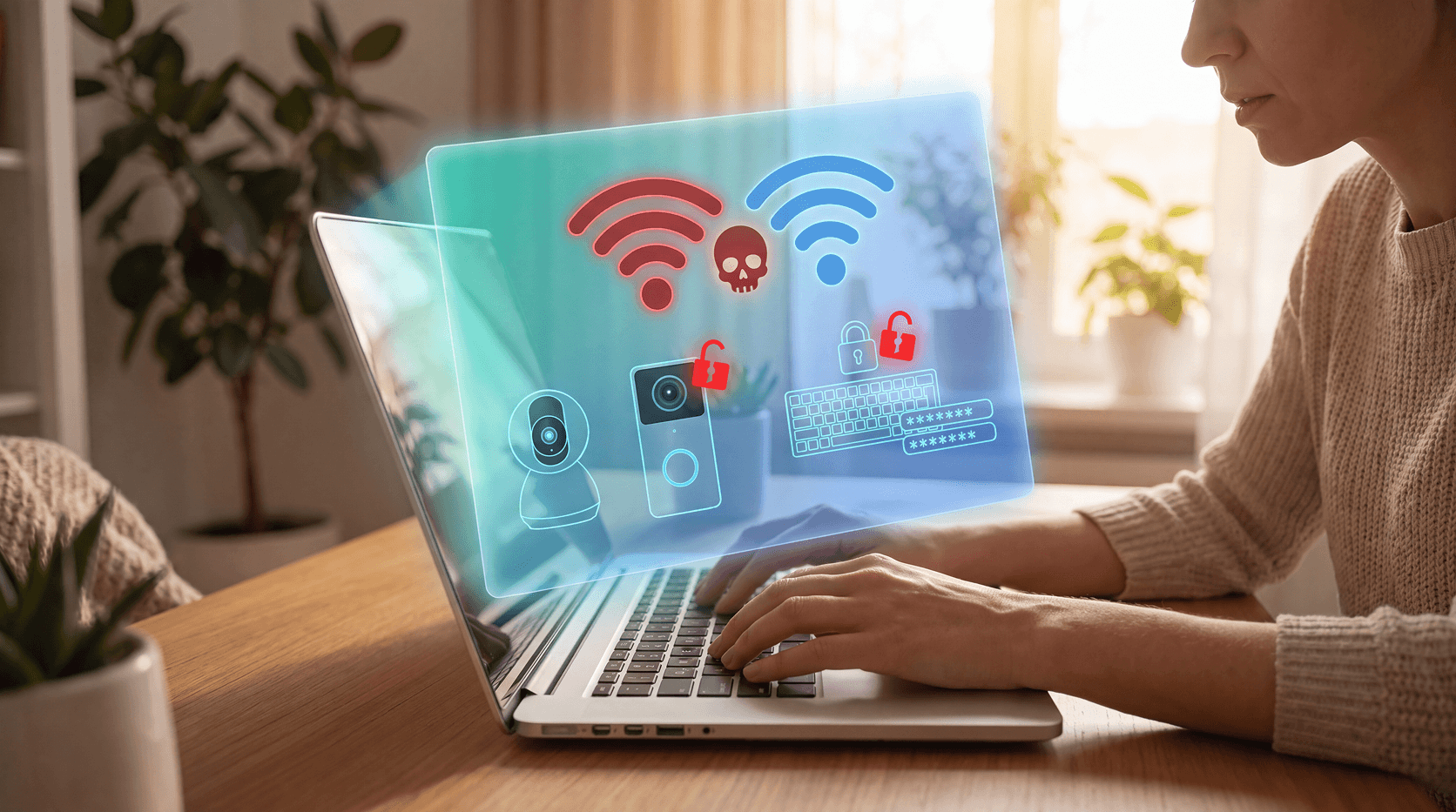
The Small Business Cybersecurity Checklist: 10 High-Impact Steps You Can Take Without an IT Team


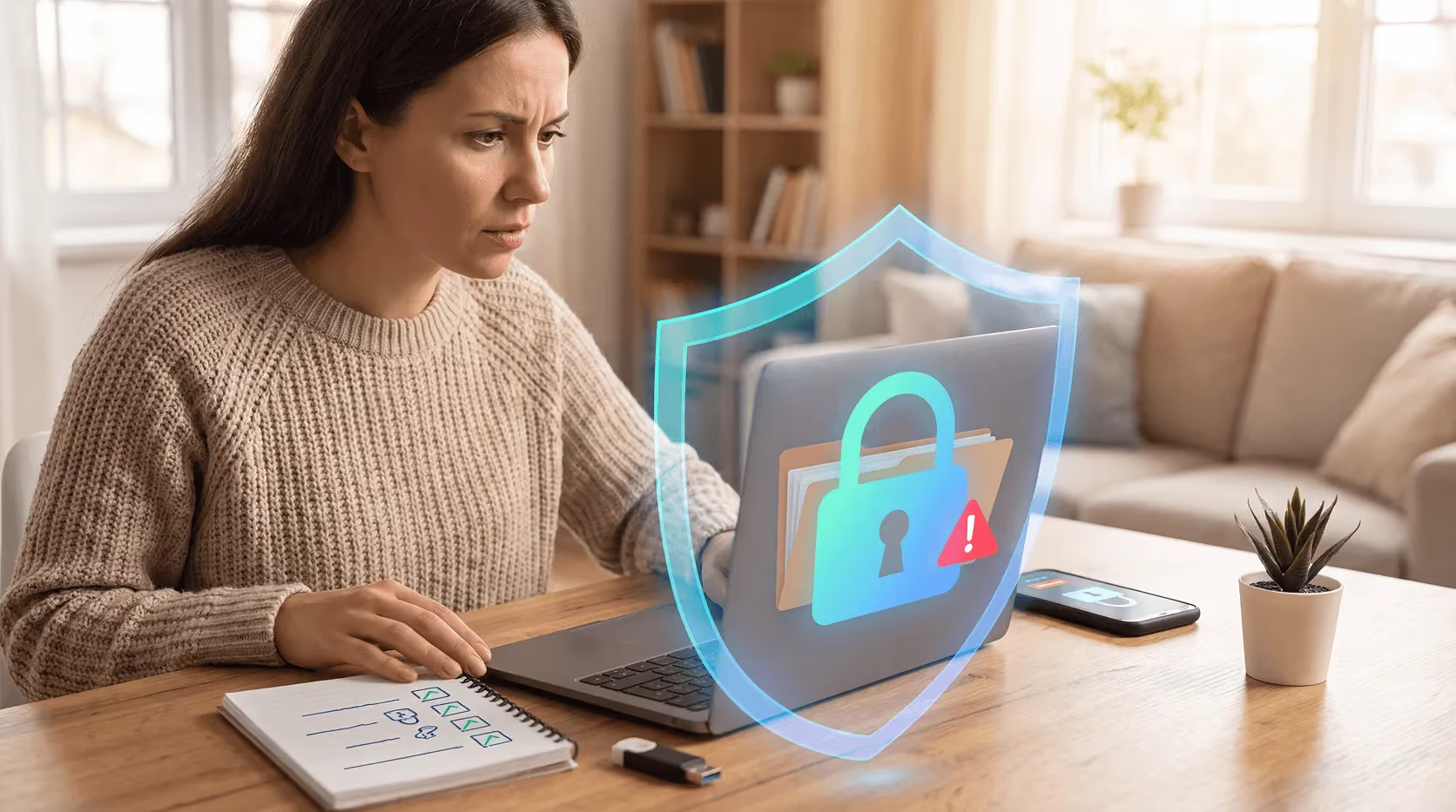
Key Takeaways
Small businesses are targeted by cyberattacks more than most owners realize. According to the Verizon Data Breach Investigations Report, 43% of all cyberattacks hit companies with fewer than 500 employees. And a 2023 poll cited by CISA found that 73% of small and mid-sized business owners experienced a data breach.
The assumption that hackers only go after big companies isn't just wrong. It's one of the most expensive myths in business. Attackers frequently target smaller organizations precisely because they tend to have weaker defenses, less dedicated IT oversight, and fewer resources to recover quickly after an incident. In many cases, small businesses are also entry points into larger supply chains, making them attractive targets even when the business itself isn't the ultimate goal.
The good news? Most attacks succeed because of simple, fixable gaps, not sophisticated tactics. You don't need a full IT department to close them. The steps that make the biggest difference are often the most straightforward ones, things like enabling a second login step, keeping software current, or making sure a former employee's account gets disabled the day they leave. This checklist covers 10 concrete steps you can take right now to meaningfully reduce your exposure.
1. Turn on multi-factor authentication everywhere
Passwords alone aren't enough. Multi-factor authentication (MFA) requires a second verification step, like a code texted to your phone or generated by an authenticator app, before granting access. If a password gets stolen through a phishing attack, a data breach at another service, or simple reuse, MFA stops the attacker from getting in even if they have the correct credentials.
Turn it on for your email, cloud storage, accounting software, payroll platform, and any tool that holds customer or financial data. Most platforms offer MFA in their security settings and it takes about five minutes to configure. Authenticator apps like Google Authenticator or Microsoft Authenticator are generally more secure than SMS codes, since text messages can be intercepted, but either option is far better than a password alone.
The FTC recommends MFA as one of the highest-impact steps any small business can take, and it's one of the few controls that can stop an attack even after a password has already been compromised.
2. Use a password manager
Weak and reused passwords are behind a huge share of business breaches. When employees use the same password across multiple accounts, or rely on simple, easy-to-guess variations, a single leaked credential can open the door to dozens of systems. A password manager solves this by generating strong, unique passwords for every account and storing them securely, so no one has to remember them or write them down on a sticky note.
Tools like Bitwarden, 1Password, or Dashlane work across devices and browsers, and most offer team or business plans that let you share credentials securely without emailing passwords around. Set a clear policy: every work account gets a unique password, no exceptions. This applies to shared accounts too, like a social media login used by multiple people on your team.
This one change removes one of the most common and most preventable entry points attackers rely on. It also makes offboarding easier, when an employee leaves, you can rotate shared passwords quickly without disrupting everyone else.
3. Keep software and devices updated
Outdated software is a gift to attackers. When a security flaw is discovered in an operating system, browser, or application, developers push a patch to fix it. That patch also publicly signals that a vulnerability exists, meaning attackers know exactly what to look for on systems that haven't been updated yet. The window between a patch being released and attackers exploiting the underlying flaw is often measured in days.
Turn on automatic updates for your operating system, browsers, and any software your business uses daily. This includes tools like your accounting platform, CRM, or point-of-sale system, not just the obvious ones. Do a quarterly check on less frequently used tools that may not update automatically.
Pay particular attention to devices that no longer receive security updates. A laptop running an operating system past its end-of-support date, like Windows 10, which lost support in October 2025, stops receiving patches entirely, leaving any known vulnerabilities permanently open. Those devices should be upgraded, retired, or at minimum isolated from the rest of your network so they can't be used as a stepping stone into your core systems.
4. Back up your data regularly
Ransomware attacks work by encrypting your files and demanding payment to restore access. For a small business without a backup, that can mean days or weeks of downtime, or paying a ransom with no guarantee of recovery. The best counter isn't negotiating with attackers. It's having a clean, recent backup you can restore from without their help.
Follow the 3-2-1 rule: keep three copies of important data, stored on two different types of media, with one copy stored offsite or in the cloud. In practice, this might mean your working files on a local drive, a second copy on an external hard drive, and a third synced to a cloud service. Services like Google Workspace, Microsoft 365, and Backblaze automate most of this and run continuously in the background.
The step most businesses skip is testing. A backup you've never actually restored is a backup you don't truly have. Run a test restore at least once or twice a year to confirm your backups are complete, current, and recoverable when you actually need them.
5. Train your team to spot phishing
Your employees are your biggest security variable, for better or worse. Phishing emails, which impersonate trusted senders like banks, vendors, or even internal colleagues to trick people into clicking a link or handing over credentials, are consistently the leading cause of business breaches. A single click on the wrong link can hand an attacker access to your email, your cloud storage, or your financial accounts.
Run a short training session at least once a year, and ideally when you onboard new employees. The core lessons are simple: check the sender's actual email address rather than just the display name, hover over links before clicking to see where they actually lead, treat any unexpected request for login credentials or payment with suspicion, and report anything that feels off rather than ignore it.
Free resources from CISA and the FTC can help you put together a basic training without any budget. Some businesses also run simulated phishing tests, sending fake phishing emails to their own team to see who clicks, as a low-cost way to identify who needs more coaching. One prepared employee who pauses before clicking can stop an attack before it ever gets started.
6. Secure your Wi-Fi network
An unsecured or poorly configured Wi-Fi network gives attackers a direct path into your systems, especially if your office is in a shared building or a location where outsiders can physically get close to your network. The default login credentials that come with most routers are publicly documented and widely known, changing them is one of the first things you should do with any new networking equipment.
Use WPA3 encryption if your router supports it, or WPA2 at minimum. Avoid older WEP encryption, which can be cracked quickly with basic tools. Give your network a name that doesn't identify your business, so it's not an obvious target.
Create a separate guest network for visitors, contractors, or personal devices. This keeps customer-facing traffic and personal browsing isolated from the systems where your business data actually lives. If you have remote employees accessing internal tools from home or public networks, consider requiring a VPN connection. A VPN encrypts traffic between their device and your systems, making it much harder for someone on the same network to intercept what's being transmitted.
7. Limit who has access to what
Not everyone on your team needs access to everything. The principle of least privilege means each person only gets access to the accounts, files, and systems they actually need to do their specific job, nothing more. This limits the damage if any single account is compromised, because an attacker who gets into a limited account can only reach a limited set of data.
Review your access settings across your key platforms: cloud storage, email, accounting software, and any shared tools. Remove permissions that are no longer needed, including access that was granted temporarily for a project and never revoked. Pay close attention to admin-level access, which should be reserved for the smallest number of people possible.
When an employee leaves, disable their accounts immediately, the same day, not the following week. Revoke access to shared tools, email aliases, and cloud platforms as part of a standard offboarding checklist. Dormant accounts with broad access are a common and often overlooked entry point. Attackers sometimes sit on compromised credentials for weeks or months before using them, waiting for the right moment.
8. Install browser-level protection
A significant share of attacks happen directly in the browser, during the course of normal work. Phishing sites designed to mimic real login pages, malicious ads that trigger downloads, and fake vendor portals are all built to look legitimate enough that a busy employee won't stop to question them. By the time someone realizes something is wrong, credentials may already be stolen or malware already installed.
Browser-level protection catches these threats in real time, before a click turns into a problem. Rather than relying on employees to manually evaluate every link and page, it adds an automated layer that flags or blocks known malicious sites and suspicious behavior as it happens.
Guardio, for example, runs in your browser and on your phone, detecting malicious sites, phishing attempts, and suspicious downloads as they happen, without requiring any technical configuration or ongoing management. For small teams that don't have time to vet every link manually or the resources to run a full endpoint security stack, browser-level protection is one of the more practical and immediately effective layers you can add.
9. Have a basic incident response plan
Most small businesses have no plan for what to do if something goes wrong. That gap makes a bad situation significantly worse. When an attack happens and there's no clear protocol, people freeze, make hasty decisions, or waste critical time figuring out who's responsible for what. A simple plan eliminates that confusion.
You don't need a 50-page document. You need a short, clear answer to a handful of questions: Who do we call first? What do we shut down or disconnect immediately? How do we communicate with customers if their data has been exposed? Where are our backups and who knows how to restore them?
Write the answers down and make sure more than one person knows where to find them. Include contact information for your internet provider, your bank's fraud line, and a local IT professional or managed service provider you can call in an emergency. Know whether your state requires notifying customers of a data breach, most states do, and the notification window is often 30 to 72 hours, which is not much time if you're starting from scratch. Review and update the plan once a year, or any time your team or tools change significantly.
10. Use security software across all devices
Every device that touches your business data, your laptop, your phone, a shared tablet at the register, a home computer used for remote work, needs some form of protection. Antivirus software catches known malware before it can execute. Browser protection tools catch threats that arrive via the web. Together they cover the two most common channels through which attacks reach small businesses.
Don't assume a new device is safe out of the box, or that a device used primarily for personal tasks is low risk. If it connects to your business email, your cloud storage, or your internal network, it's part of your attack surface. Set it up with the same security baseline as everything else: MFA enabled, automatic updates turned on, and protection software installed before it's used for anything work-related.
A single unprotected device connected to your network can undermine everything else on this list. Attackers look for the weakest point of entry, not the most interesting one. Keeping every device consistently protected removes the easy targets they're counting on finding.
Conclusion
None of these steps require a dedicated IT team or a large budget. Most take under an hour to set up, and several can be completed in just a few minutes. The real risk isn't complexity. It's delay. Attackers rely on the fact that most small businesses keep putting security improvements off until something goes wrong. Each item on this checklist closes a gap that attackers actively look for, from stolen passwords and unpatched software to unprotected browsers and employees who haven't been trained to recognize a phishing email. You don't need to do everything perfectly or all at once. Start at the top, work your way down, and your business will be in a meaningfully stronger position by the end of the week. Revisit the list every six months to make sure nothing has slipped.
FAQs
What is the most important cybersecurity step for a small business?
Multi-factor authentication is widely considered the single highest-impact step. It stops the majority of credential-based attacks even when passwords are compromised. The FTC and CISA both list it as a top priority for small businesses.
How much does small business cybersecurity cost?
Many of the most effective steps are free or low-cost. MFA is built into most platforms at no charge. A password manager for a small team typically costs $3 to $5 per user per month. Browser protection tools like Guardio are available for a few dollars a month. The cost of a breach far exceeds any of these.
Do small businesses really get targeted by hackers?
Yes. The Verizon Data Breach Investigations Report found that 43% of all cyberattacks target small businesses. Attackers often prefer smaller targets precisely because they tend to have weaker defenses.
What is the 3-2-1 backup rule?
It means keeping three copies of your data, stored on two different media types, with one copy offsite or in the cloud. This protects you from ransomware, hardware failure, and physical disasters like fire or flood.
What should I do if my small business gets hacked?
Isolate affected devices from your network immediately. Contact your IT provider or a cybersecurity professional. Notify your bank if financial accounts may be involved. Check your state's data breach notification laws. Having a basic incident response plan before this happens makes all of these steps faster.
Is antivirus software enough to protect my business?
Antivirus is one useful layer, but it's not sufficient on its own. Modern attacks often arrive via phishing emails, malicious websites, or compromised credentials, which traditional antivirus doesn't always catch. A layered approach, including MFA, browser protection, and regular backups, is more reliable.