QR Code Scam (Quishing) 2026: How to Scan Safely


Key Takeaways
- A QR code is a link you cannot see: Treat every scan as clicking an unknown URL.
- Scammers overlay fake codes on legitimate ones: Parking meters, restaurant menus, and public signage are common targets.
- Your phone can preview the URL: Never skip this step before opening any QR destination.
- The danger is what happens after: Fake login pages, payment fraud, or malware downloads.
- Unexpected QR codes are suspicious: If you did not expect it, verify before scanning.
If you cannot see the destination, do not scan. If you must scan, preview the URL first and verify the request through an official channel before signing in or paying.
{{component-cta-custom}}
Why QR Code Scams Are So Dangerous
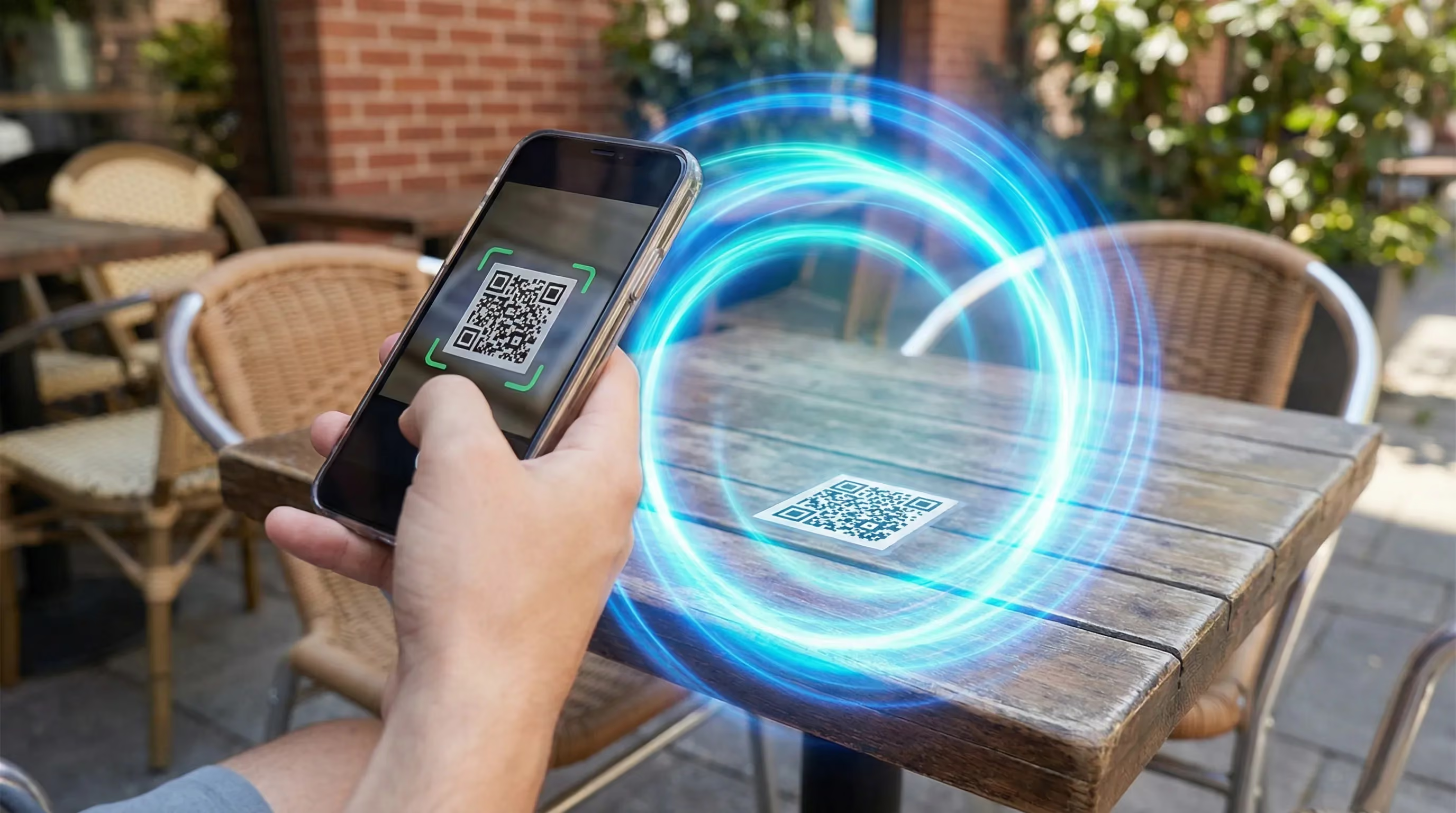
Every QR code is just a URL encoded as an image. When you scan one, you are clicking a link - but unlike a regular link, you cannot see where it goes until after you scan.
This invisibility is what makes QR codes uniquely dangerous. With a regular phishing link, you might notice that "bankofamerica-secure-verify.com" is not the real Bank of America. With a QR code, you do not see the URL until your phone has already started loading the page.
The FBI has issued warnings about QR code fraud, noting that criminals are tampering with QR codes to redirect victims to malicious sites that steal login and financial information.
Real-World QR Scam Scenarios
LocationHow the Scam WorksWhat Scammers GetParking MetersFake QR stickers placed over or near legitimate payment codesCredit card numbers from lookalike payment pagesRestaurant TablesQR menus replaced with codes leading to data-harvesting pagesEmail addresses, phone numbers, login credentialsPackage DeliveriesQR on unexpected packages claims "confirm delivery" or "track shipment"Personal information, small "redelivery fee" paymentsEV Charging StationsStickers over legitimate payment QR codesPayment card informationCrypto ATMsQR codes redirect to scammer wallets instead of your walletEntire cryptocurrency transactionsFlyers and PostersFake promotional QR codes promise discounts or prizesAccount credentials from fake login pages
Real QR Scam Examples (And Why People Fall for Them)
Example 1: The Parking Meter
The scenario:
You park downtown and see a QR code on the meter with "Scan to Pay" - convenient, modern, exactly what you would expect.
Why people fall for it:
- The physical location implies legitimacy - it is on official city property
- Convenience overrides caution - you are in a hurry
- QR payment is increasingly common for parking
- The payment page looks exactly like the real one
Safe response: Use the official city parking app downloaded from the App Store or Google Play. Type the meter number manually. Or pay with coins/card at the meter itself.
Example 2: The Restaurant Menu
The scenario:
"Scan for our menu" - a table tent at a restaurant you have never been to before.
Why people fall for it:
- QR menus became standard during COVID - we are trained to accept them
- You are hungry and want to order, not analyze URLs
- The waiter pointed you to it - it must be legitimate
- The menu page might even work while also harvesting data in the background
Safe response: Preview the URL before tapping. It should match the restaurant's domain or use a known menu platform. Better yet: ask for a physical menu or look up the restaurant's website directly.
Example 3: The Unexpected Package
The scenario:
A package arrives with a QR code: "Scan to confirm delivery and track future shipments."
Why people fall for it:
- Packages arrive all the time - you might have ordered something you forgot
- The "confirm delivery" language sounds like a legitimate carrier request
- Curiosity - what is in the box?
- The code seems helpful, not dangerous
Safe response: If you did not order something, do not scan QR codes on it. Track expected packages through official carrier apps or websites.
Red Flags When Encountering QR Codes
Red FlagWhy It MattersPhysical tampering (stickers, misalignment)Indicates someone placed a fake code over a real oneUnexpected context (package you did not order, random flyer)Legitimate QR codes come from expected sourcesUrgency claims ("scan within 24 hours to claim")Same pressure tactics used in phishing emails and textsURL mismatchesPreview shows different domain than expectedImmediate login or payment requestLegitimate QR codes usually lead to informational pages firstShortened URLsbit.ly or similar services hide the real destination
What to Do If You Scanned and Entered Information
If You Entered Login Credentials
- Go directly to the real site (type the URL yourself)
- Change your password immediately
- Enable two-factor authentication if available
- Check for unauthorized account activity
- If it was a banking or financial site, call them immediately
If You Entered Payment Information
- Contact your bank or card issuer immediately
- Request a new card with a new number
- Monitor for unauthorized charges
- Consider a fraud alert on your credit reports
If You Downloaded Something
- Do not open the downloaded file
- Delete it immediately
- Run a security scan on your device
- If you opened it, consider a factory reset for mobile devices
{{component-tips}}
How Guardio Protects You From QR Code Scams
The moment of danger with QR codes is after the scan - when your phone loads a malicious page designed to steal your credentials or payment information. Guardio provides protection at exactly this moment.
- Real-time destination analysis: When you scan a QR code and your browser begins loading the destination, Guardio analyzes the page before it fully renders. If it is a phishing page - even a brand-new one - you see a warning instead of a fake login form.
- Lookalike domain detection: QR scammers register domains like "parking-pay-verify.com" or "restaurant-menu-order.net" that sound plausible. Guardio identifies these impersonation attempts regardless of when the domain was created.
- Malicious redirect blocking: Some QR codes lead through multiple redirects to hide the final destination. Guardio follows the redirect chain and evaluates the actual landing page.
- Cross-device protection: QR scams primarily target phones, but can redirect to sites you later access on other devices. Guardio works across all your devices.
{{component-cta-custom}}
For Business Owners: Protect Your QR Codes
If you use QR codes for menus, payments, or marketing:
- Regularly inspect your codes for tampering or overlay stickers
- Use printed materials that are harder to modify than simple stickers
- Consider QR codes that redirect through your own domain for traffic monitoring
- Train staff to check codes periodically
- Include your brand name visibly near the QR code so customers know what to expect
Sources
FAQs
Can a QR code install malware?
A QR code usually opens a link. The risk comes from the page you open and what you do next. Avoid downloads and verify the URL first.
Is it safe to scan QR codes in public?
Be cautious. Check for tampering and preview the destination before opening.
What should I do if I scanned a code and logged in?
Change your password immediately and enable two-step verification. Review account activity for unfamiliar sessions.
How can I tell if a QR code is fake?
Look for stickers or overlays, and preview the URL for misspellings or strange domains.
Should I use my camera app to scan?
Use trusted scanners that show you the URL before opening. Avoid scanners that auto-open links.
How can Guardio help?
Guardio can warn you about suspicious links and lookalike pages before you interact.
 Phishing Scams
Super Bowl Ticket Scams 2026: How to Buy Tickets Safely