Banking Trojans: How Phone Malware Steals Your Bank Login and the Signs to Watch For



Key Takeaways
Your phone feels like a safe place. It's locked with your face or fingerprint, tucked in your pocket, never out of reach. But banking trojans don't need you to hand it over. They work while you're using it, in the background, invisible, waiting for the moment you open your banking app.
Kaspersky detected a 196% rise in Trojan banker attacks on Android smartphones in 2024, from 420,000 in 2023 to 1,242,000, according to Kaspersky's mobile malware report. Kaspersky's later mobile threats analysis reports that attacks targeting mobile banking users jumped another 56% in 2025. More than a million attacks in a single year is not a niche problem.
Here's what banking trojans actually do, how they get onto your phone, and the warning signs that something is wrong.
What is a banking trojan?
A banking trojan is a type of malware built specifically to steal your financial credentials. Unlike a virus that corrupts files or ransomware that locks your screen, a banking trojan is quiet by design. Its job is to watch, record, and report back without you ever knowing it's there.
On a phone, that usually means one of two things: it shows you a convincing fake login screen on top of your real banking app and captures whatever you type, or it logs your keystrokes silently in the background while you use the real app. Either way, your username and password end up in someone else's hands.
Modern versions go further. They can intercept the SMS texts that carry your one-time passcodes, which can undermine text-message two-factor authentication. Some can record your screen in real time, tap and swipe on your behalf, and even execute transactions while your phone appears completely idle.
How does a banking trojan get onto your phone?
The delivery method has stayed consistent even as the malware itself has grown more capable.
Fake apps and malicious downloads are the most common route. Attackers build apps that look like something you'd want: a document scanner, a flashlight tool, a government service, a popular game. TsarBot, an Android banking trojan discovered in 2025 and tracked by Cyble Research and Intelligence Labs, spreads through phishing sites that impersonate legitimate financial platforms. Once downloaded, it installs itself disguised as a Google Play Services update and immediately asks you to enable Accessibility Services. Cyble found it targets over 750 apps globally, including banking, cryptocurrency, and e-commerce platforms.
Phishing links via SMS or messaging apps are another common path. You get a text from what looks like your bank, a delivery company, or a contact whose account has already been compromised. The link looks fine. The page it opens asks you to install something. That something is the trojan.
Unofficial app stores are a consistent source of risk. Apps on these platforms often get little or no security review, and attackers count on that gap. Even apps that make it onto Google Play have been caught carrying trojans before the stores pull them.
The common thread across all of these: the malware doesn't force its way in. It tricks you into inviting it.
What banking trojans actually do once they're in
Once installed, a banking trojan isn't idle. It gets to work building access.
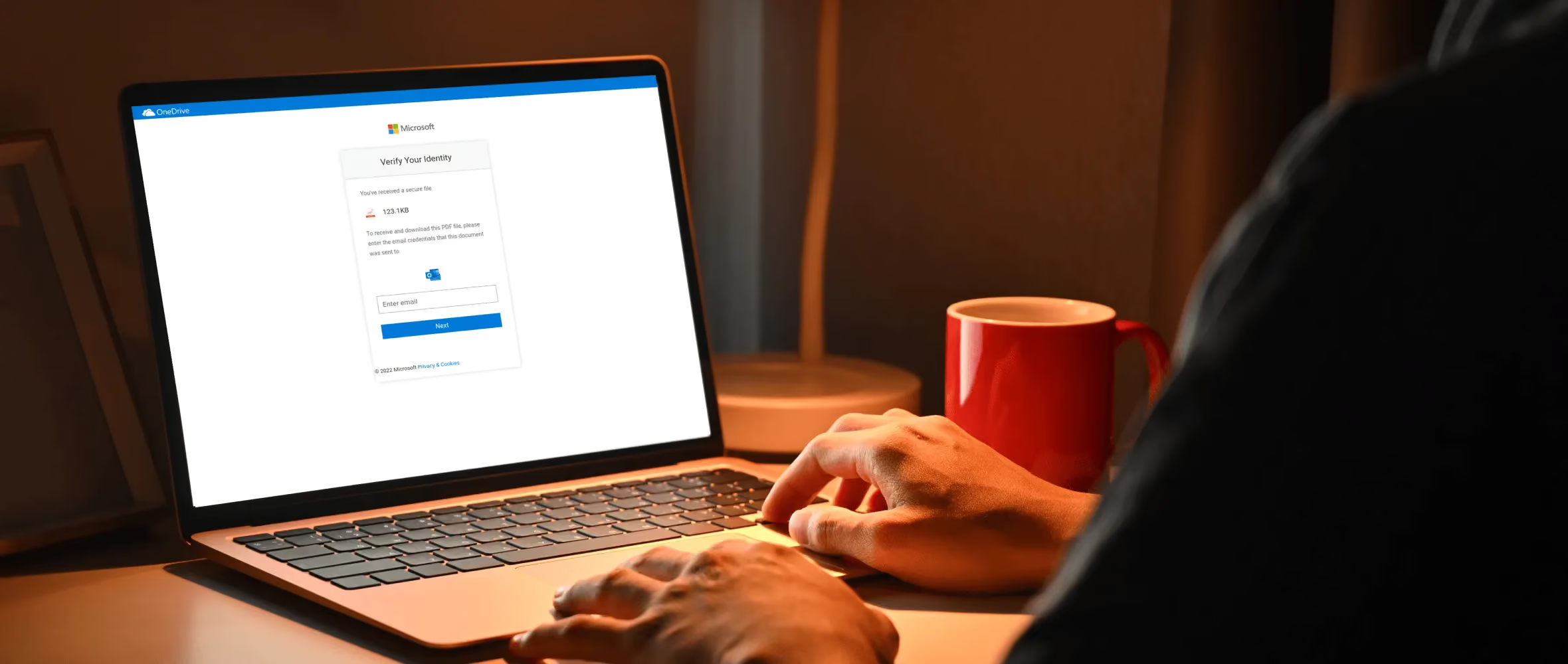
The most widespread technique is the overlay attack. When you open your bank's app, the trojan instantly places a pixel-perfect fake login screen on top of it. You see what looks like your bank's normal login page. You type your credentials. The trojan captures them and passes them to the attacker's server, then usually hands you off to the real app so nothing feels wrong.
A newer variant, identified by Cyble as OverlayPhantom and active since May 2025, targets over 180 banking, finance, and cryptocurrency apps across 10 countries including the US and UK. It uses embedded fake pages that are visually indistinguishable from the real apps they're mimicking, according to Cyble's analysis.
The other major technique is abusing Android's Accessibility Services. This feature exists to help people with disabilities interact with their phones. Google warns that an app with this access can read what's on your screen and act on your behalf. Banking trojans exploit it to give themselves the ability to read everything on your screen, monitor which apps you open, log every key you press, and simulate taps and swipes. The Anubis banking trojan, for example, uses this exact method to log passwords invisibly. After you grant that permission once, CNET notes, there's no visible sign anything is happening as you log into your accounts.
On top of that, many trojans intercept SMS messages to grab one-time passcodes before they reach you, which weakens text-message two-factor authentication.
Warning signs your phone may be infected
Banking trojans try to stay invisible, and some show none of these signs. Several of them also overlap with ordinary phone problems, so treat them as clues rather than proof.
Your battery drains faster than usual. Malware running in the background uses processing power. If your battery life has dropped sharply and you haven't changed your habits, that's worth investigating.
Your phone runs hot for no clear reason. Constant background activity generates heat. A phone that's warm when it's sitting still, screen off, is doing more work than it should.
You see apps you don't remember installing. Some trojans drop secondary apps as part of their operation. If something unfamiliar appears on your home screen or in your app list, don't dismiss it.
An app icon disappears right after you install it. This is a specific red flag. Some trojan-carrying apps hide or blank their launcher icon immediately after installation so there's nothing obvious to uninstall. The malware is still running, just hidden from view.
You're getting texts you didn't send. If contacts are receiving messages from your number that you didn't write, something has access to your phone that shouldn't.
Your banking app behaves oddly. Login screens that look slightly different, extra steps that weren't there before, or transactions you don't recognize in your history all warrant immediate attention.
Security researcher Adam Bauer of Lookout, speaking to CNET, notes that mobile malware typically either tricks you into granting permissions or exploits phone vulnerabilities to give itself admin privileges, both of which can be nearly invisible once active.
What to do if you think your phone is compromised
Don't wait. If multiple warning signs are showing up together, treat it seriously.
- Stop using your banking apps immediately. Don't log in until your device is clean. The FTC's first step for suspected malware is to stop logging in to your accounts.
- Update your phone and run a Play Protect scan. Google Play Protect can disable or remove harmful apps, and a reputable mobile security tool can also flag known malware families.
- Change your banking passwords from a different, uninfected device. Your laptop or a family member's phone, not your potentially compromised one. Turn on two-factor authentication while you're there.
- Contact your bank directly. Most banks have a fraud line. Tell them you suspect a compromised device and ask them to monitor your account for unusual activity.
- Review and revoke your Accessibility Service permissions. Go to Settings, find Accessibility, and check which apps have been granted access. If anything listed there is unfamiliar, revoke it.
- Consider a factory reset. If you can't remove the app or you're not sure the phone is clean, back up only what you need, wipe your device, and reinstall apps from the official store.
How to reduce your risk going forward
No app or habit eliminates risk entirely, but a few consistent practices close many of the doors attackers use.
- Only install apps from the official App Store or Google Play. Even then, check the developer name, review count, and permissions before you tap install.
- Treat Accessibility Service permission requests as a serious warning sign. Apart from assistive tools like screen readers, few apps have a good reason to ask for it, and an app with that access can read your screen and act on your behalf.
- Be skeptical of links in texts, even from people you know. A compromised contact's account can send malware links automatically.
- Keep your operating system updated. Security patches close the vulnerabilities that trojans use to escalate their own permissions.
- Keep Google Play Protect on. It checks apps from other sources and can warn you or remove harmful ones. If Android asks you to allow restricted settings for an app, don't unless you trust the developer, and remember those restrictions can still be bypassed, so they aren't a guarantee.
- Use passkeys or an authenticator app instead of text-message codes where your bank offers them. CISA's mobile communications guidance says SMS codes aren't phishing-resistant and calls FIDO passkeys the strongest option.
- Watch your accounts regularly. The faster you spot an unauthorized transaction, the more options you have.
Conclusion
A banking trojan only works if it gets a foothold, and footholds often start with a download or a link you didn't expect. Stick to official app stores, question any request for Accessibility access, and treat odd behavior in your banking app as a reason to stop and call your bank.
Guardio isn't antivirus and doesn't scan your phone for malware or remove banking trojans, but it covers related risks. Browsing protection on your computer and phone blocks phishing and scam sites before they open and explains why. Email Security flags phishing emails that get past the Gmail spam filter. On iPhone, the Text Message Filter sends malicious texts to junk. Identity Breach Monitoring alerts you if your email address or phone number appears in a known data breach. No tool catches everything.
Get a free security scan with Guardio today and stay protected from phishing.
FAQs
What is a banking trojan on a phone?
A banking trojan is malware that runs silently on your phone and is built to steal your bank login credentials. It typically works by overlaying fake login screens on top of real banking apps, logging keystrokes, intercepting SMS one-time passcodes, or recording your screen to capture what you type. Kaspersky reported that Trojan banker attacks on Android smartphones rose 196% in 2024, from 420,000 to 1,242,000 attacks (Kaspersky).
How do banking trojans get onto Android phones?
Banking trojans usually arrive through fake apps downloaded from unofficial sources or phishing links sent by text or messaging apps. Some disguise themselves as Google Play updates or trusted tools like document scanners. Once installed, they often request Accessibility Services permission, which gives them broad control over your device.
Can an iPhone get a banking trojan?
Banking trojans mostly target Android, which lets you install apps from outside the official store and has Accessibility Services that malware can abuse. iPhone apps run in a sandbox that makes this kind of attack harder, but iPhones are not immune. Group-IB documented an iOS trojan called GoldPickaxe in 2024 that spread through TestFlight and a device-management profile.
What are the warning signs of a banking trojan?
Watch for unusually fast battery drain, a phone that runs warm when idle, apps you don't remember installing, app icons that disappear right after installation, texts sent from your number that you didn't write, or anything unfamiliar in your banking transaction history. These signs overlap with ordinary phone problems and some trojans show none, but if several appear together, treat it seriously.
How do I remove a banking trojan from my phone?
Stop using your banking apps immediately, update your phone, and run a Play Protect scan to remove anything it flags. Change your passwords from a different device, contact your bank, and revoke any suspicious Accessibility Services permissions in your phone's settings. If you can't remove the app or aren't sure the phone is clean, a factory reset is often the safest way to clean your device.
Can banking trojans bypass two-factor authentication?
Yes. Many banking trojans intercept SMS messages before they reach you, which lets them capture one-time passcodes sent by your bank. An overlay trojan can also capture a code you type into a fake screen. That's why SMS-based two-factor authentication alone isn't a strong defense, and why CISA's guidance calls FIDO passkeys the strongest form of multi-factor authentication and says SMS codes aren't phishing-resistant.
 Phishing Scams
Gift Card Scams: How to Protect Your Balance from Fraud