Uber and Lyft rideshare scams: Fake drivers, cleaning fees, and spoofed support lines



Key Takeaways
You open the app, watch the little car icon crawl toward you, and hop in when it arrives. Simple. That's exactly why rideshare scams work so well. The whole experience is built on assumption: that the driver is who the app says, that your post-ride charges are accurate, and that any "support" message you get is actually from Uber or Lyft.
Those assumptions are worth real money to scammers.
Here's what's actually happening out there, and how you can stay one step ahead.
The fake driver scam: Getting in the wrong car
Picture this: you're at an airport, arms full of bags, scanning the pickup zone for your ride. A driver waves you over, mentions your first name, and you climb in. What you didn't check is whether the car, the plates, or the driver match what your app shows.
That's the opening scammers need.
Fake drivers position themselves near busy pickup zones and ask riders their name instead of stating it first. It's a small flip that makes all the difference. Uber's own safety advice is the reverse: ask the driver who they're here to pick up, and don't offer your name first. If a driver just asks "You Jennifer?" and waves you over, that's a red flag.
These aren't random opportunists. Some people may drive under someone else's account, which Uber prohibits. Others operate entirely outside the app, collecting cash fares with no record anywhere, as airport and police officials in Atlanta, Las Vegas, and Philadelphia have warned. Either way, the rider loses protections: no GPS tracking, no emergency contact features, and no accountability if something goes wrong.
The fix is straightforward. Always ask the driver who they're here to pick up before you offer your name. Match the license plate, car make and model, and driver photo before you get in, and cancel the ride if anything doesn't match. Uber's app lets you share your trip in real time with a contact, and Lyft has a similar feature. Use them.
Cleaning fee fraud: The "vomit scam" gets an AI upgrade
Cleaning fees are a real and legitimate part of rideshare policy. If a passenger actually damages a vehicle, both Uber and Lyft allow drivers to file a claim. Uber says fees depend on the extent of the mess and are based on professional cleaning costs, and reported amounts have ranged from about $20 to $150 or more. Lyft's help page lists typical fees of $25, $75, and $150, decided case by case.
Some drivers figured out you don't need an actual mess to collect those fees.
This is "vomit fraud." A driver submits a damage claim with photos of a dirty car after a completely clean ride. The charge can then appear afterward as a revised trip receipt or a card charge, and Uber and Lyft say they review these claims. The rider feels confused and a little embarrassed, and may pay up rather than dispute it.
One driver wrote in a 2017 Rideshare Guy post that he earned over $1,100 in cleaning fees in a year. That figure shows how much money cleaning fees can add up to, and why a charge with weak evidence is worth disputing.
Now scammers are using AI to fake the evidence
The scam recently got worse. In May 2026, a Boca Raton, Florida family said a Lyft driver submitted an AI-generated photo as "evidence" to support a $75 cleaning fee. The family's teenage daughter spotted a visible Gemini logo on the image, according to WSVN. Lyft said it offered reimbursement and permanently removed the driver from the platform.
That case got resolved. Most don't get caught that cleanly.
Generative AI tools make fabricating convincing damage photos trivial. Type a prompt, get a photo of a stained back seat. No staging required. Both platforms rely on the information drivers submit, and neither company appears to have publicly described how it detects AI-generated damage photos.
Protect yourself with documentation. Take a quick photo of the back seat before you exit the car. Check your card statements promptly after every ride. If you see an unexpected charge, dispute it through the app right away and ask for the evidence photos the driver submitted. If the app doesn't resolve it, dispute the charge with your card issuer. For credit cards, the FTC says to send written notice within 60 days of the first bill that shows the error. Both platforms review disputes, and your own documentation can help.
Spoofed support lines: When "Lyft" calls you
Uber and Lyft handle general rider support through the Help or Contact Support section of their apps rather than a general phone line. Both offer safety and emergency options, and Lyft's rider safety page points riders to 911 in an emergency and to its Safety Team through Contact Support.
Scammers exploit that.
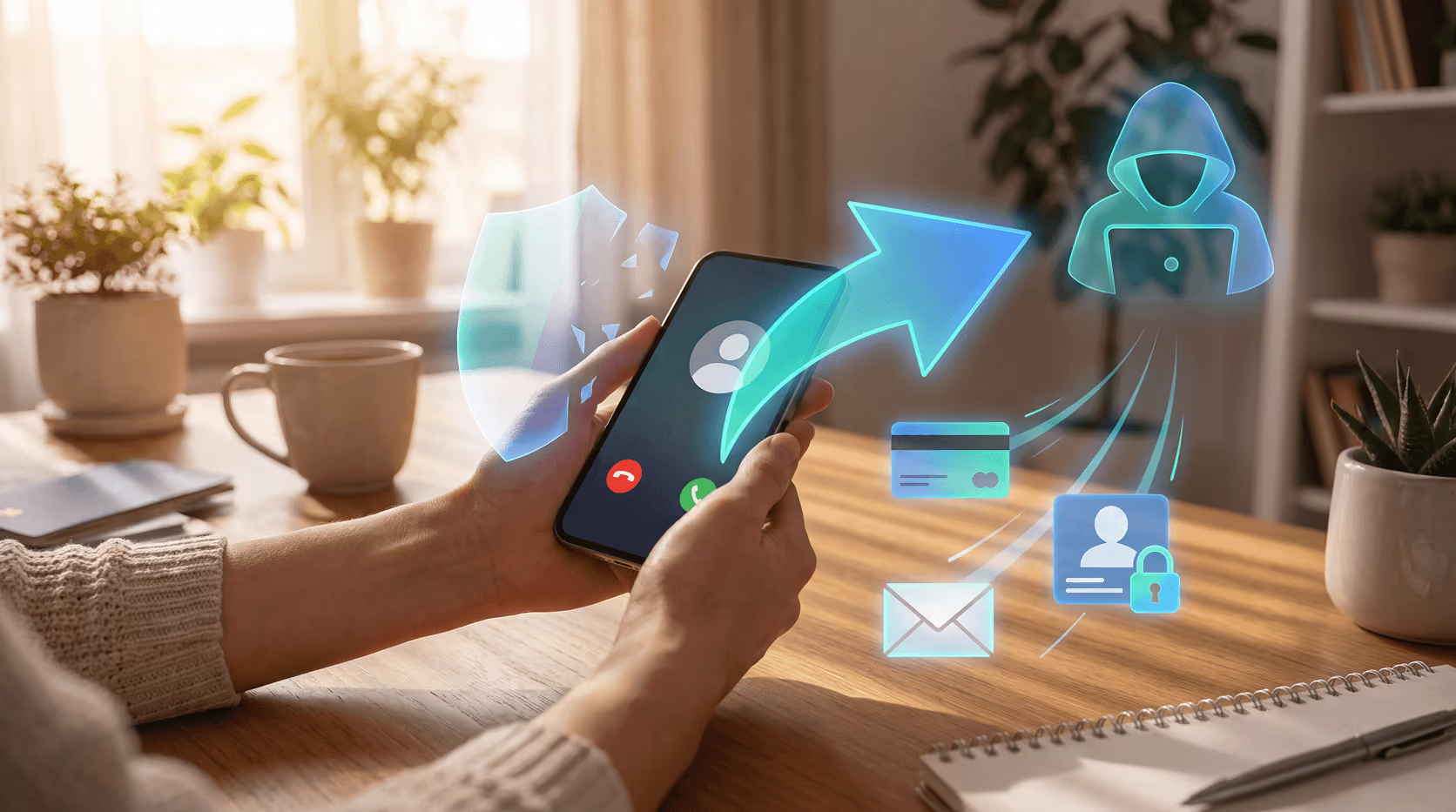
The setup usually starts with a text. It says your account has been flagged, a payment failed, or there's a complaint from a recent driver. There's a number to call. You call it. A professional-sounding agent asks you to confirm your email, verify your payment method, or read back a code sent to your phone.
That code is your two-factor authentication token. Hand it over and the scammer may be able to take over your account. Uber says it will never call, text, or email you to request your verification code, and Lyft says it won't contact you asking for personal information unless you reach out first.
The FTC reported that consumers lost $470 million in 2024 to scams that started with a text message, more than five times the 2020 number. In reported cases, scammers who got a rider's verification code used the account to book trips charged to the saved card, as Global News reported.
Fake websites make it worse. When riders search for a customer support number, scammers can plant fake support numbers online, and the FBI has warned that criminals buy search ads that appear at the top of results. The site looks real. The number looks official. You'd have no reason to doubt it unless you knew to check.
The rule here is simple. Never contact Uber or Lyft through a number or link from a text you didn't ask for. Open the app directly and use the in-app help section. That's the only channel that's definitely theirs.
How to protect yourself: A quick reference
The three scams above share a common thread: they exploit the speed and trust that rideshare apps are built on. Here's what to do about it.
Before you get in the car:
- Ask the driver who they're here to pick up. Don't offer your name first.
- Match the license plate, car color, and driver photo to your app. If anything doesn't match, cancel the ride.
- Enable trip sharing so a contact can track your ride in real time.
- If your app offers ride PIN verification (Uber's Verify Your Ride, or Lyft in select markets), turn it on and share the code only after you've confirmed the car and driver.
During and after the ride:
- Take a quick photo of the back seat before you exit.
- Check your card statement promptly after any ride.
- Dispute unexpected charges right away through the app and ask for the evidence photos. If that doesn't resolve it, dispute the charge with your card issuer.
If you get a support message:
- Don't call any number sent in a text or email.
- Never share a one-time code with anyone claiming to be support.
- Go directly to the app to verify whether there's actually an issue with your account.
- If you shared a code or suspect a takeover, change your password, turn on two-factor authentication, report it at ReportFraud.ftc.gov, and contact your card issuer if you were charged.
Conclusion
Rideshare scams work because they borrow the speed and trust of the app. A few habits cover most of them: match the car and driver before you get in, use the app's own Help section for support, never share a verification code, and review your charges promptly. If something looks wrong, dispute it in the app first, then with your card issuer, and report scams at ReportFraud.ftc.gov.
Guardio doesn't verify rideshare drivers or review cleaning-fee claims, but it covers a related risk. Many support scams start with a text or a link to a fake login page. Browsing protection on your computer and phone blocks phishing and scam sites before they open and explains why, and Email Security flags phishing emails that get past the Gmail spam filter. No tool catches everything.
Get a free security scan with Guardio today and stay protected from scams.
FAQs
How do I know if the Uber or Lyft driver is real?
Before getting into any rideshare vehicle, match the license plate, car make, model, and color to what the app displays. Ask the driver who they're here to pick up instead of offering your name. Uber and Lyft both show a driver photo and profile in the app. If anything doesn't match, don't get in and cancel the ride.
What should I do if I get a fake cleaning fee charge?
Dispute the charge immediately through the app's help or support section. Ask for the evidence photos the driver submitted. Submit your own photos of the clean car interior if you took them. Both Uber and Lyft review disputed charges, and your own photos can help. If the app doesn't resolve it, you can also dispute the charge with your card issuer.
Can scammers really spoof Uber or Lyft support phone numbers?
Yes. Scammers can fake caller ID to display a number that looks like it belongs to Lyft or Uber, and they build websites targeting people searching for customer service contacts. The safest approach is to only contact rideshare support through the official app, never by calling a number from a text, email, or search result.
What is "vomit fraud" in rideshare?
Vomit fraud is when a rideshare driver falsely claims a passenger damaged their vehicle and submits fake or staged photos to collect a cleaning fee, which has been reported at $20 to $150 or more. The charge is then added to the rider's trip or card. In at least one reported case, a driver used an AI-generated image as fake damage evidence.
What happens if I give a scammer my Uber or Lyft login code?
A one-time login code is typically a two-factor authentication token. If you share it, the scammer can immediately access your account, change your password, add their own payment method, and book rides at your expense. Contact Uber or Lyft support through the app right away to lock the account and report unauthorized access. Change your password, turn on two-factor authentication, report it at ReportFraud.ftc.gov, and contact your card issuer if you were charged.
Is it safe to use rideshare apps at airports?
Airports, stadiums, and concerts are common places for unlicensed drivers to approach riders, because of the crowding and pressure to move quickly. Use your app's designated pickup zone, wait for the driver to appear on the map before walking out, and always verify the car and driver details before you get in.